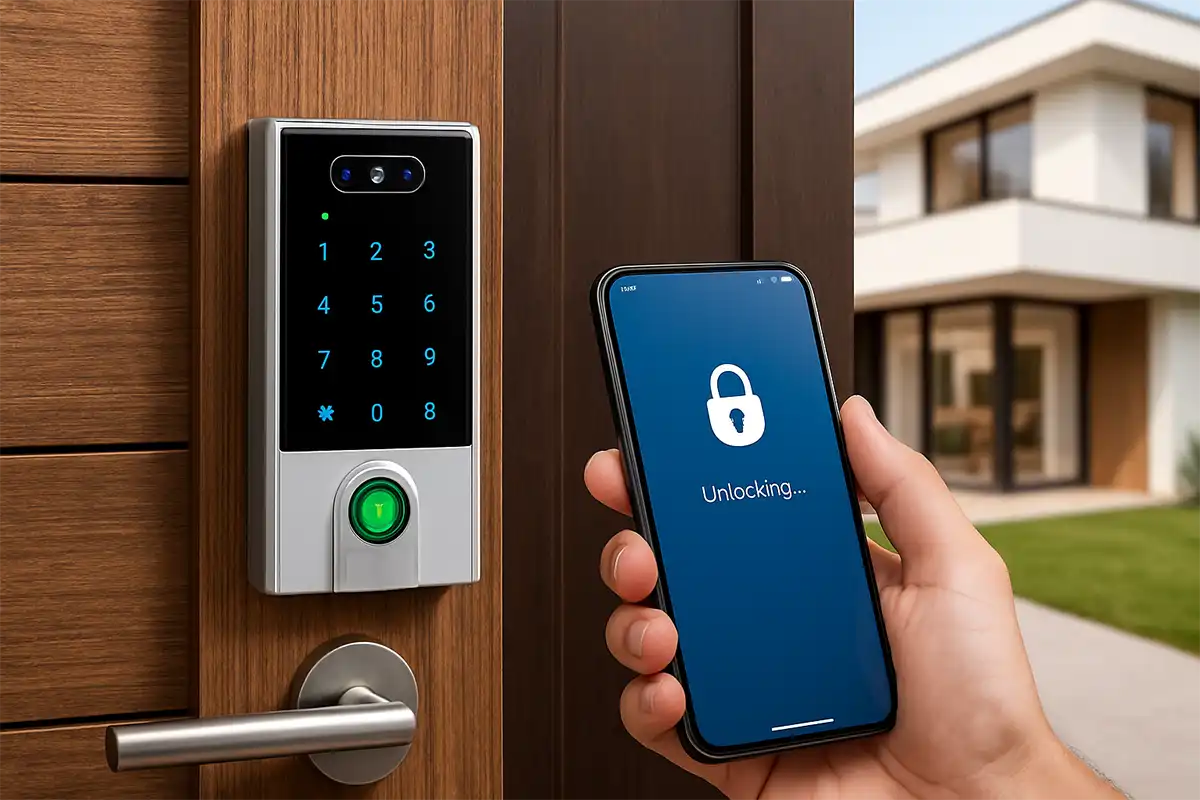
Overview
In this lesson, you will build a Bluetooth-based Home Access System. You will learn how to bridge the gap between a mobile app and physical hardware to create a secure entry point. By the end of this project, you will be able to control a smart door using your smartphone and a secure password.
Objectives
•
Understand how Bluetooth modules receive data from mobile devices.
•
Implement a password-protection system to verify users before granting access.
•
Program a Servo Motor to act as an automated door lock.
•
Learn to store incoming serial data into a variable for comparison.
Hardware Connections (Emulator)
Component | PIN Connection |
Bluetooth Module | Default UART (TX/RX) |
Servo Motor | Digital PIN 8 |
LED (Status) | Digital PIN 12 |
Buzzer | Digital PIN 13 |
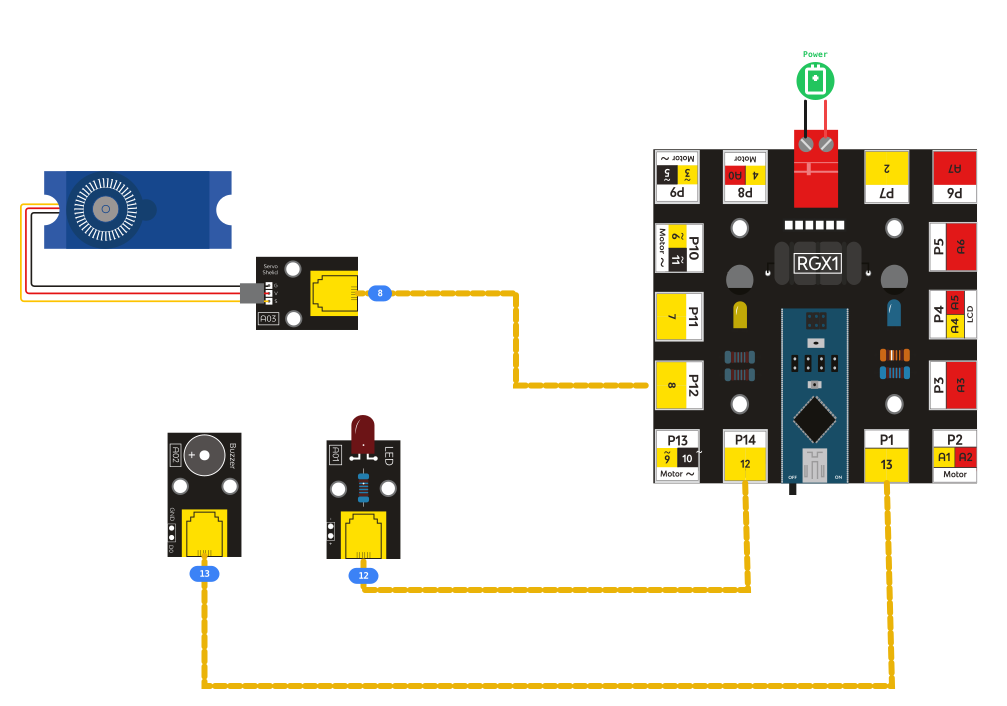
RGX connection
Coding the System
1. Setup the Basics
From the Input/Output category, find the Serial Baud Rate block and set it to 9600.
Go to Variables and click "Create Variable." Name it received_data.

Setup the Basics
2. Create the Security Function
•
Go to Functions and drag out the block to do something. Rename it to check_access.
•
Inside this block:
Use a Set variable block to set received_data to the value of Bluetooth Read String (found in the Communication/Serial category).
Drag an If/Else block from the Logic category.
For the If condition, use the Equality (=) block to check if received_data equals "2211".

Create the Security Function
Inside the IF (Success):

Inside the IF
•
Servo: Set Servo PIN 8 to 90.
•
LED: Set Digital PIN 12 to HIGH.
•
Buzzer: Use the Play Tone block on PIN 13.
Inside the ELSE (Fail):
•
Servo: Set Servo PIN 8 to 0.
•
LED: Set Digital PIN 12 to LOW.
•
Buzzer: Play a lower tone on PIN 13 to signal an error.
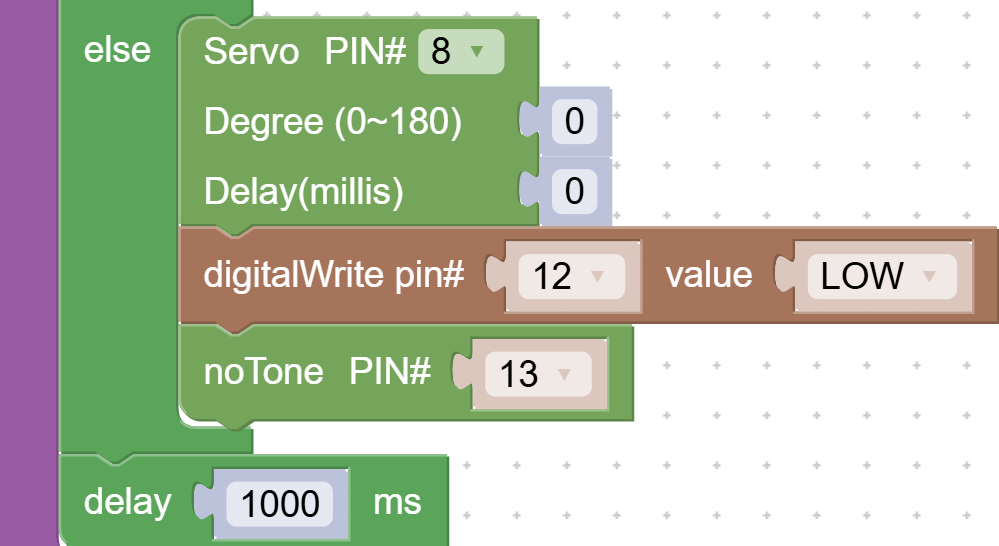
Inside the ELSE
3. The Main Loop
In your Loop block, add a logic check:
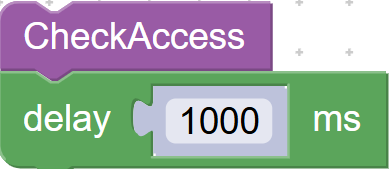
Main Loop
IF Bluetooth Data Available (Communication category):
•
Use the Call Function block: do check_access.
•
Add a Delay 100ms at the bottom of the loop to keep the system stable.
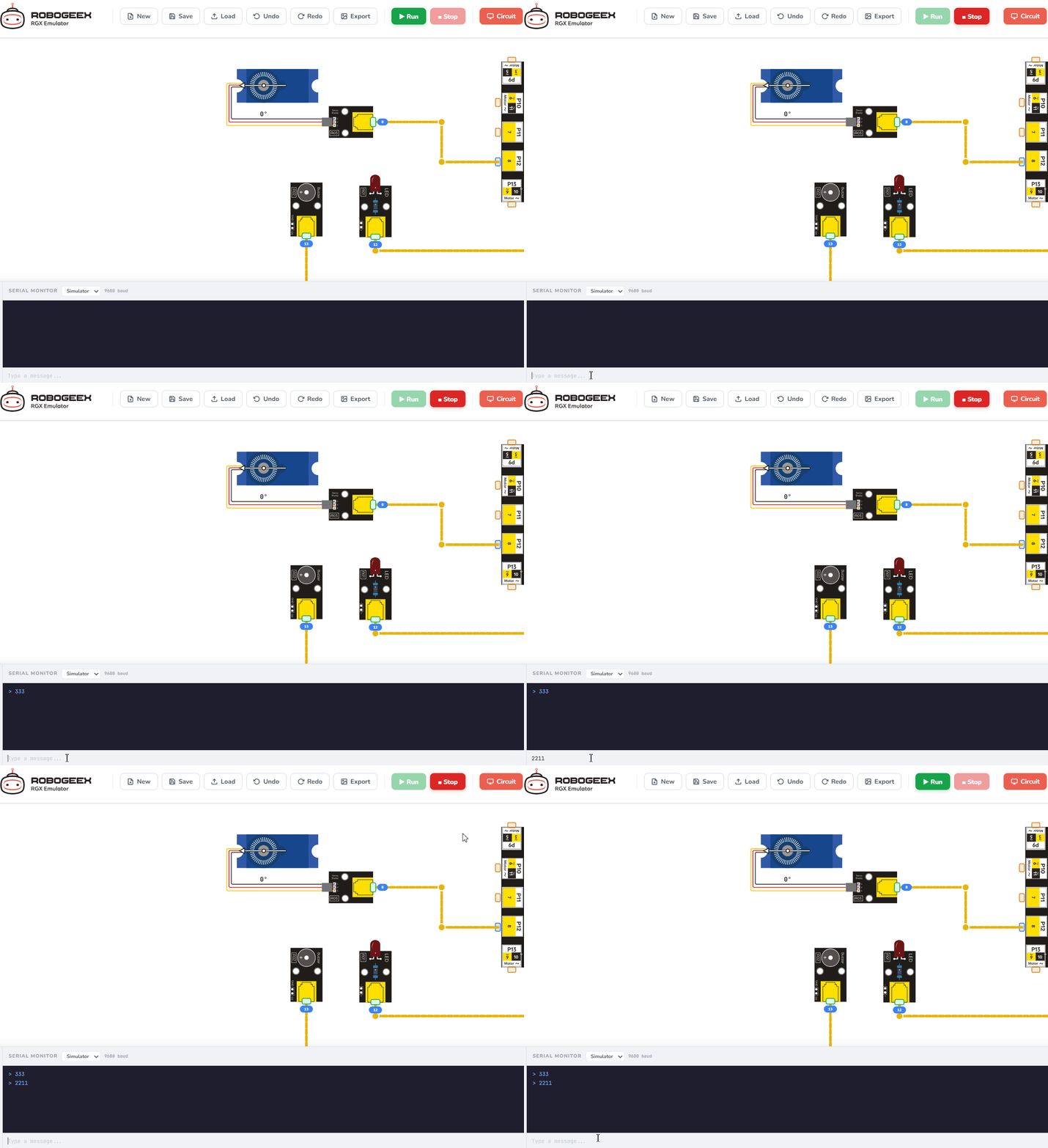
Running the code
Test Your System
1.
Upload: Click the "Run" or "Upload" button in the emulator.
2.
Terminal: Open the Serial Monitor/Terminal in the emulator.
3.
Command: Type 2211 into the input field and press Enter.
- Result: The Servo should rotate to 90 degrees and the LED should light up.
4.
Security Check: Type 0000 and press Enter.
- Result: The Servo should return to 0 (Locked).
Improve & Extend
•
Auto-Lock: Inside the IF block, after opening the door, add a Delay 5000ms and then set the Servo back to 0.
•
Custom Message: Use the Serial Print block to send a message back to your phone like "Welcome Home!" when the code is correct.
•
Multiple Attempts: Allow up to 3 execution attempts before marking the process as failed or requiring reset.