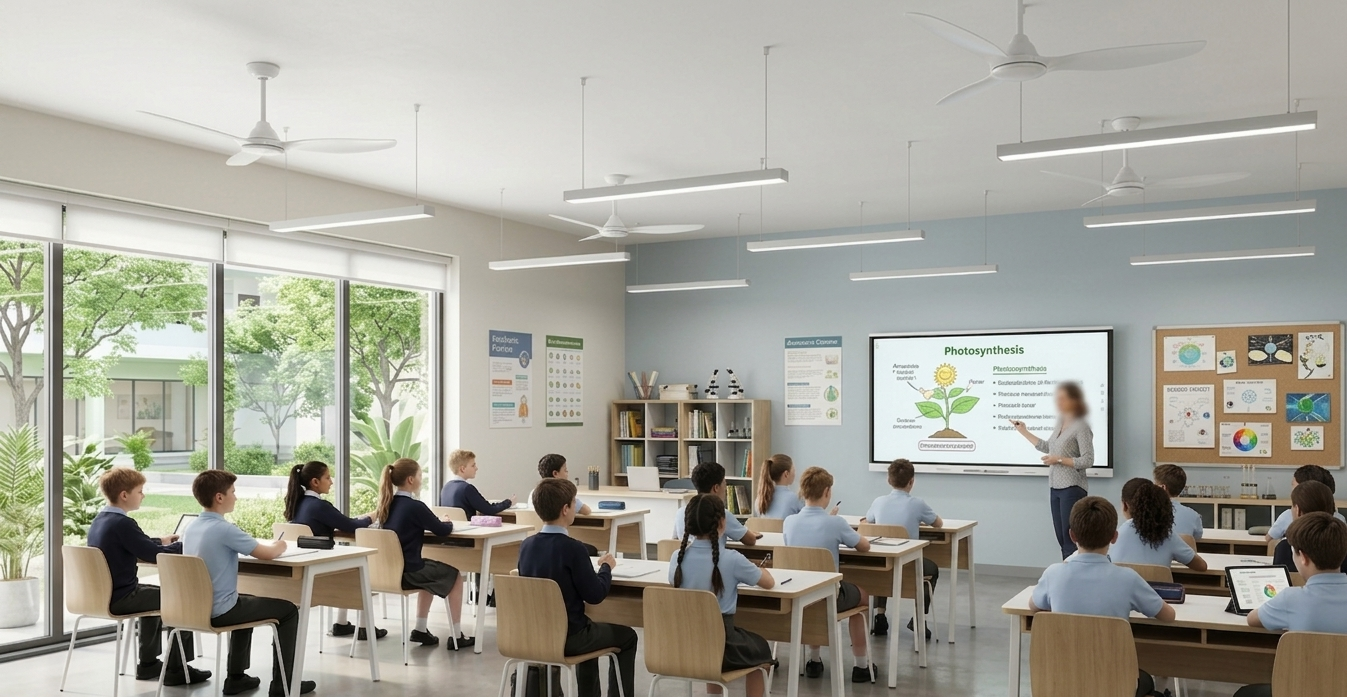
Overview
In this lesson, you will build a Smart Classroom Automation System using the RGX Kit. This system is designed to improve comfort and save energy by managing two different environmental factors at once:
•
Climate Control: A fan activates when the room temperature rises.
•
Lighting Control: Lights turn on automatically when someone enters the room.
This project is inspired by real-world green buildings and smart offices that use sensors to reduce electricity waste.
Objectives
•
Understand how the DHT11 sensor measures environmental temperature.
•
Learn how to monitor two different sensors (Ultrasonic and DHT11) at the same time.
•
Master the control of DC Fan Modules and LED Modules.
•
Explore the logic of multi-system automation.
Meet the Components
You will use:
•
DC Fan Module
•
Ultrasonic Sensor (S04)
•
LED Module (A01)
•
RGX Control Board
•
NEW COMPONENT :
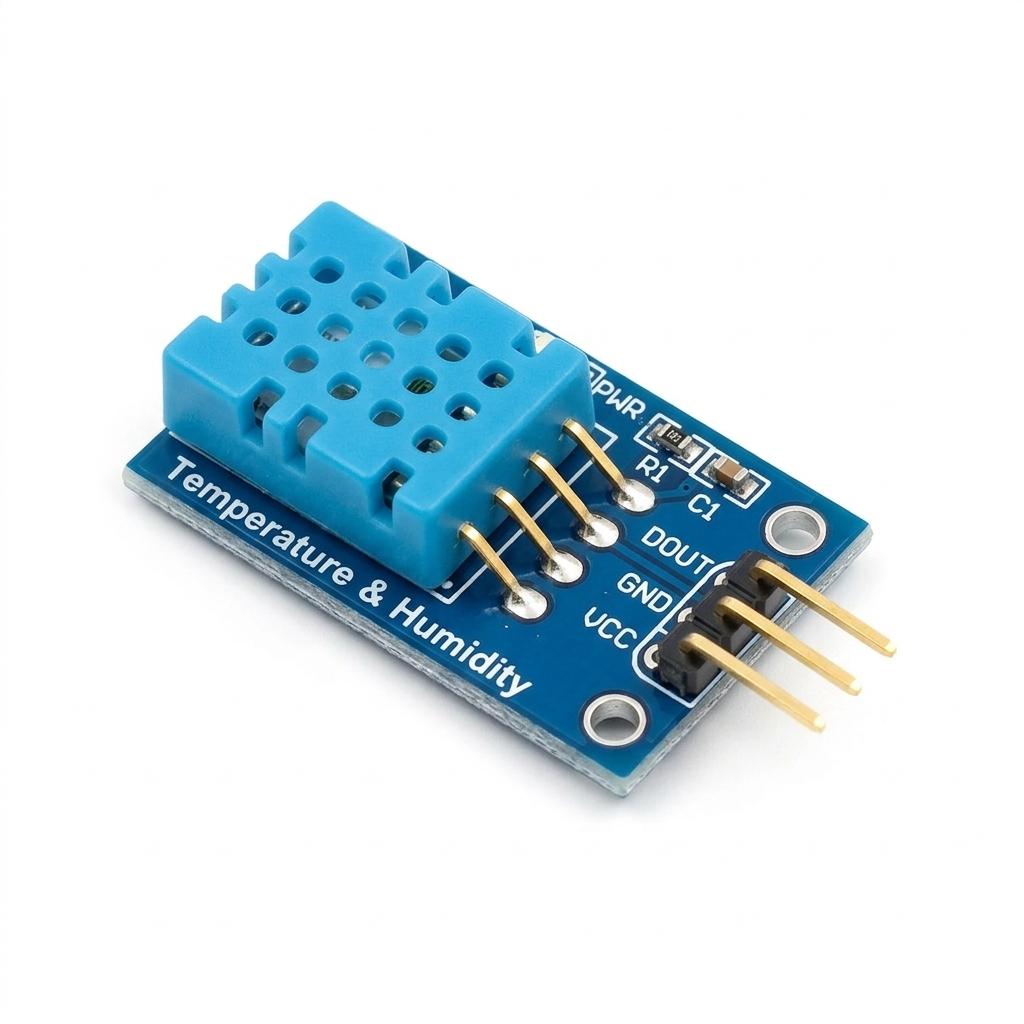
DHT11 Temperature Sensor (S06)
Understanding the DHT11 Temperature Sensor
The DHT11 is a digital sensor used to measure temperature (and humidity).
In this project, we only use the temperature value.
In this project, we only use the temperature value.
The sensor sends temperature data directly to the RGX board, which can then use this value to control other components.
Typical measurement range:
•
Temperature range: 0°C to 50°C
•
Accuracy: about ±2°C
The RGX board reads the temperature and decides whether the fan should turn ON or OFF.
Hardware Connections
Component | PIN Connection |
|---|---|
DHT11 Sensor | PIN 13 |
Fan Module | PIN 7 |
Ultrasonic Trig | Echo | PIN 4 | A0 |
LED Module | PIN 2 |
Make sure RJ11 cables are firmly connected.
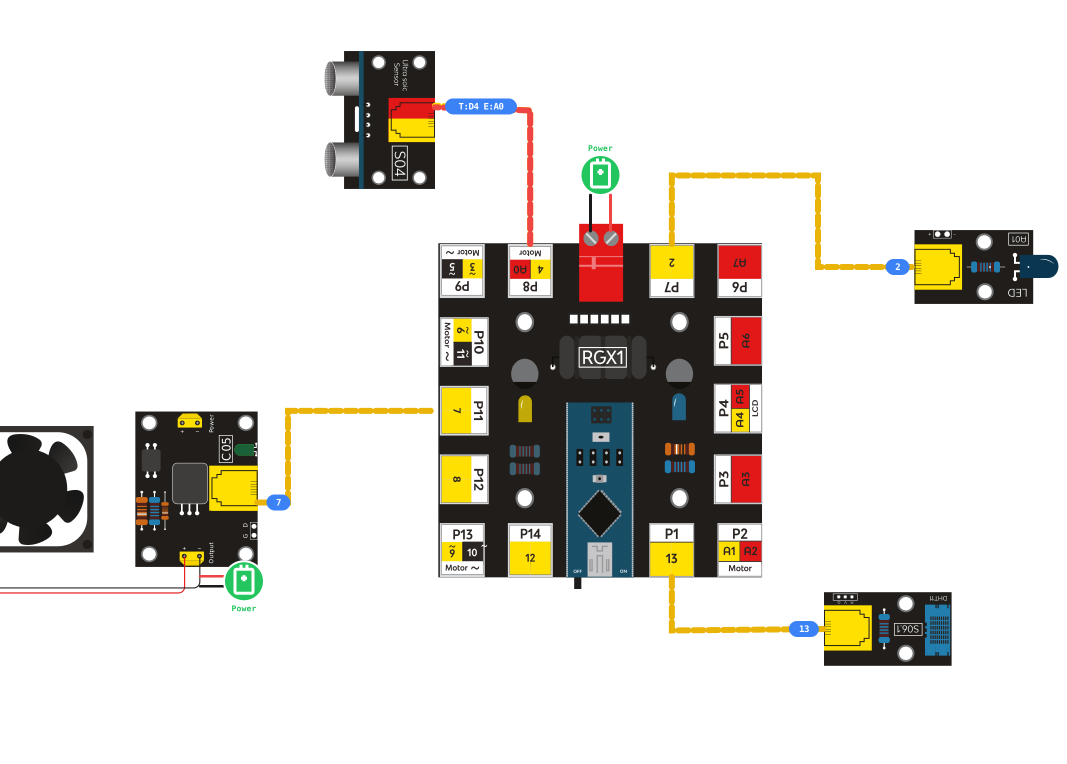
RGX connection
System Logic
The system monitors the classroom environment and reacts automatically.
Logic | Fan | LED |
|---|---|---|
Temperature ≥ 20°C | ON | - |
Temperature < 20°C | OFF | - |
Motion detected (≤ 50 cm) | - | ON |
No motion (> 50 cm) | - | OFF |
The system automatically reacts to:
•
Warm temperature → Fan ON
•
Person detected → Light ON
No human control is required — the system works fully automatically.
Coding the System
Step 1: Read Temperature from the DHT11 Sensor
Condition:
Declare global variable tempValue
Declare global variable tempValue
Action:
•
Reads the temperature measured by the DHT11 sensor on PIN 13
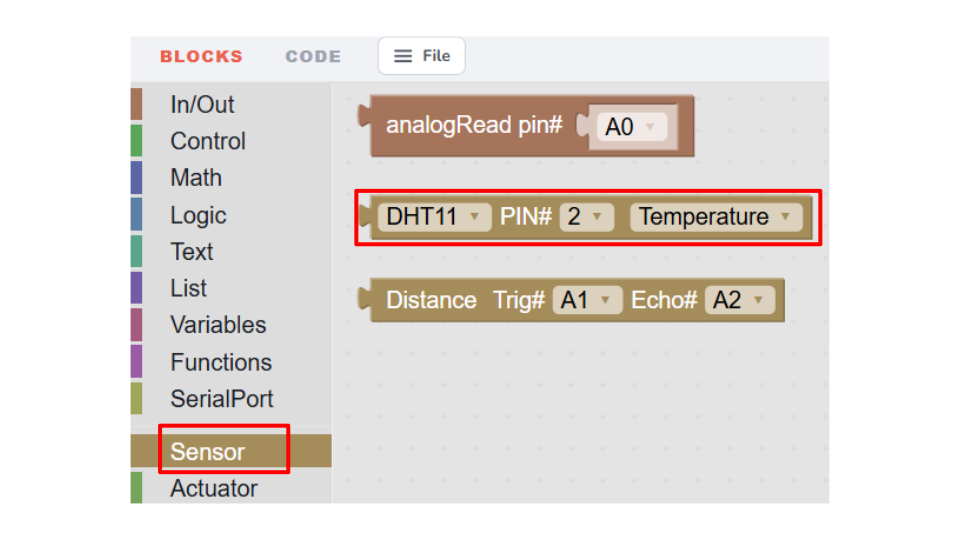
💡 Hint
The DHT11 block can read two different values:
Temperature – how hot or cold the environment is (measured in °C).
Humidity – the amount of water vapor in the air, expressed as a percentage (%).
In this project, we only use the temperature reading to control the fan.
•
Stores the value inside the variable tempvalue

•
This value will be used to decide whether the fan should turn ON or OFF
This prepares the system for automatic temperature control.
Step 2: Control the Fan (Temperature Condition)
Action:
•
If the room temperature is 20°C or higher, the fan turns ON
•
If the temperature is below 20°C, the fan turns OFF
This allows the system to cool the room automatically when it becomes warm.
Step 3: Measure Distance Using the Ultrasonic Sensor
Condition:
Declare global variable motion
Declare global variable motion
Action:
store the distance from ultrasonic sensor in motion variable
The sensor now continuously checks if someone is near the classroom entrance.
Step 4: Control the LED (Motion Detection)
Action:
•
If a person is detected within 50 cm, the LED turns ON
•
If no one is detected nearby, the LED turns OFF
This simulates automatic classroom lighting systems.
💡 Note
This program runs two automatic systems at the same time:
Both systems work together to create a smart automated classroom.
This program runs two automatic systems at the same time:
Both systems work together to create a smart automated classroom.
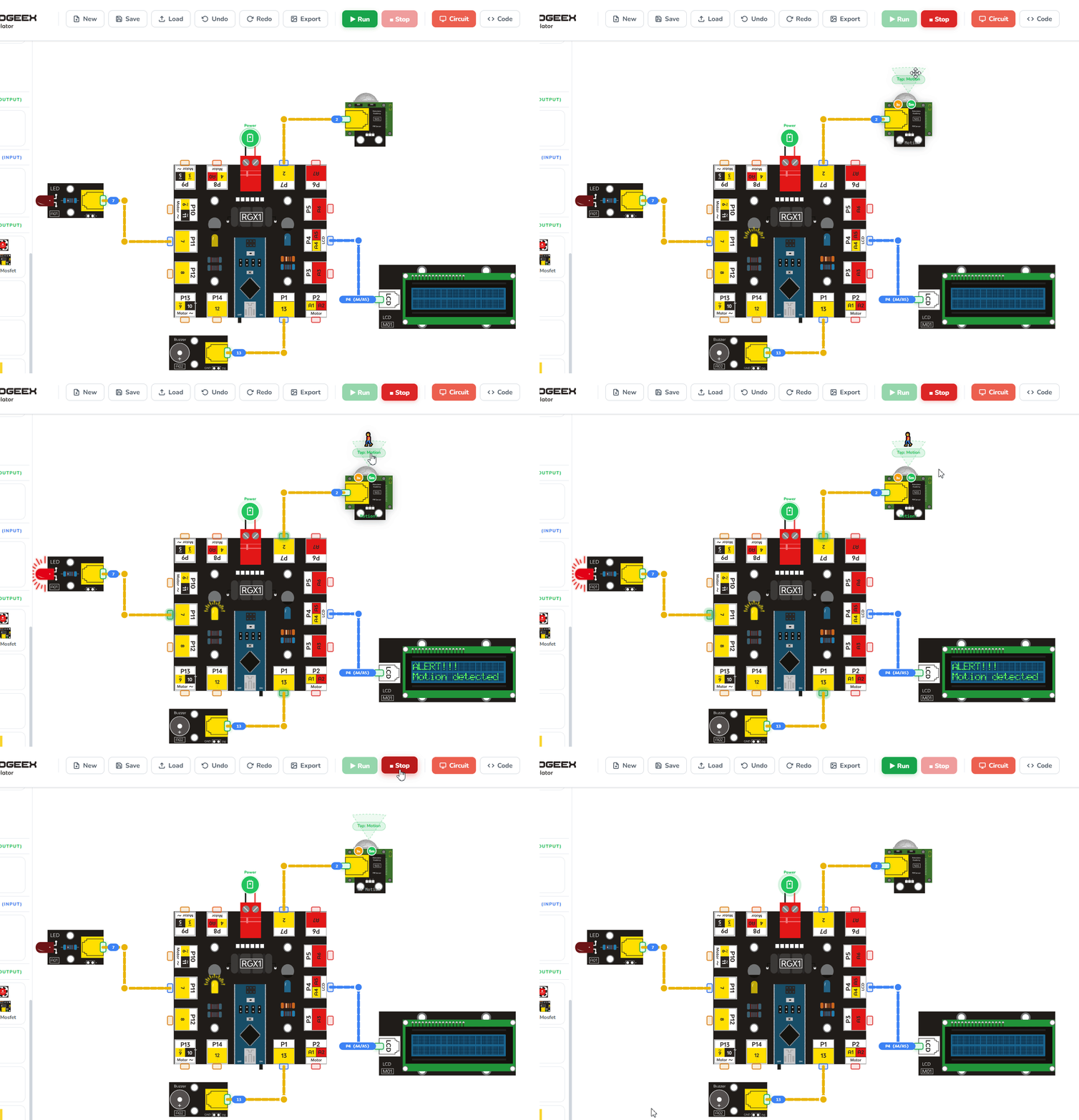
Running the code
Test Your System
Power the RGX board and test:
•
Warm your hand near DHT11 → Fan should turn ON
•
Move in front of the Ultrasonic sensor → LED should turn ON
•
Walk away → LED turns OFF
•
Let temperature drop → Fan turns OFF
If everything reacts correctly → Success!
Improve & Extend
Try making your classroom even smarter:
•
Status Display: Add an LCD to show the current temperature and whether a "Person is Detected."
•
Advanced Cooling: Add a second fan or a "Buzzer" alarm if the temperature exceeds 35°C (Dangerous heat).
•
Dual Lighting: Use two LEDs—one for the "Entrance" and one for the "Teacher's Desk."