Overview
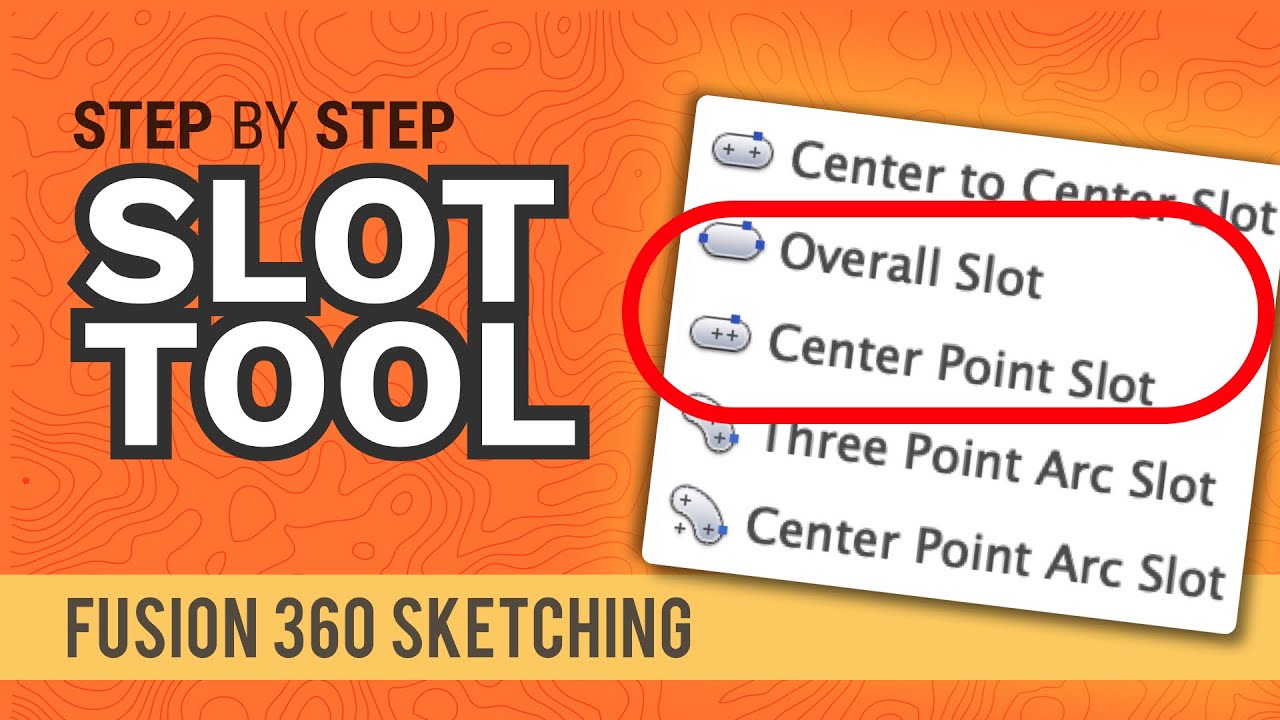
In this lesson, you will learn how to create slots using sketch tools and cut features. The main focus of this lesson is understanding how to create slot shapes from sketches, control them with dimensions and use them to cut material from a 3D body.
Objectives
By the end of this lesson, you will be able to
•
Use the Slot tool inside a sketch.
•
Create a rounded slot using dimensions.
•
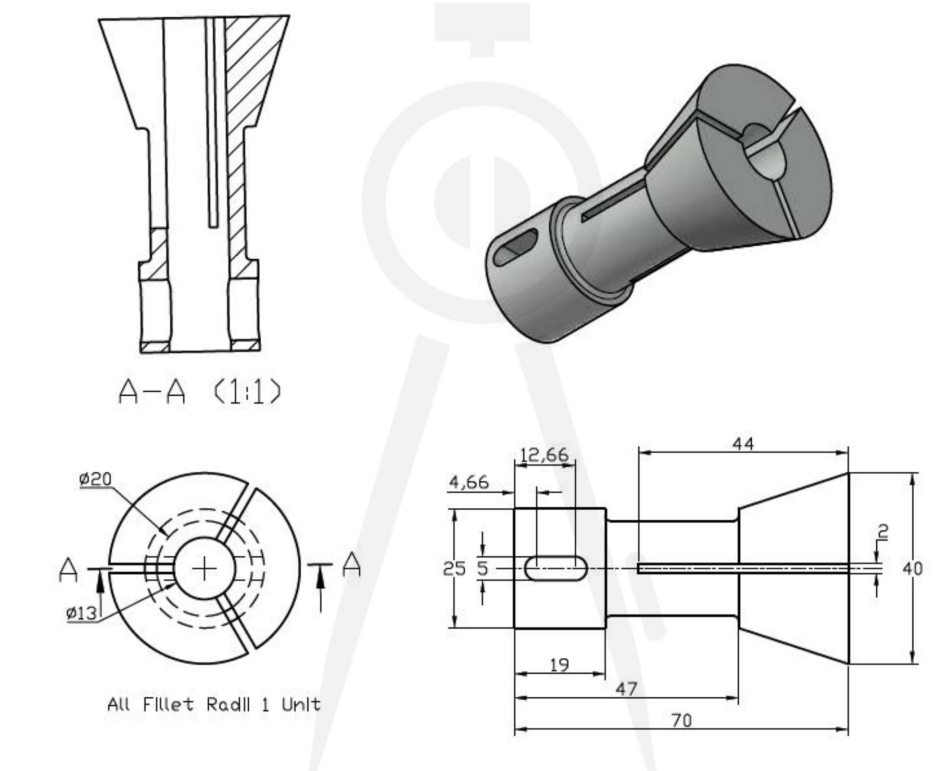
Read slot dimensions from a technical drawing and apply them in Fusion 360.
What is a Slot?
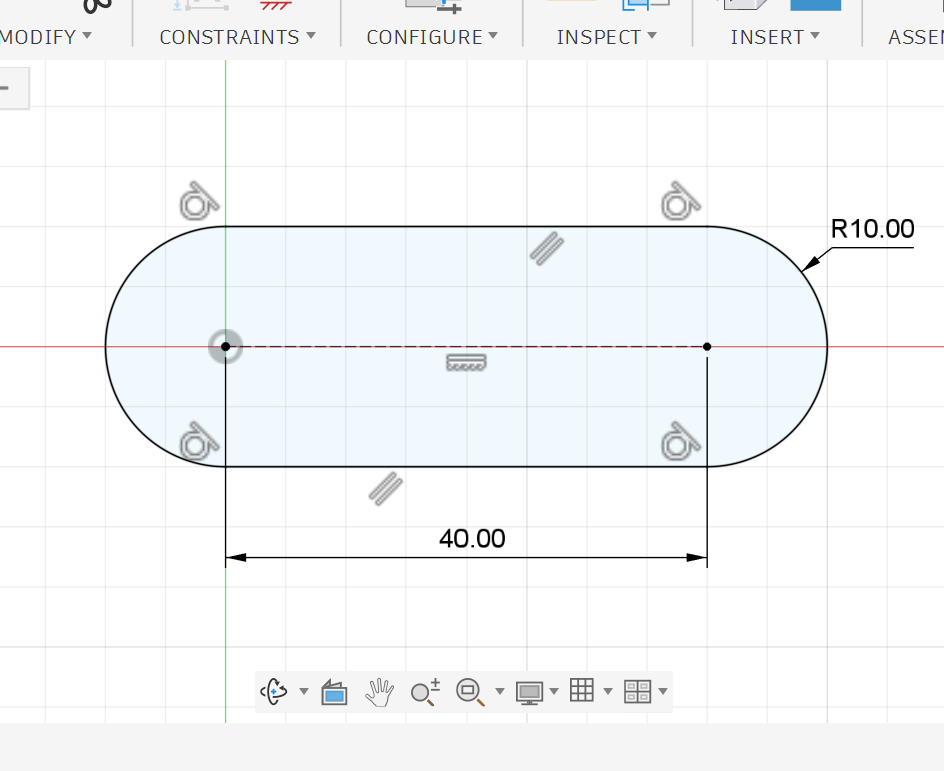
A slot is an elongated opening made from two rounded ends connected by straight lines.
It is commonly used in mechanical design when a part needs space for adjustment, movement or assembly.
Instead of drawing two circles and connecting them manually with lines, Fusion 360 provides a Slot tool that creates this shape faster and more accurately.
Why Do We Use Slots?
Slots are useful when a hole needs to allow movement or adjustment.
For example, slots can be used for:
•
Adjustable screw or bolt positions.
•
Sliding parts.
•
Mechanical linkages.
•
Mounting brackets.
•
Parts that need tolerance during assembly.
•
Openings that reduce weight or allow airflow.
A normal hole fixes the position of a screw or pin. A slot gives the screw or pin space to move in one direction.
Slot Shape
A basic slot is made of:
•
Two semicircular ends.
•
Two straight sides.
•
A centerline that controls the slot direction.
•
A width, usually controlled by the radius or diameter of the rounded ends.
•
A length, usually controlled by the distance between the two rounded ends.
If the slot radius is 2.5 mm, the full slot width is:
2.5 × 2 = 5 mm
Slot Types in Fusion 360
Fusion 360 has different slot options inside the sketch tools.
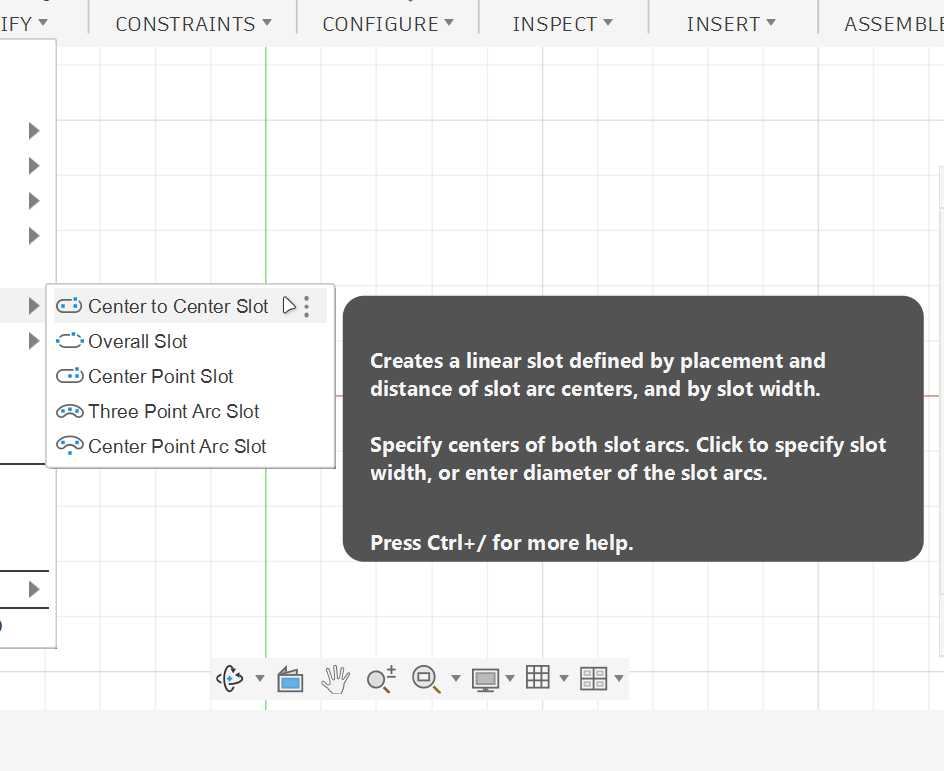
Center to Center Slot
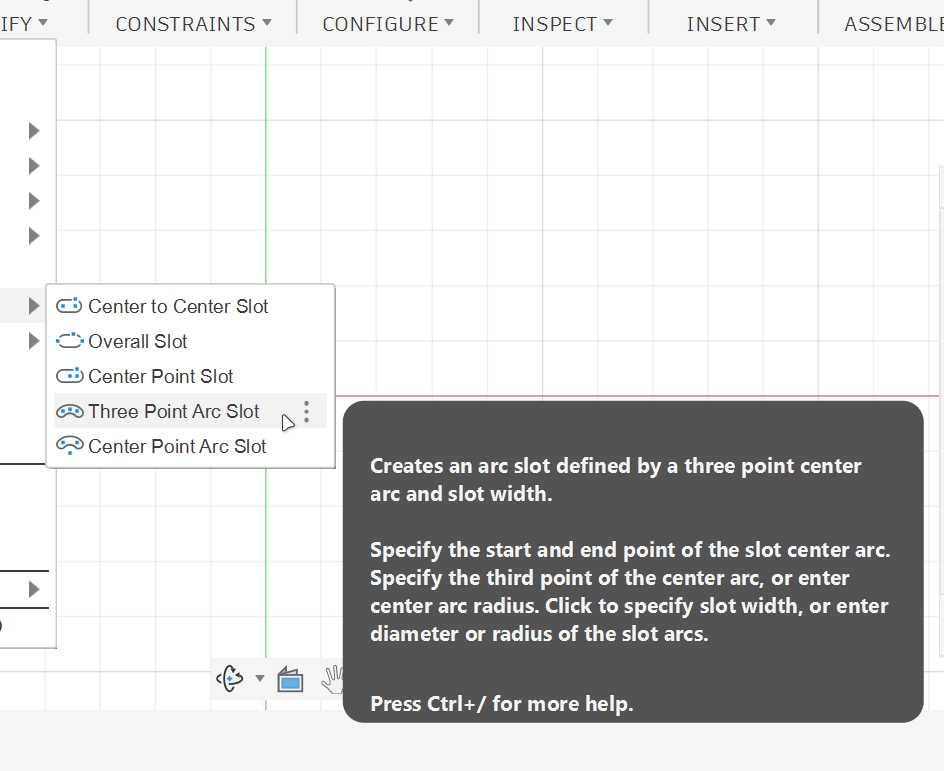
Three Point Arc Slot
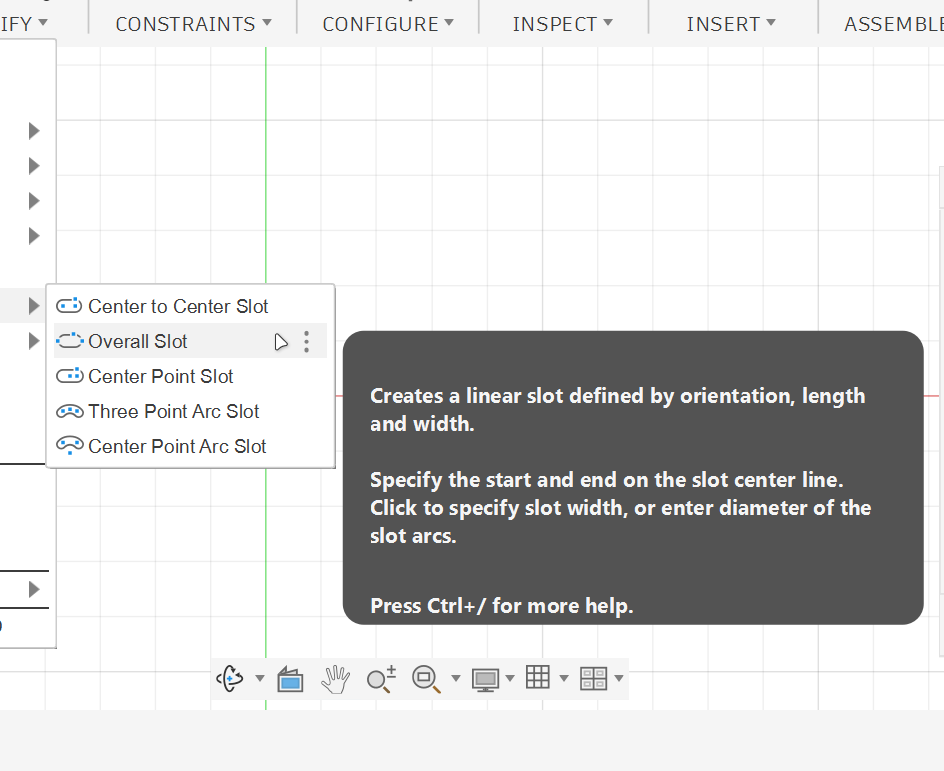
Overall Slot
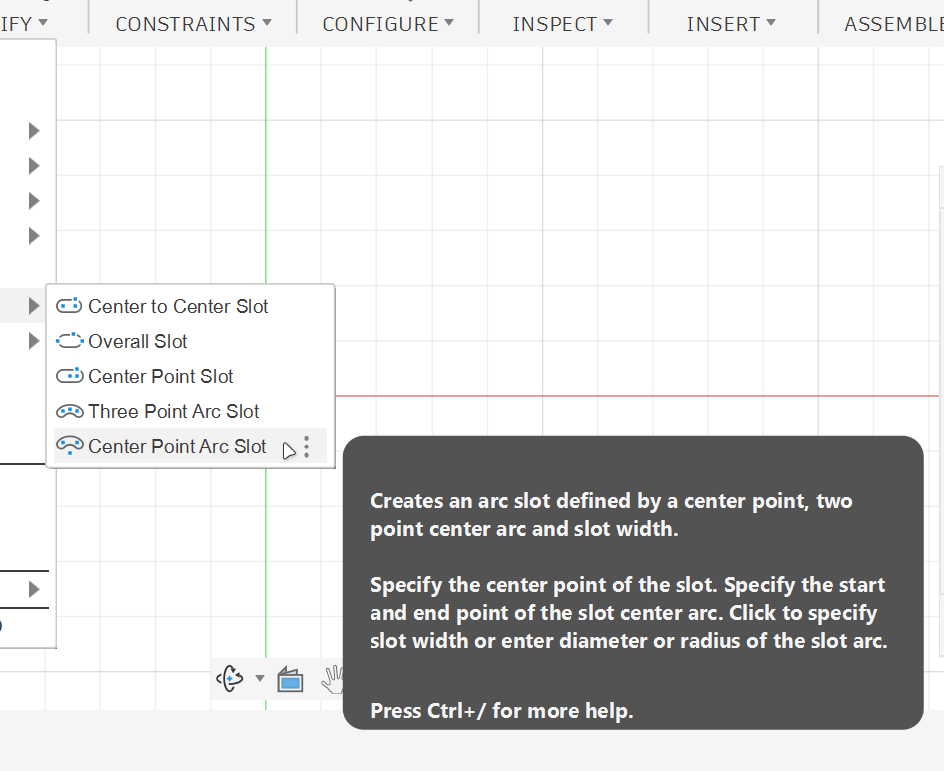
Center Point Arc Slot
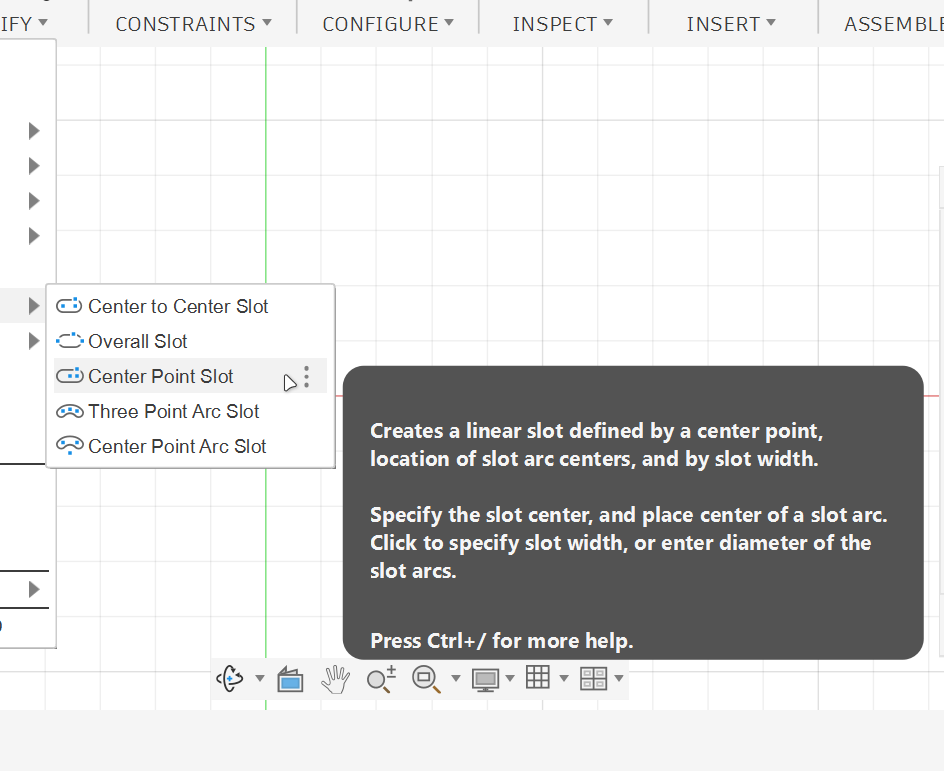
Center Point Slot
A slot should not be left free or uncontrolled.
It should be fully defined using dimensions and constraints.
A slot is not just a long hole. It is a controlled mechanical feature that allows adjustment, movement or clearance. In Fusion 360, the Slot tool helps you create clean and accurate slots quickly, especially when combined with dimensions, constraints, Extrude Cut and Pattern tools.
Important Notes
•
The Slot tool is better than drawing two circles and two lines manually because it creates a clean, controlled slot shape faster.
•
Always fully dimension the slot so its size and position are controlled.
•
Use Circular Pattern when the same cut must be repeated around a circular part.
•
If the drawing asks for fillets, add them at the end after the main shape and cuts are complete.
Practice Task
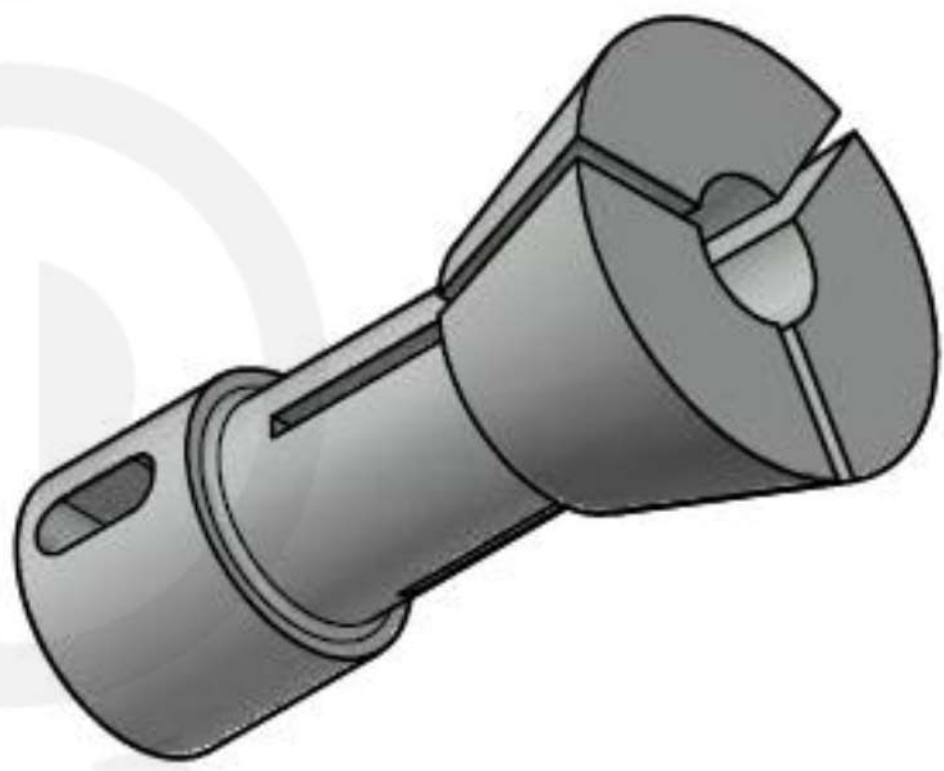
Using the technical drawing, recreate the part in Fusion 360.
Start by creating the main revolved body from the side profile. Then add the central hole and create the slot features shown in the drawing.
After finishing the model, change one or two slot dimensions and check if the model updates correctly.
Reflection Questions
1.
Why is the Slot tool faster than manually drawing a slot using circles and lines?
2.
Why should the slot be fully dimensioned before using Extrude Cut?
3.
What is the benefit of using Symmetric direction when cutting the rounded slot?
4.
Why did we use Circular Pattern instead of drawing each long slot separately?
5.
What could go wrong if the slot is not aligned with the center axis of the part?