Overview
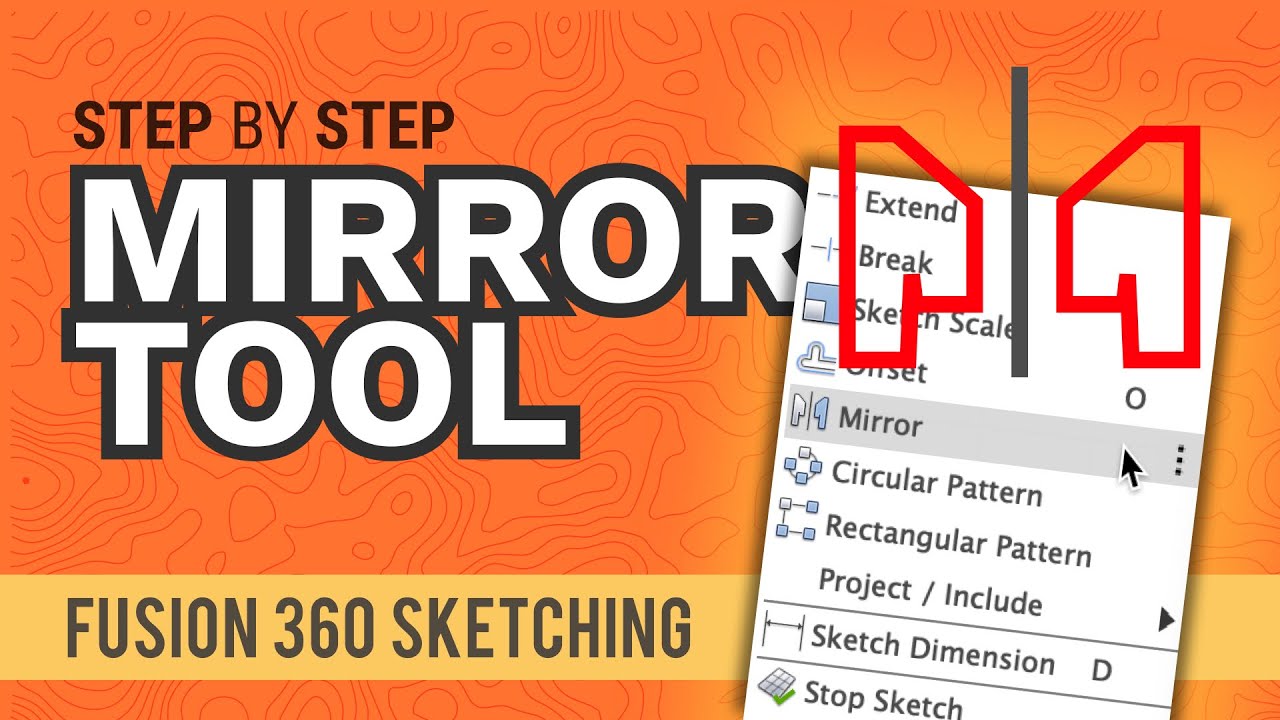
In this lesson, you learn how to use the Mirror Feature to copy repeated 3D details across a center plane. Instead of sketching the same notch or tab several times, you create it once, then mirror it to the opposite side. This is useful when the part is symmetrical, especially when the same feature appears on the left and right sides, or on the top and bottom sides.
Objectives
By the end of this lesson, you should be able to
•
Identify symmetry in a technical drawing.
•
Use Mirror from the Solid workspace.
•
Choose the correct Object Type in the Mirror tool.
•
Mirror features using an origin plane or construction plane.
•
Save time and reduce sketching mistakes when modeling symmetrical parts.
What is the Mirror Feature?
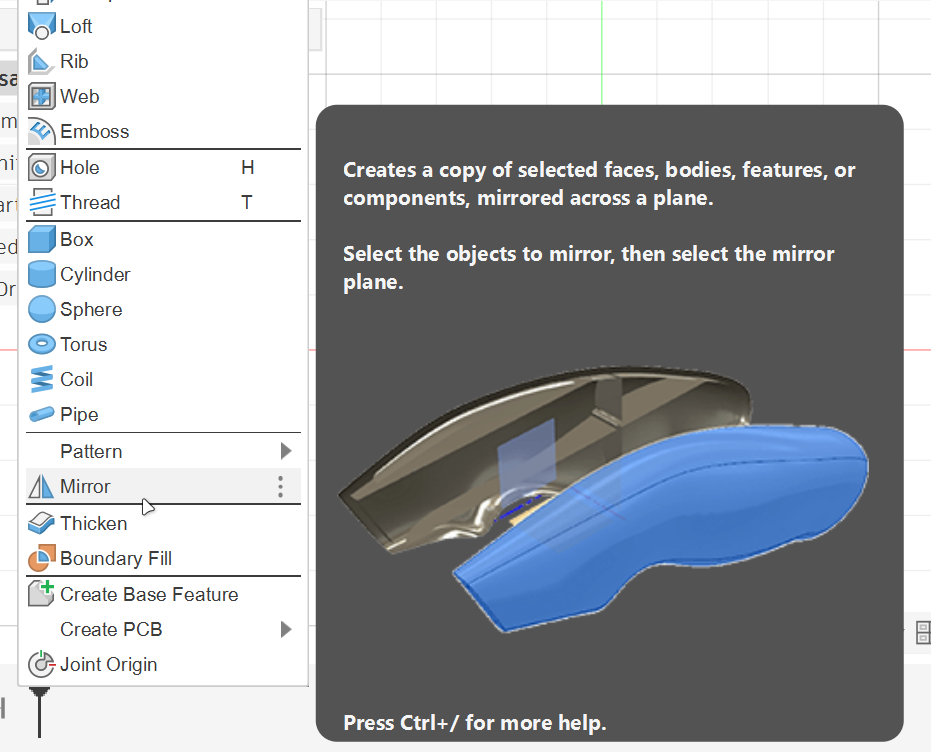
The Mirror Feature copies selected 3D features to the opposite side of a selected plane.
In Fusion 360, Mirror can be used with different object types, such as:
•
Bodies.
•
Faces.
•
Features.
•
Components.
Using the Mirror Feature
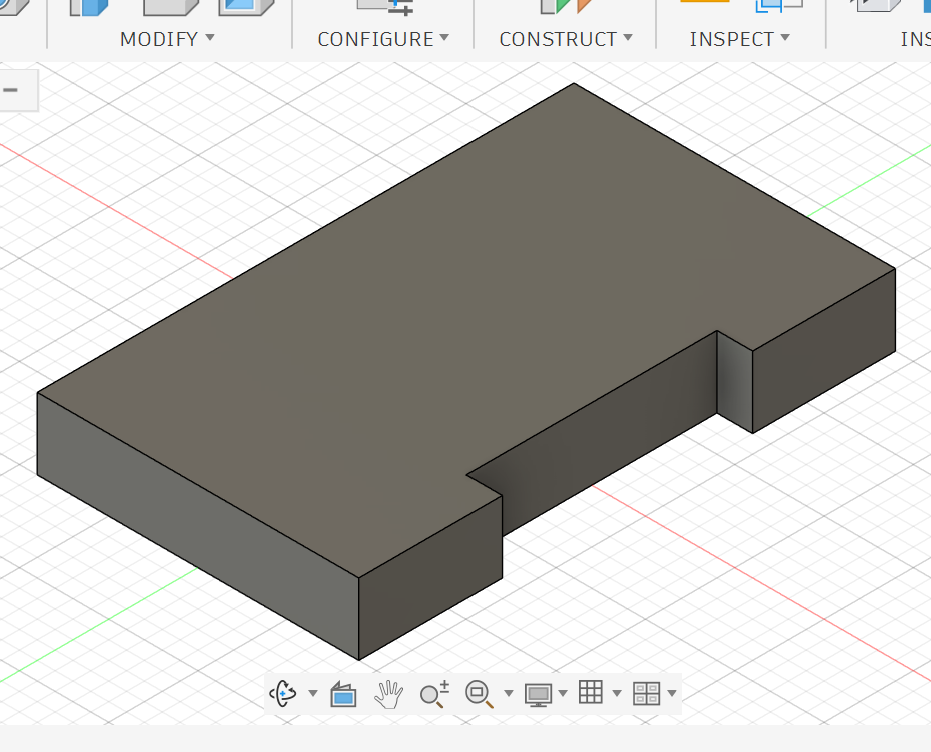
1. Create the base shape you want to mirror.
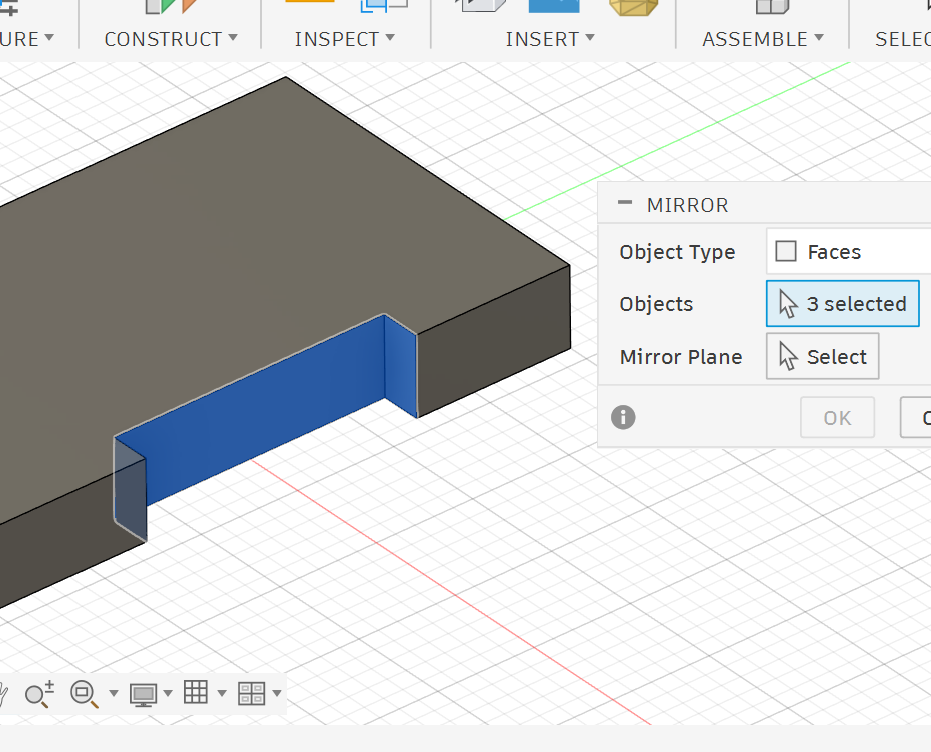
4. Select the faces to be mirrored.
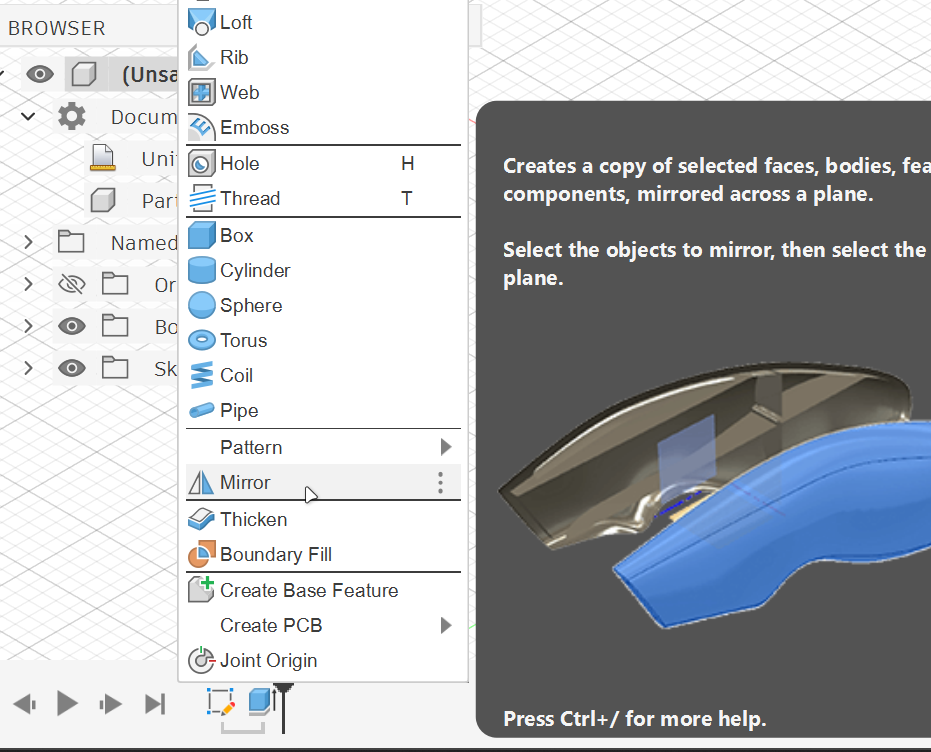
2. Open the Create menu and select Mirror.
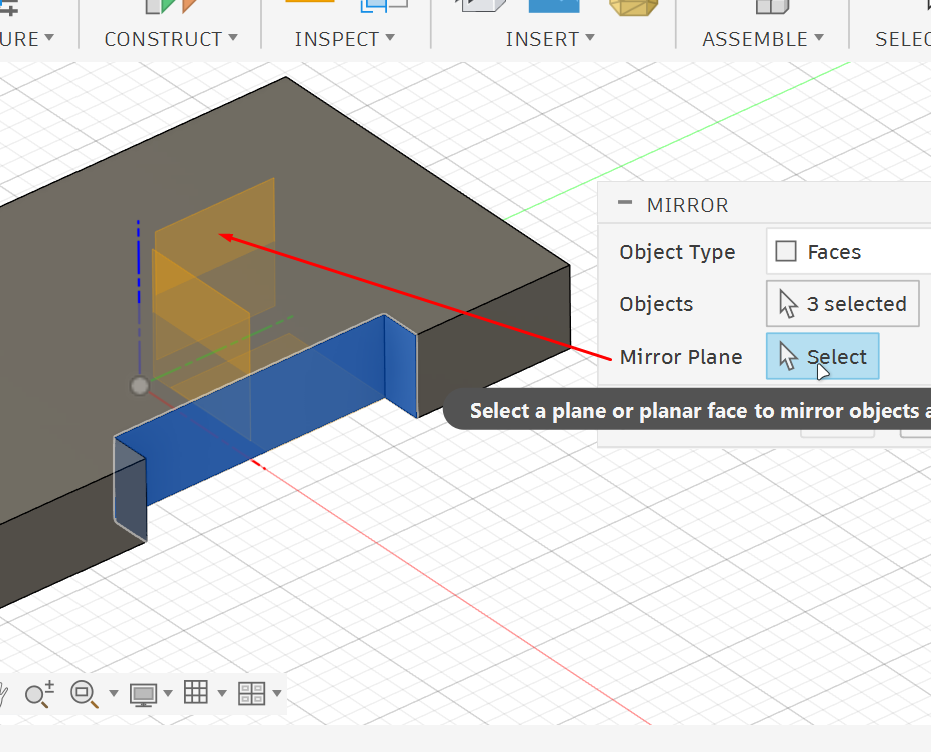
5. Choose the mirror plane for reflection.
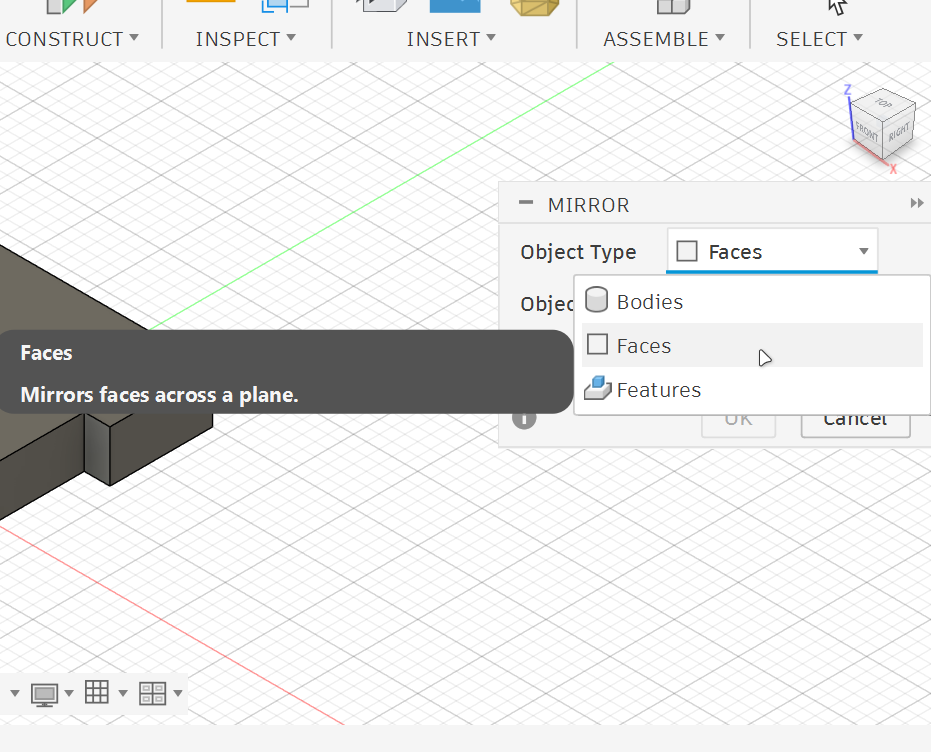
3. Set the Object Type to Faces.
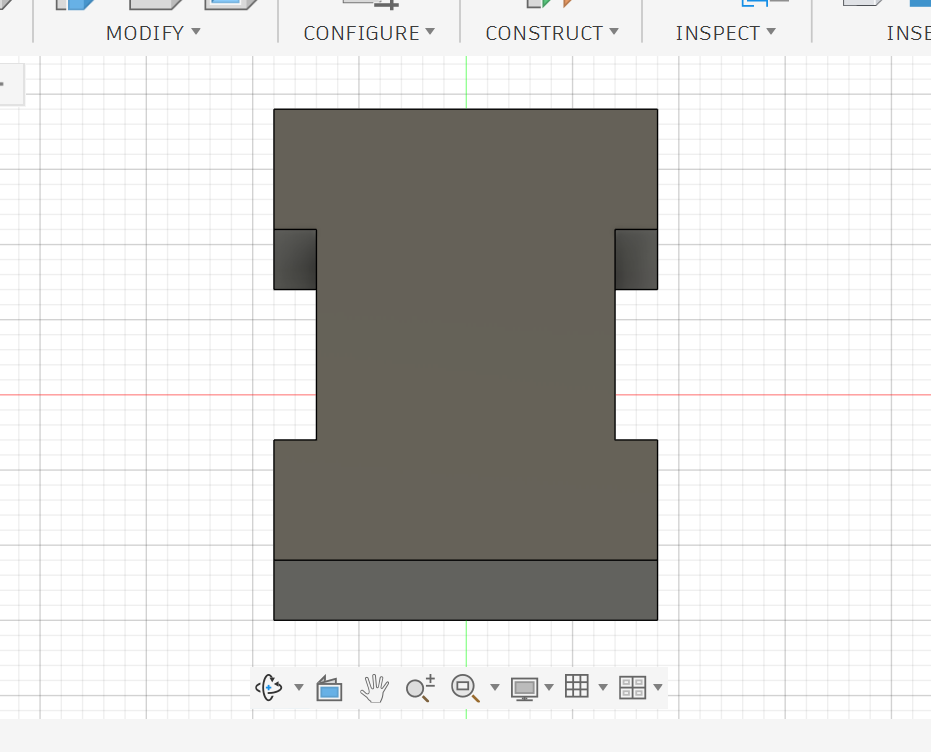
6. Click OK.
Important Notes
•
Use Mirror Feature when you want to copy a modeling step, such as an extrusion or cut.
•
Do not use Bodies unless you want to duplicate the entire body.
•
It is better to keep the model centered around the origin because the origin planes can then be used easily as mirror planes.
•
If the original feature changes later, the mirrored copy updates with it.
Practice Task
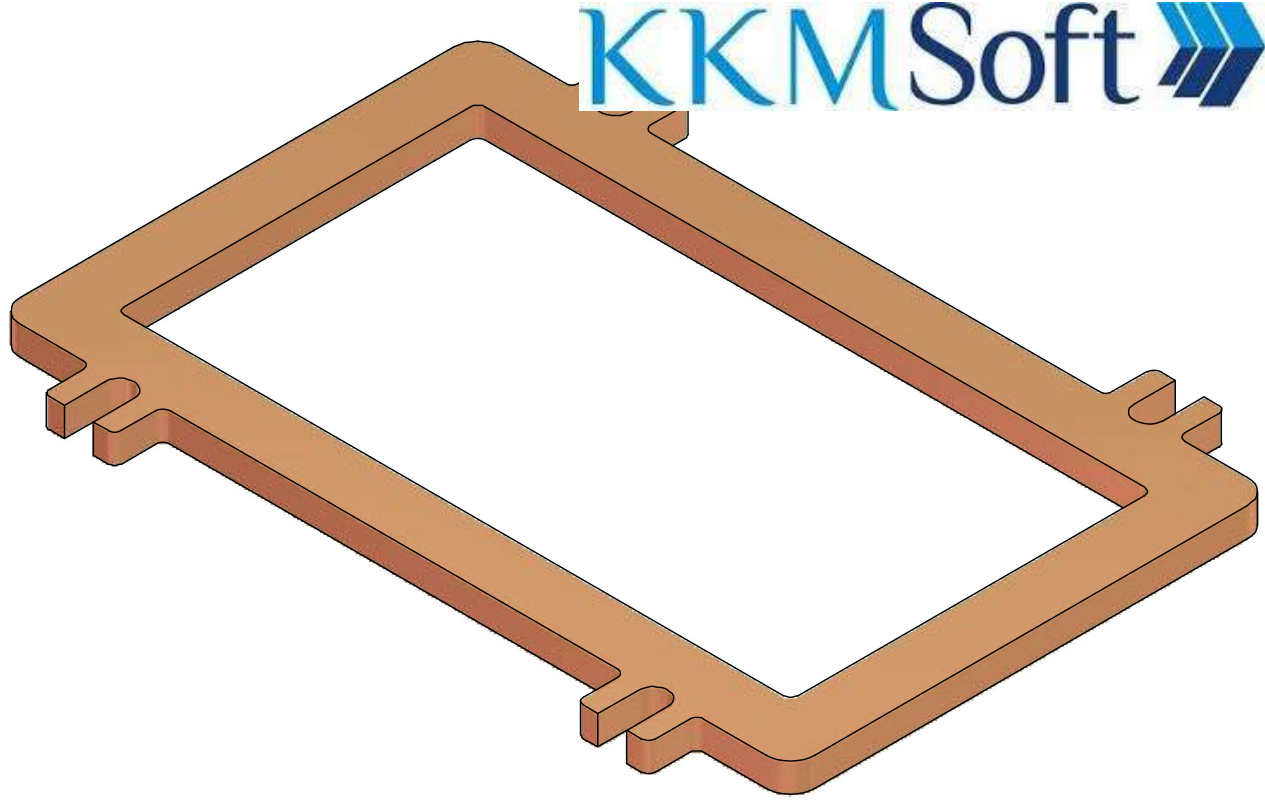
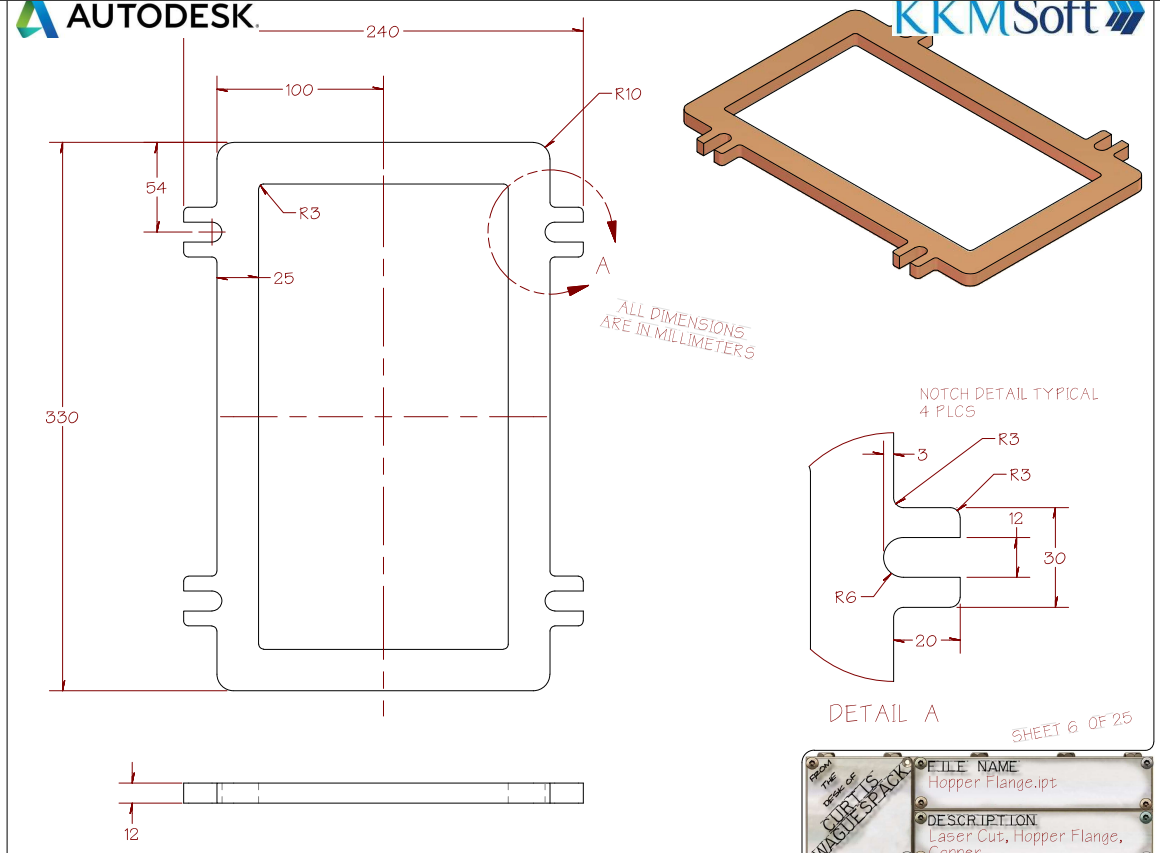
Create the part shown in the drawing.
Use the Mirror Feature instead of redrawing the same detail multiple times. This will help you build the model faster, cleaner and with fewer mistakes.
Reflection Questions
1.
Why is Mirror useful for symmetrical parts?
2.
What is the difference between mirroring a Body and mirroring Features?
3.
Why is it important to model the part around the origin?
4.
What happens to the mirrored feature if you edit the original feature?
5.
When would Mirror save more time than manually sketching repeated details?