
Objectives
•
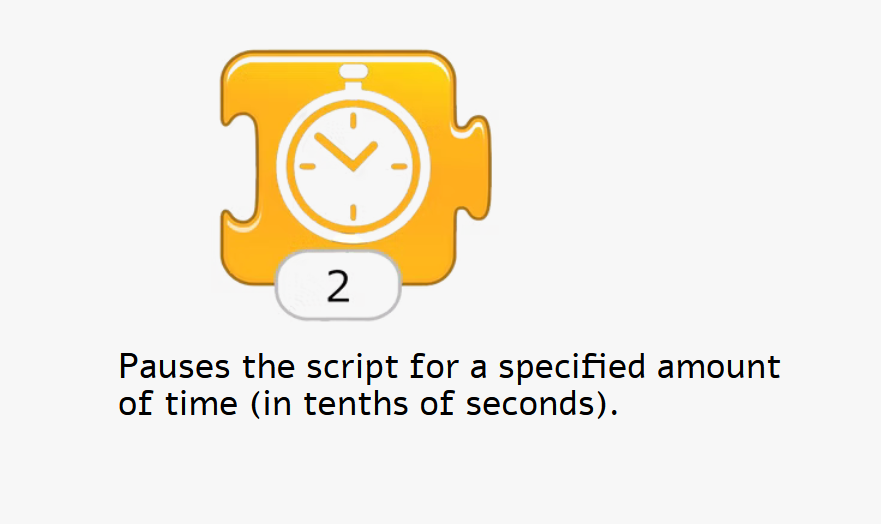
Wait block to make the action pause for a few seconds.
Wait Block
In this Activity we will help the child cross the street safely by pausing first at the sidewalk !
Step1
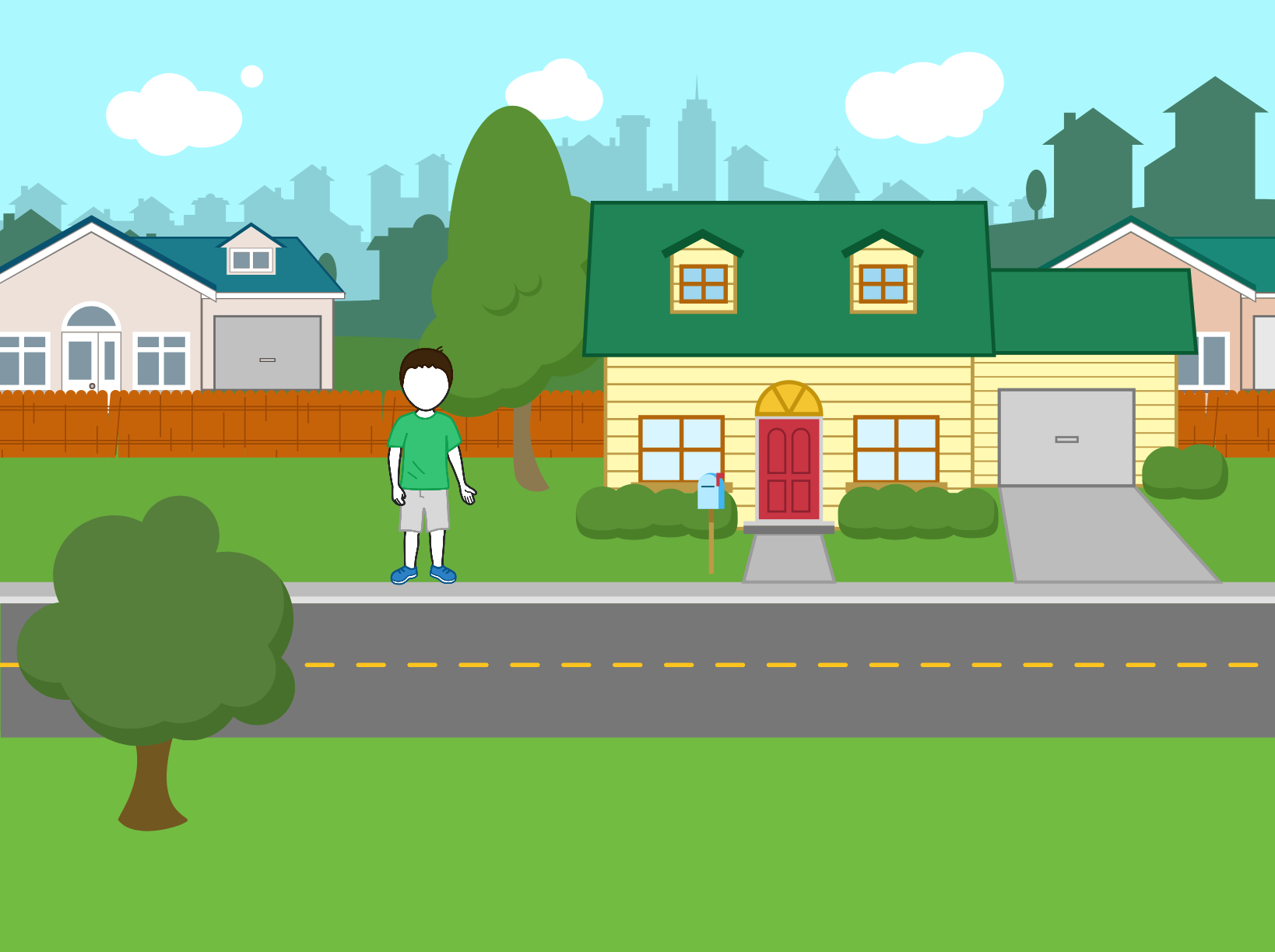
Select the suburbs background and position your cat at the top of the grass next to the house.
Start your script with a Start on Green Flag block, and then use the to have the child take two steps toward the sidewalk.
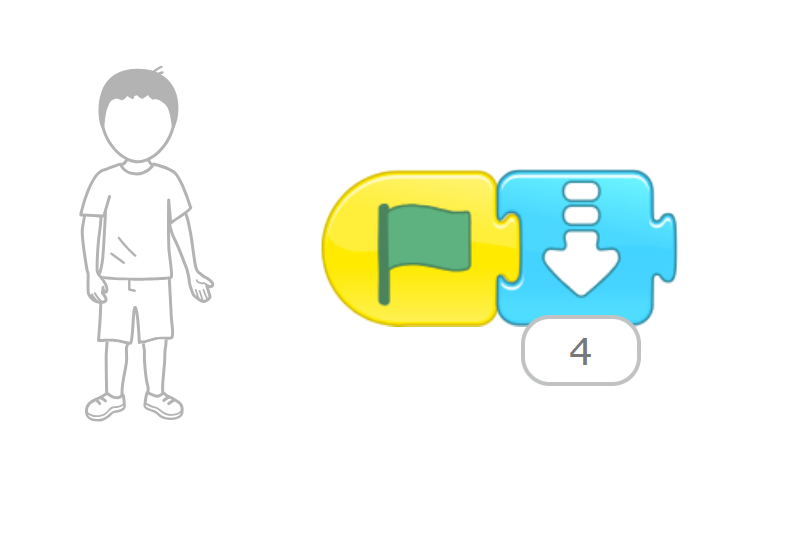
Use Move Down Block
Step 2
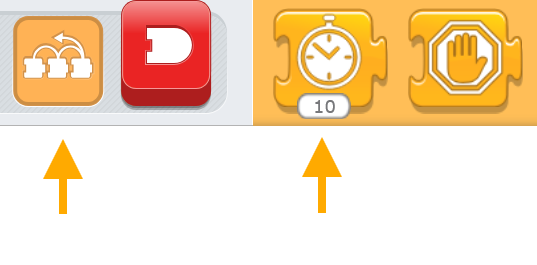
Tap the orange blocks category to show the control blocks,and then drag the Wait block to your script.

Step 3
You can tap the number input at the bottom of the Wait block to change the amount of time you want the cat to wait.
The number is given in tenths of a second.
Let’s change the number to 4 so that the child will wait 2 seconds before crossing the street.


Step 4
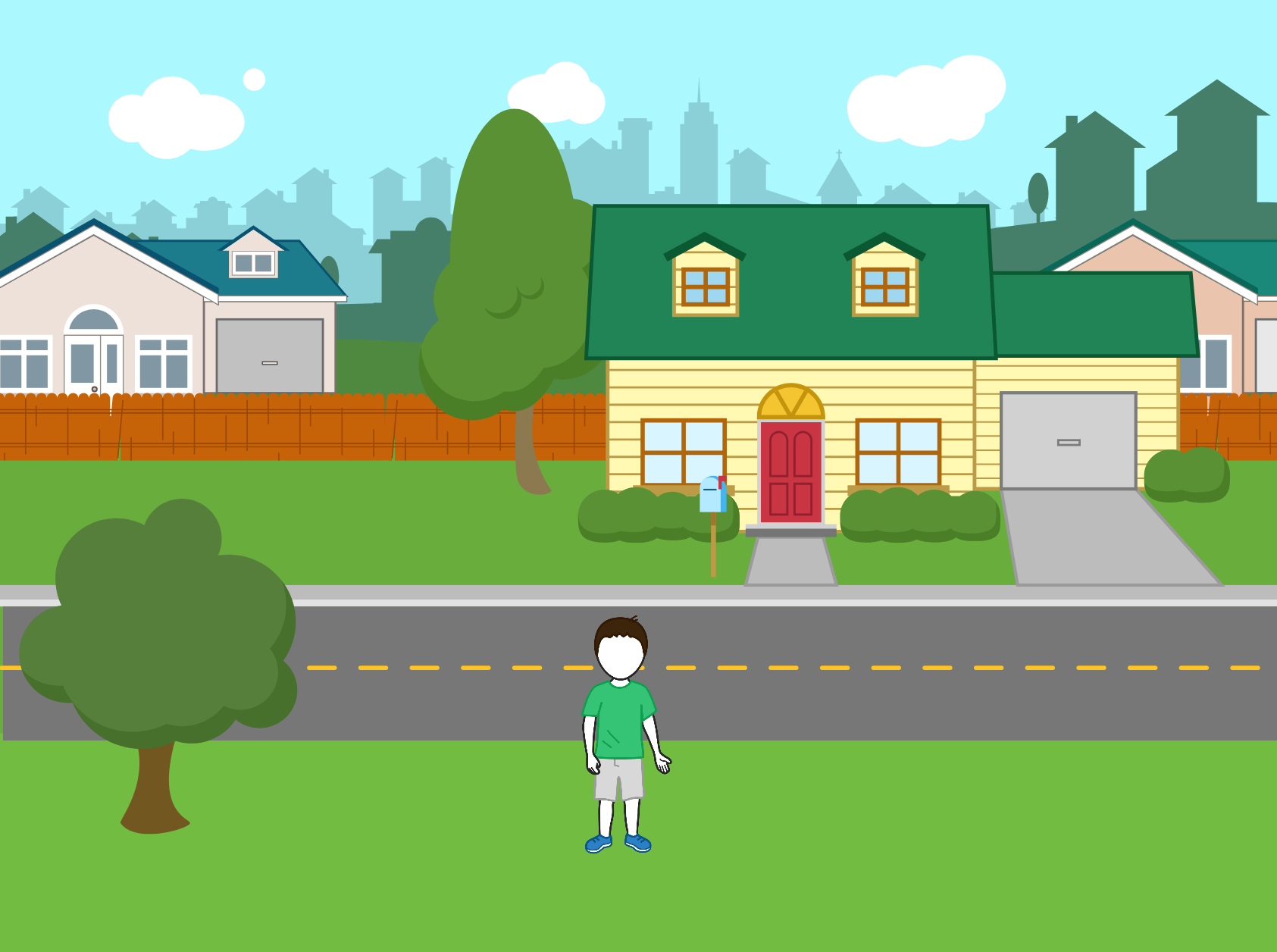
After waiting at the side of the street, the child can safely cross, so have it move down another four steps to reach the other side of the street
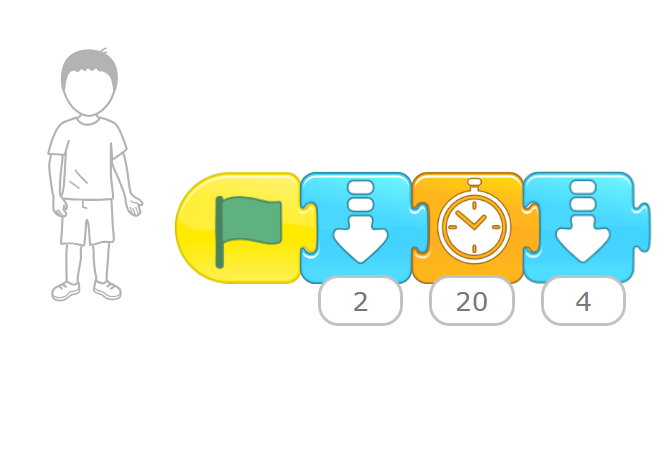
Step 5
Run the script by tapping the Green Flag button at the top of the screen, the script will pause when it reaches the Wait block, and then it will continue with the last block. This makes the cat move from the grass to the edge of the road, pause, and then cross the street.
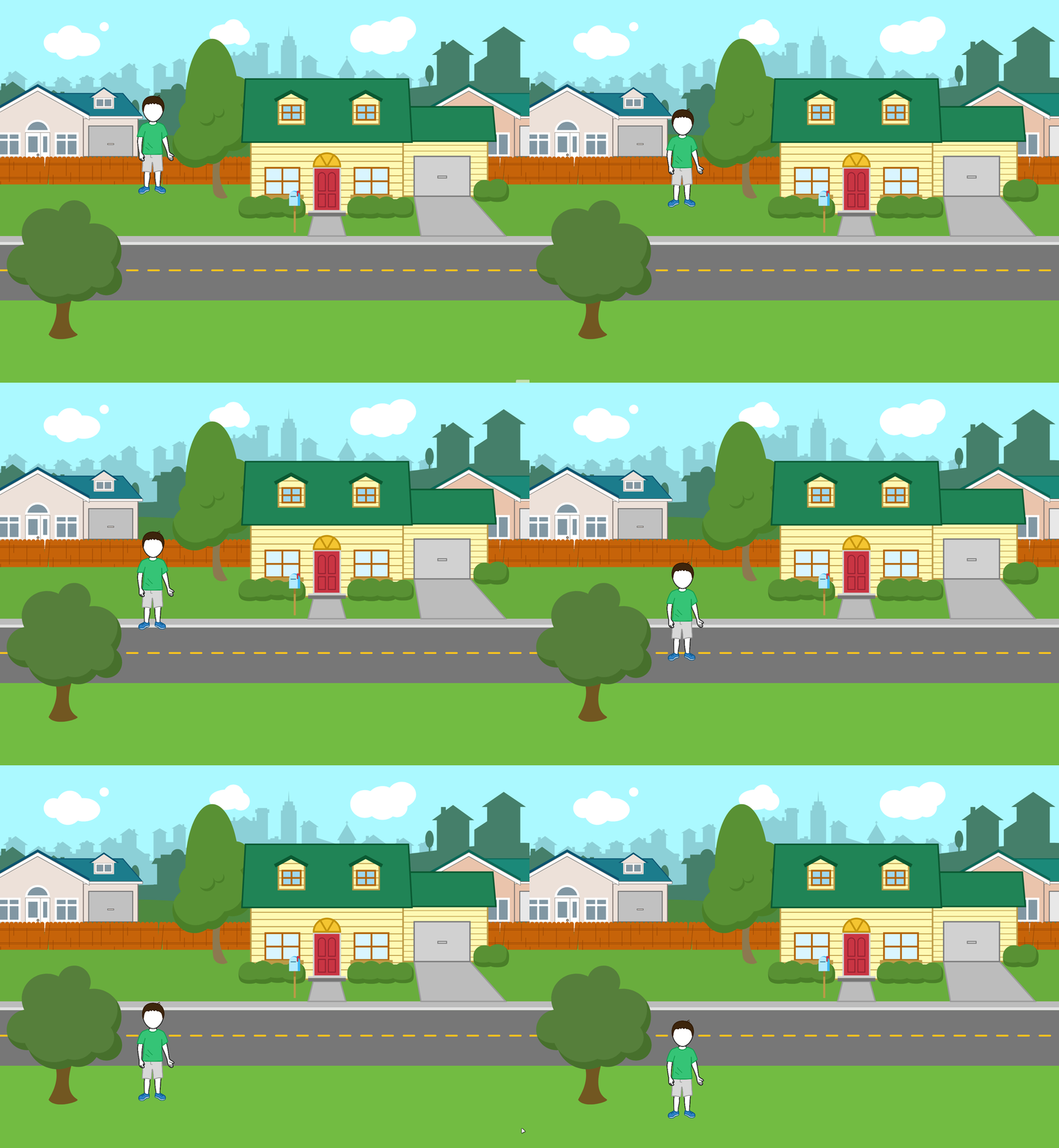
child cross street using wait block
Challenge
Try to program a car that crosses the road in front of the cat. Time the car so that it goes along the road while the cat is waiting.