Objectives
•
Make two characters race each other!
•
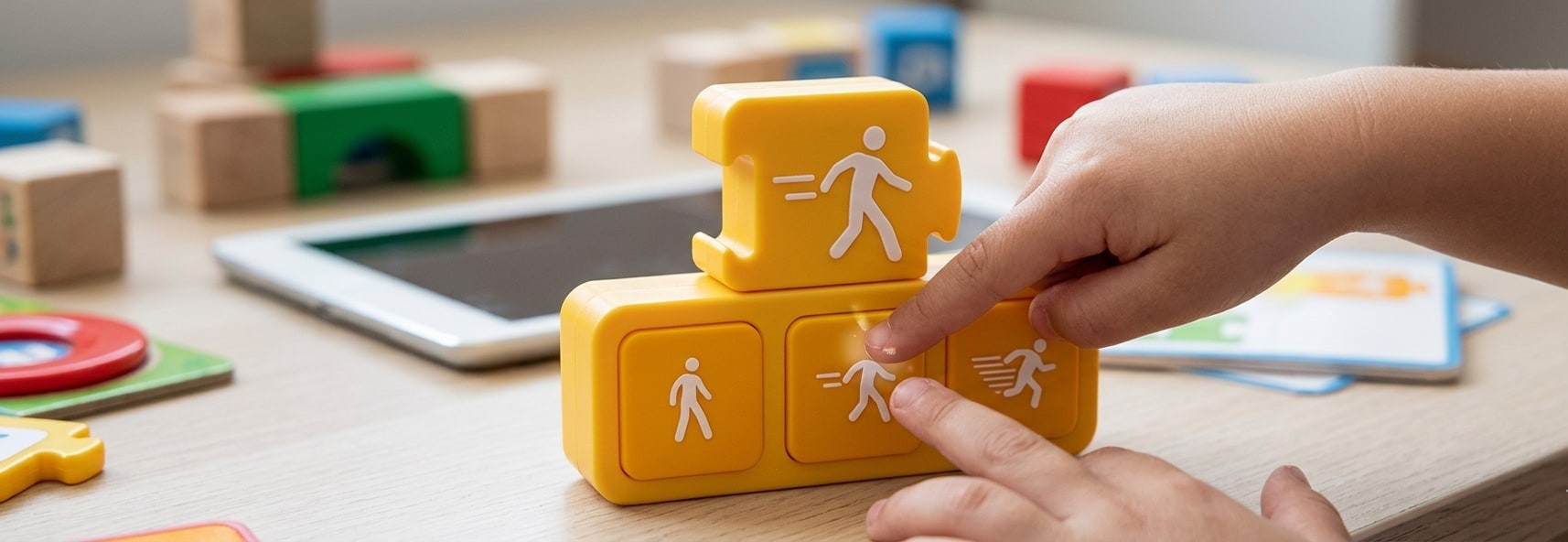
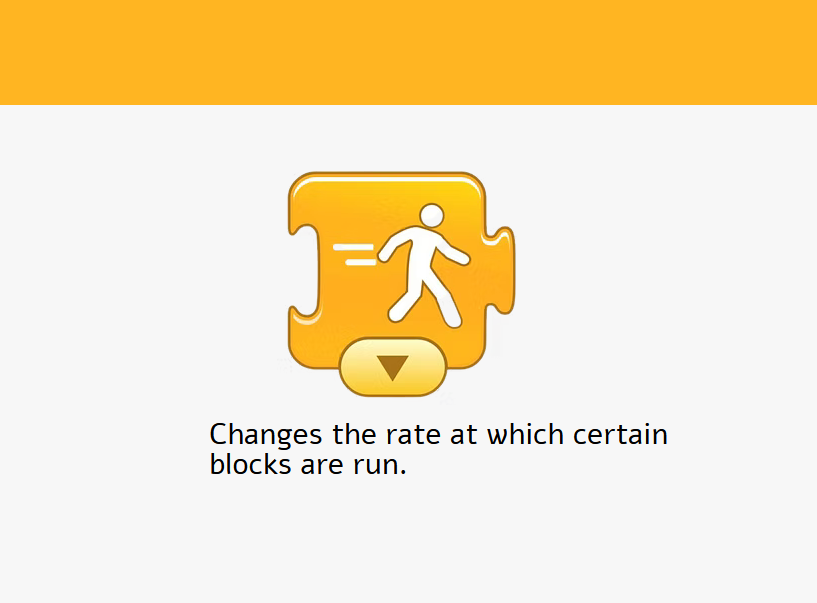
Learn how to use the Set Speed block to tell each character how fast to move.
Set Speed Block
In this Activity we will make two characters race each other ! and show who will win
Step 1
•
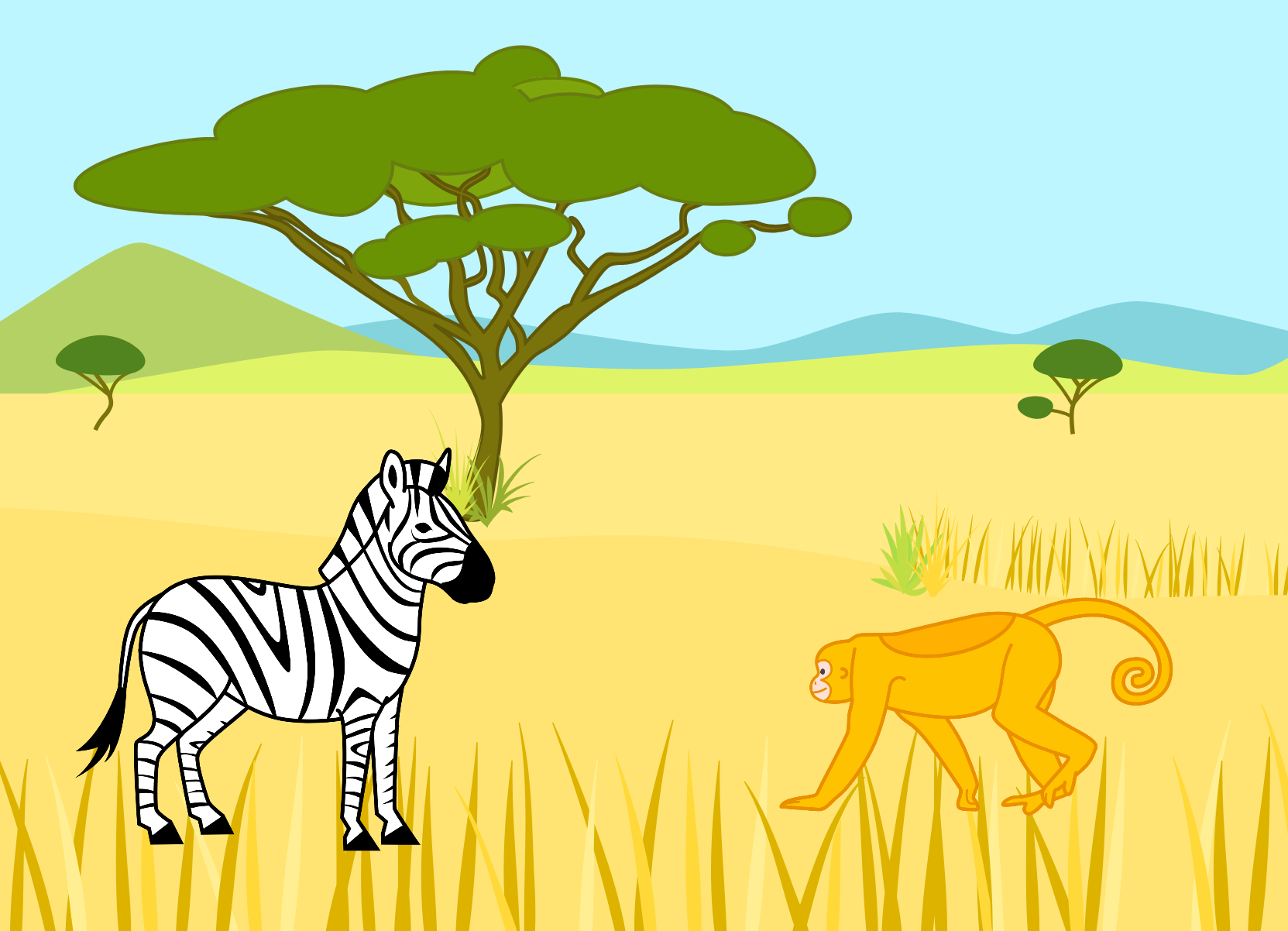
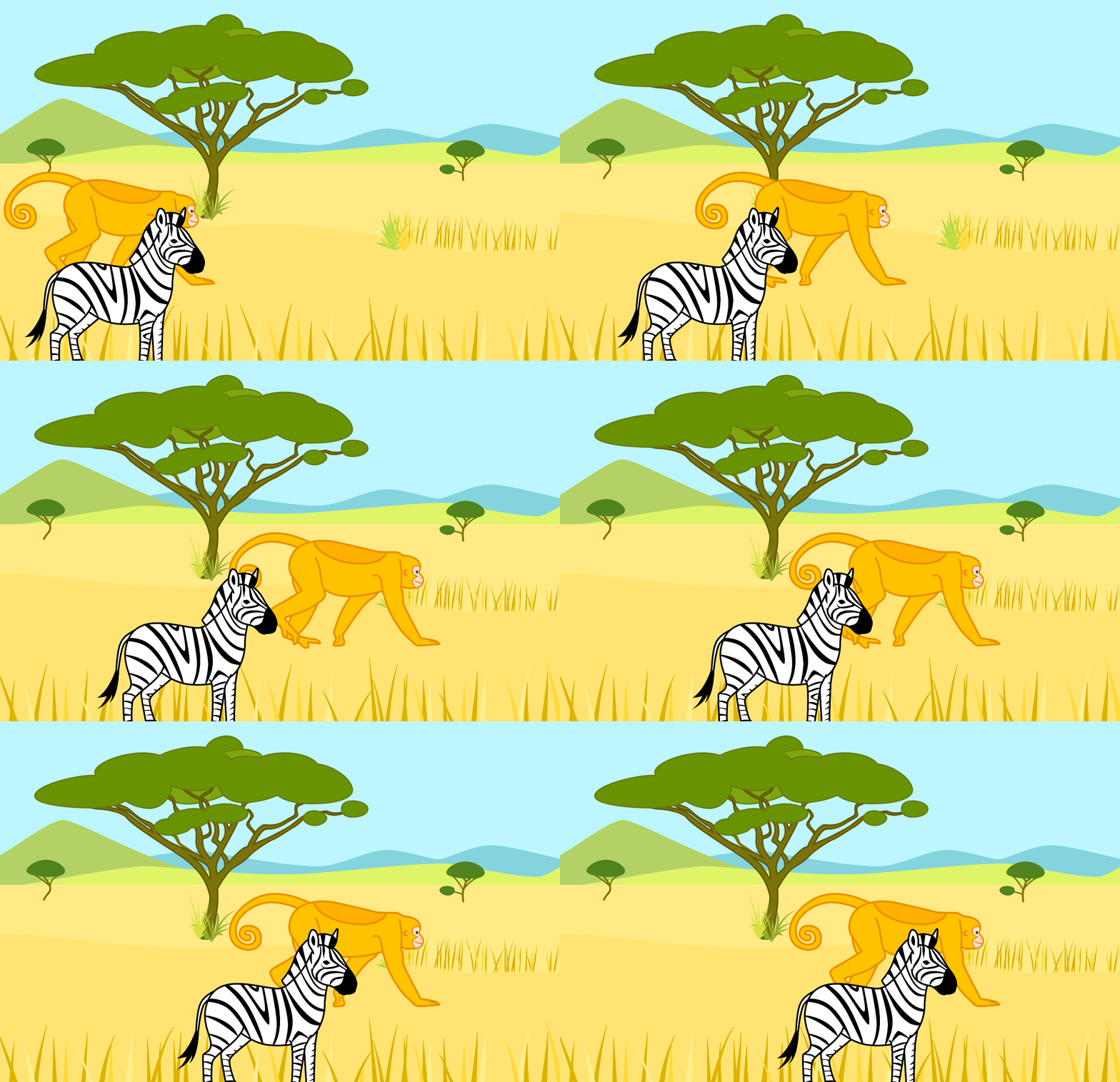
For this race, we’ll choose the Savannah background.
•
Delete the cat, and add the zebra and the monkey.
•
Let’s make a script for the zebra first. Begin your script with a
Start on the Green Flag block.
•
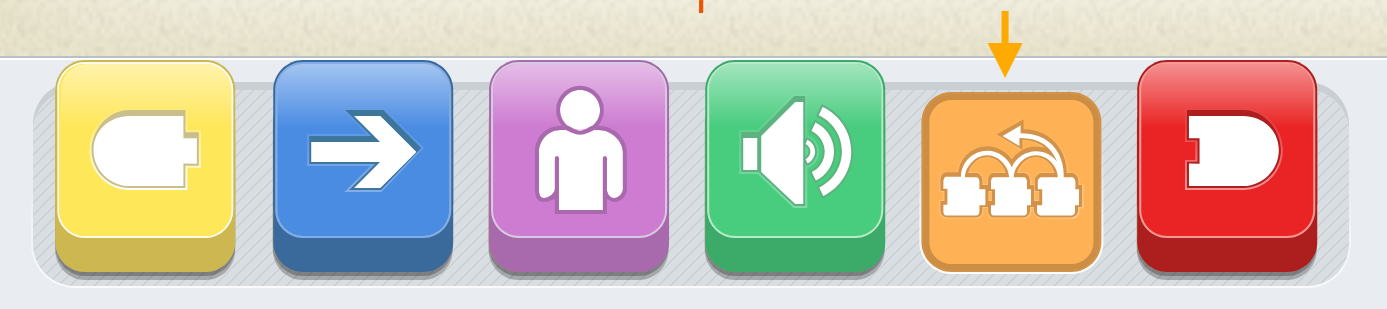
Now, tap the orange blocks category to show the control blocks.
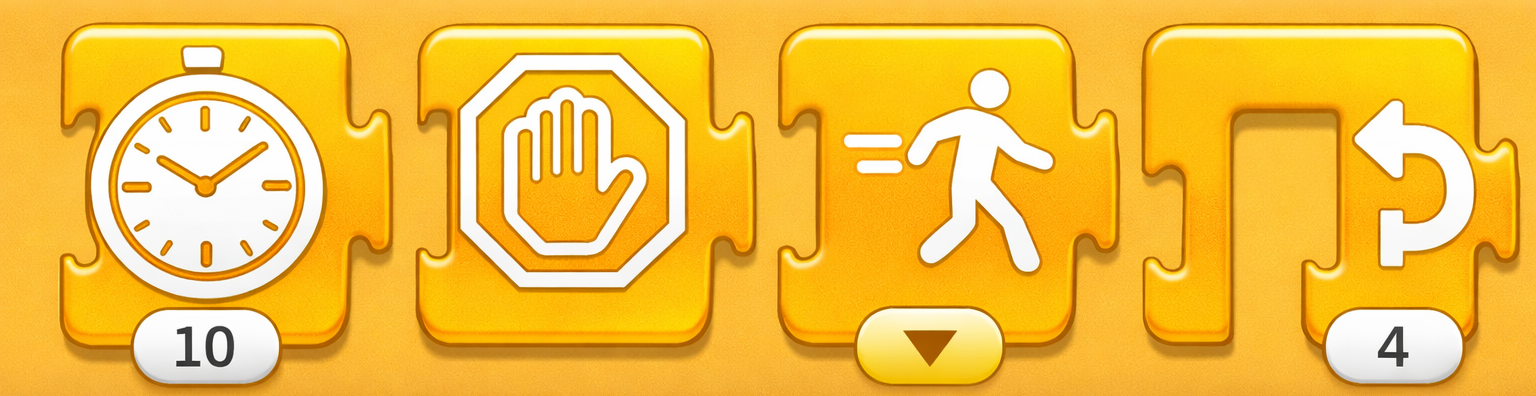
You can use the Set Speed block to make characters go slowly or quickly

Step 2
When you tap the arrow at the bottom of the Set Speed block, it gives you three options: Slow, Medium,and Fast.
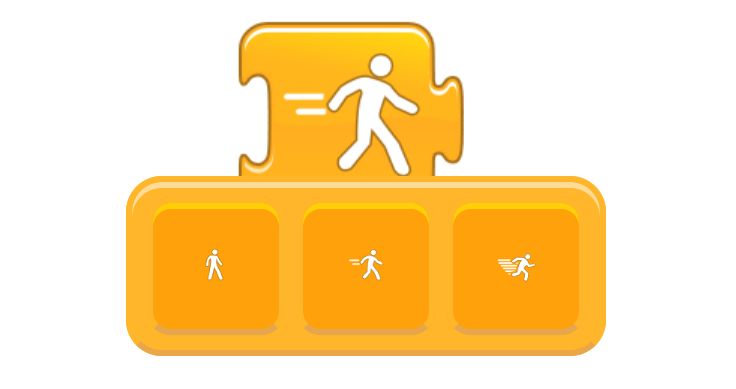
This changes the speed of any action block you put in the script after the Set Speed block.Your characters will all move at medium speed unless you use the Set Speed block to make them go slower or quicker.
Step 3
Make the zebra go slower,
and the monkeys go faster.
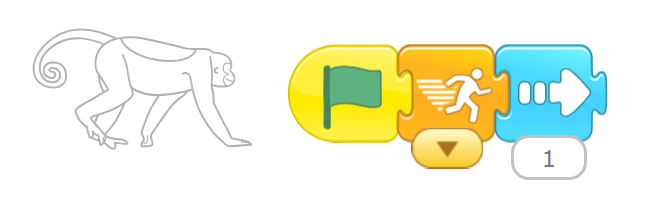
2- Make monkey go faster
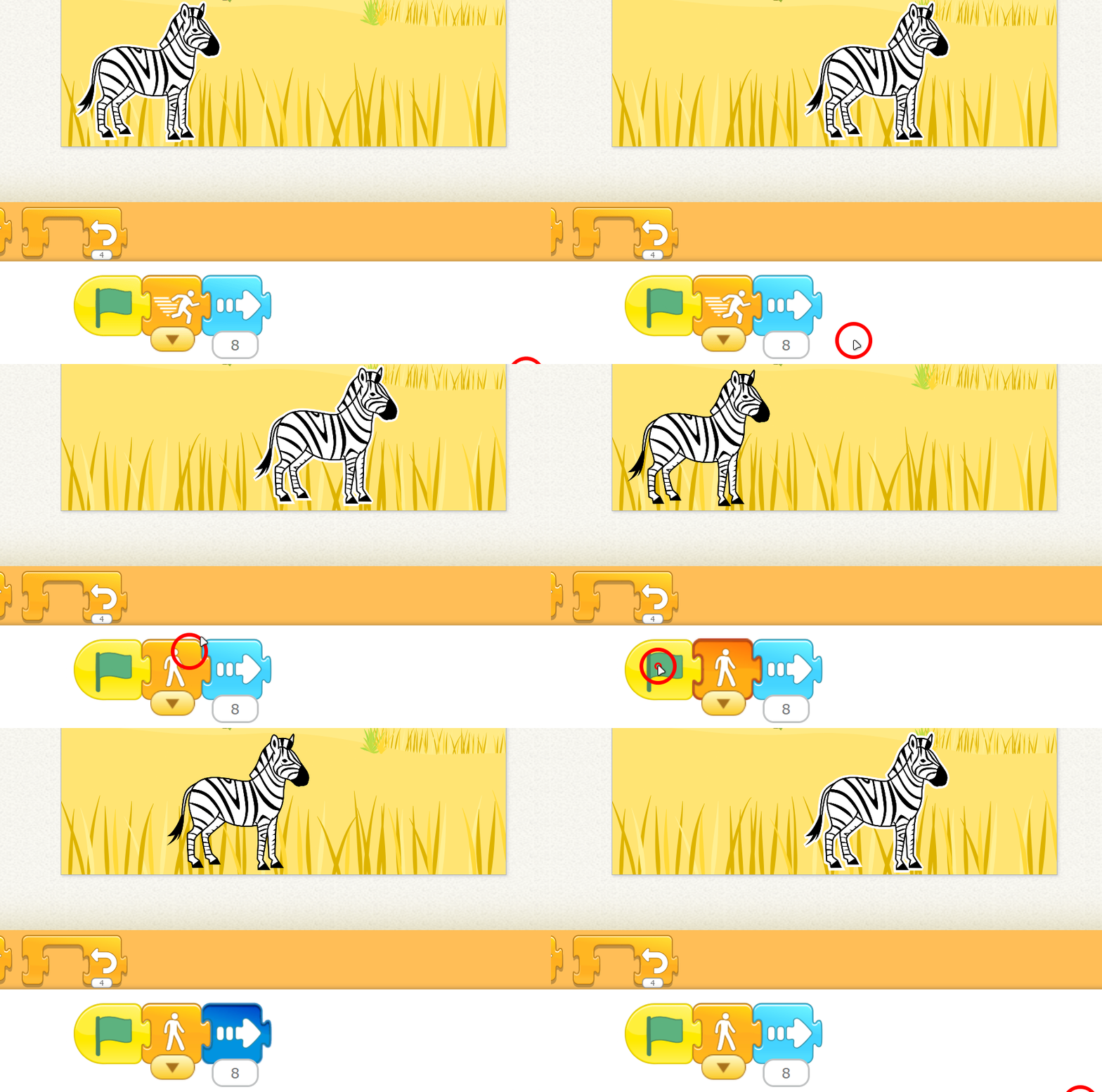
1- Make the zebra go slower
Step 4
Tap the Green Flag button at the top and watch them race!

Challenge
•
make a character shrink slowly or grow quickly
•
make a character disappear in the blink of an eye or fade away slowly?
•
Use the Add Text button at the top of the stage to create an announcement that the race is beginning !
•
After the race is over,add a second page to your story and type an announcement about who won (monkey or zebra) at the top of that page.
Activity
Run a race
Objectives
•
Use the speed block to speed up or slow down a character.
Step 1
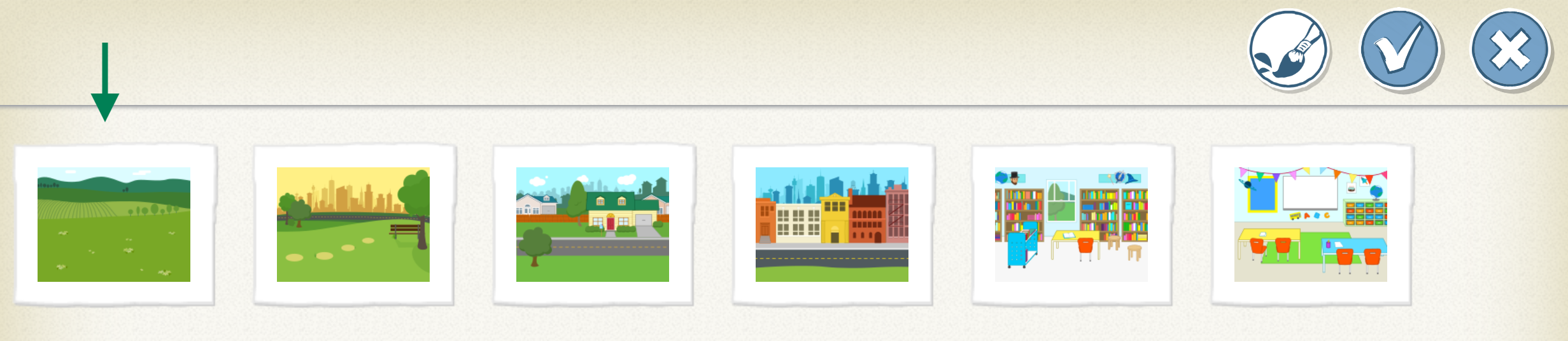
Choose a background.
Step 2
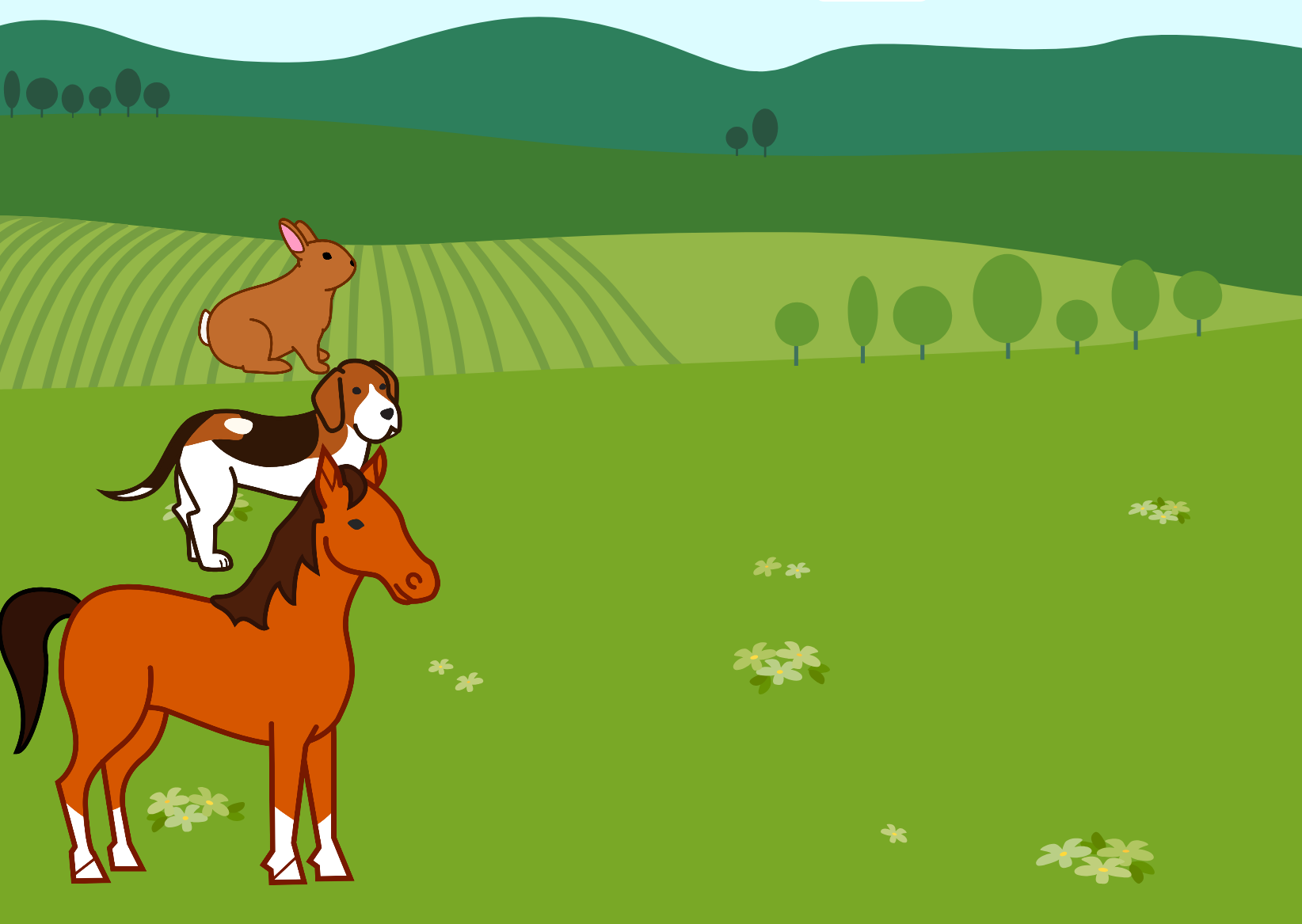
Choose 3 characters and delete the cat
Step 3
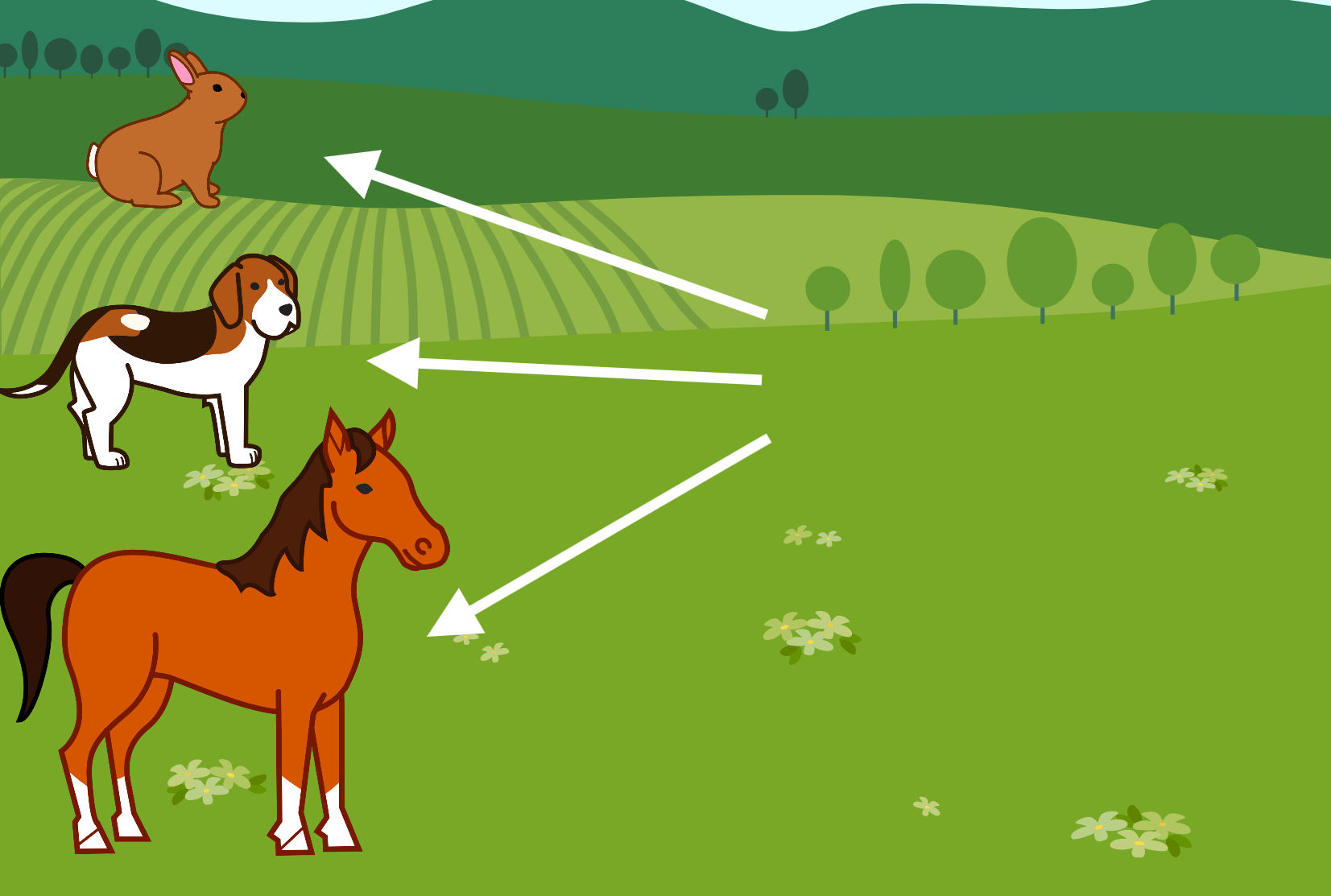
Move characters to Start position by dragging them from the center of the scree
Step 4 | Make the program
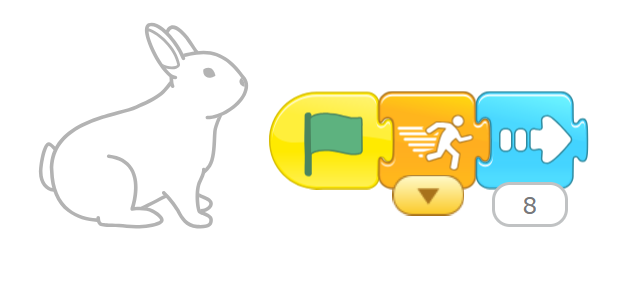
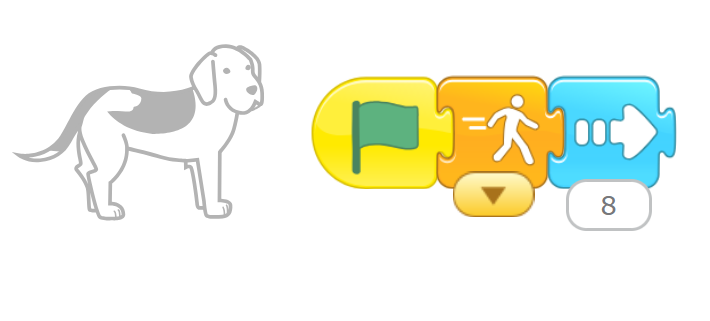
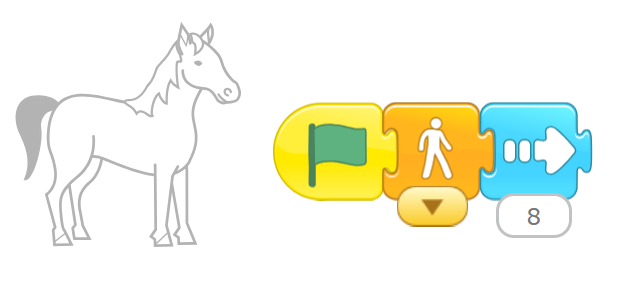
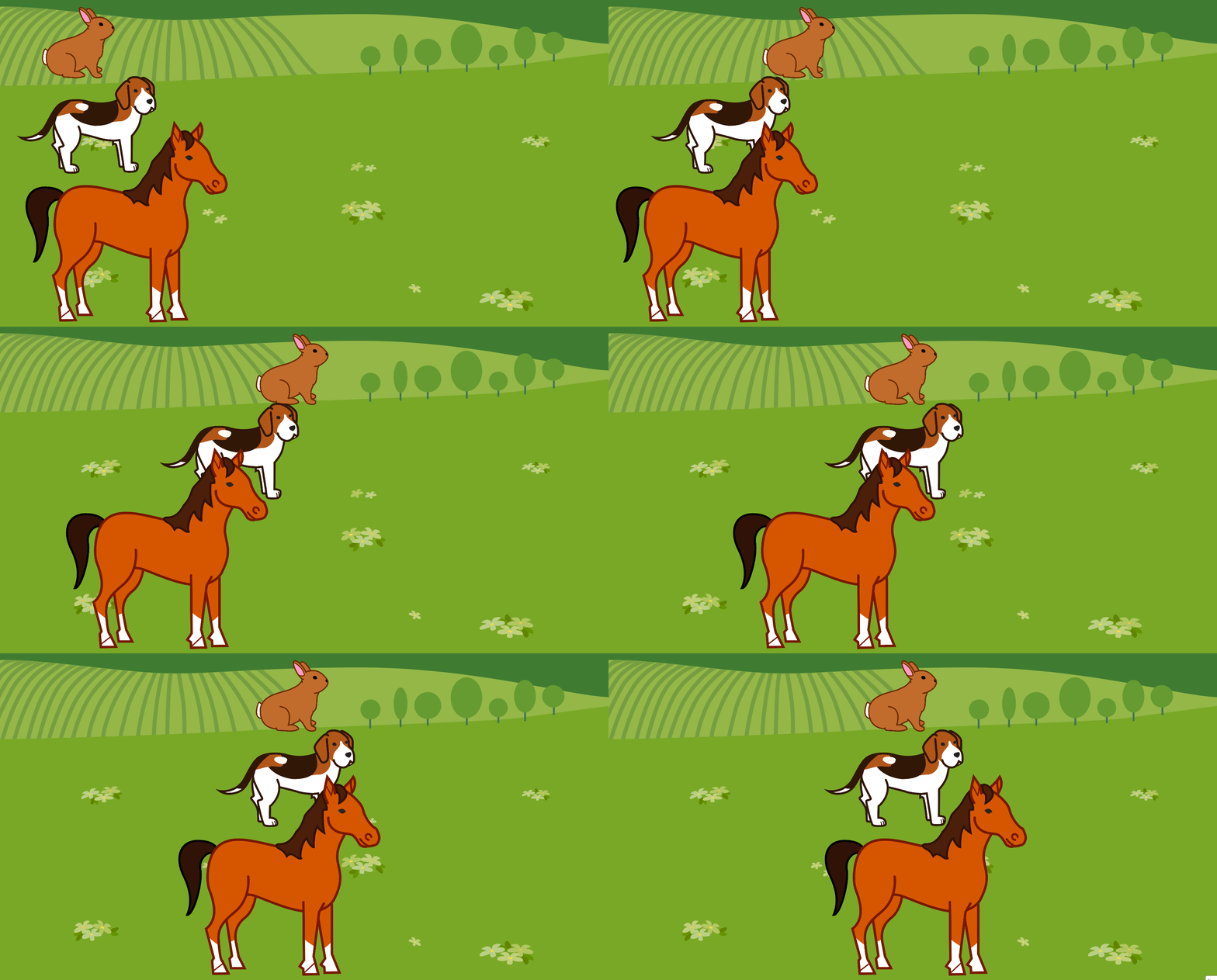
Challenge
•
What other programs can you make with a speed block?
•
If you can't find the characters or background that you're looking for, paint your own!