Objectives
•
Learn how to use the Stop block.
•
Learn how to run a project in Presentation Mode.
•
Learn how to use different triggering blocks to start different actions for the same character.
Create a two-player guessing game to play with your friends and family. In this game, all of the animals are moving in a pattern, but one of them is moving slightly differently than the others.
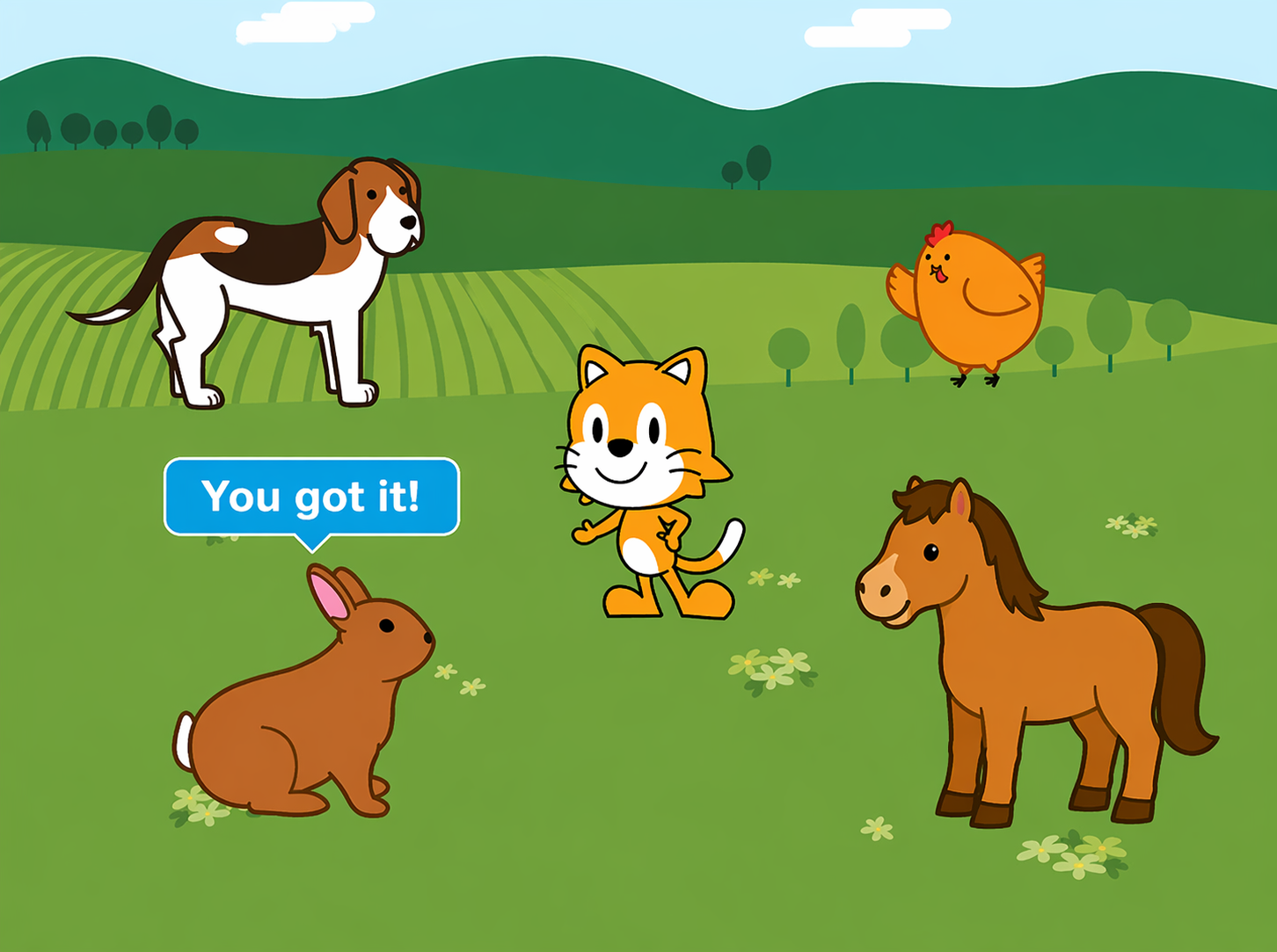
Each player takes turns guessing which animal is the odd one out. If the player chooses the wrong one, the animal will say, “Not I!” If the player guesses right, the animal will say, “You got it !” The first player to tap the correct animal wins.
Step1
•
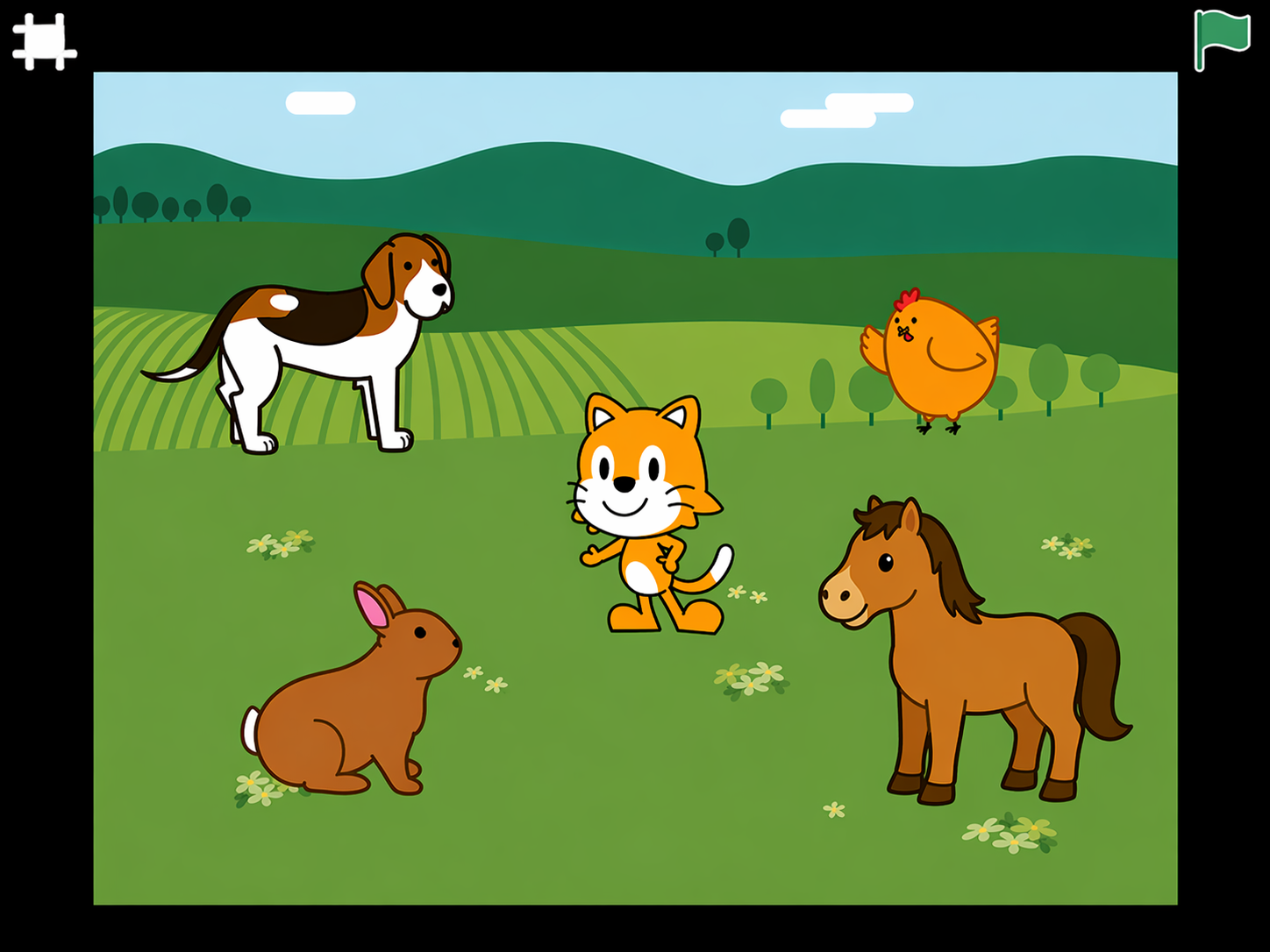
Pick a background. Your animals will need lots of space, so the farm background would be one good choice.
•
Add four animals to join the cat on the stage. You’ll program four of the five animals to move in the same way and one of them to move differently.
Step 2
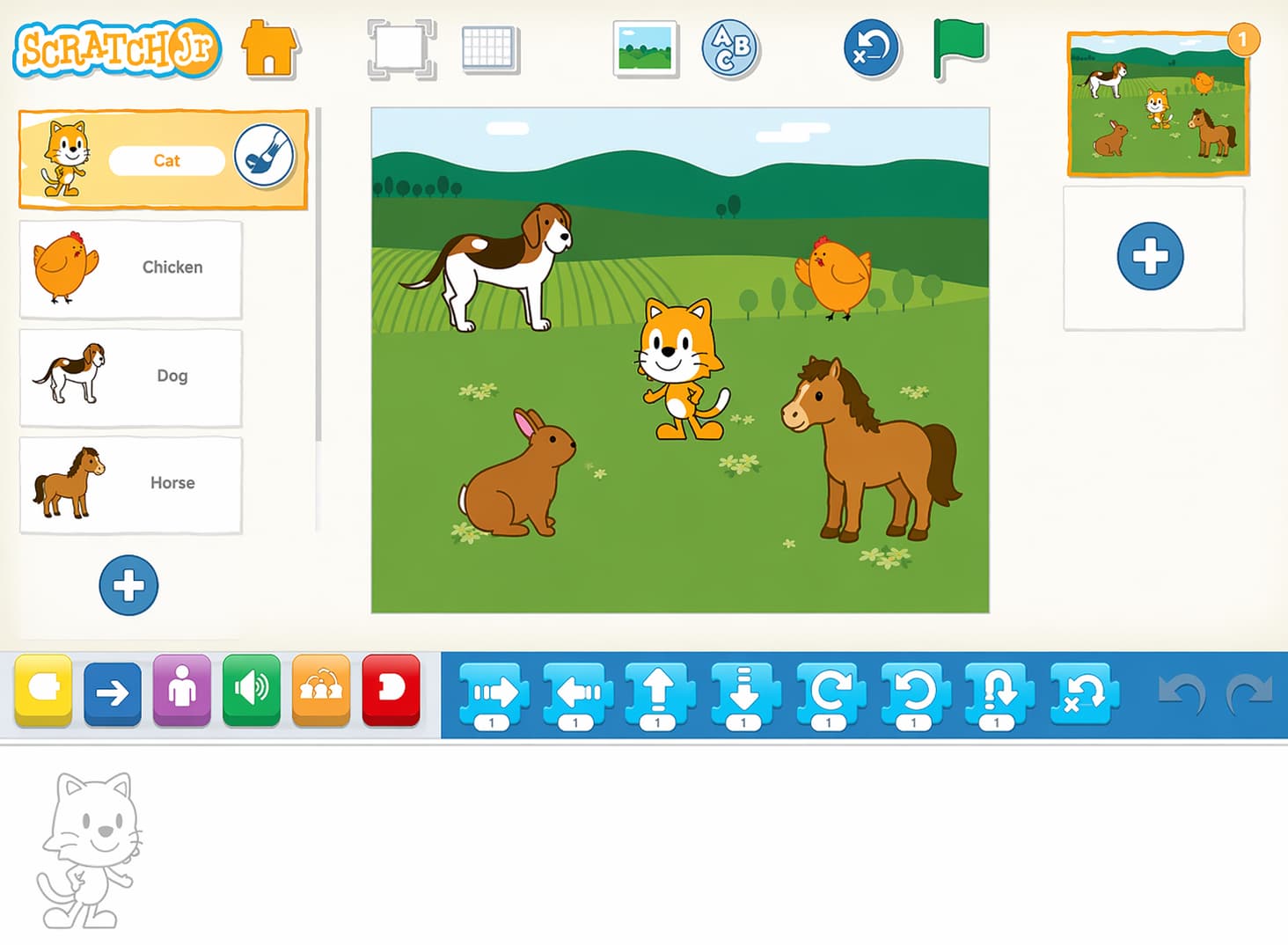
Make a script for one animal to have it move around in a square. Add another script that makes it say “Not I!” when it is tapped.
Step 3
Make the same scripts for three other animals so that four of the animals have the exact same scripts.
Step 4
Change the time on each script’s Wait block so that the animals will start moving at different times
Step 5
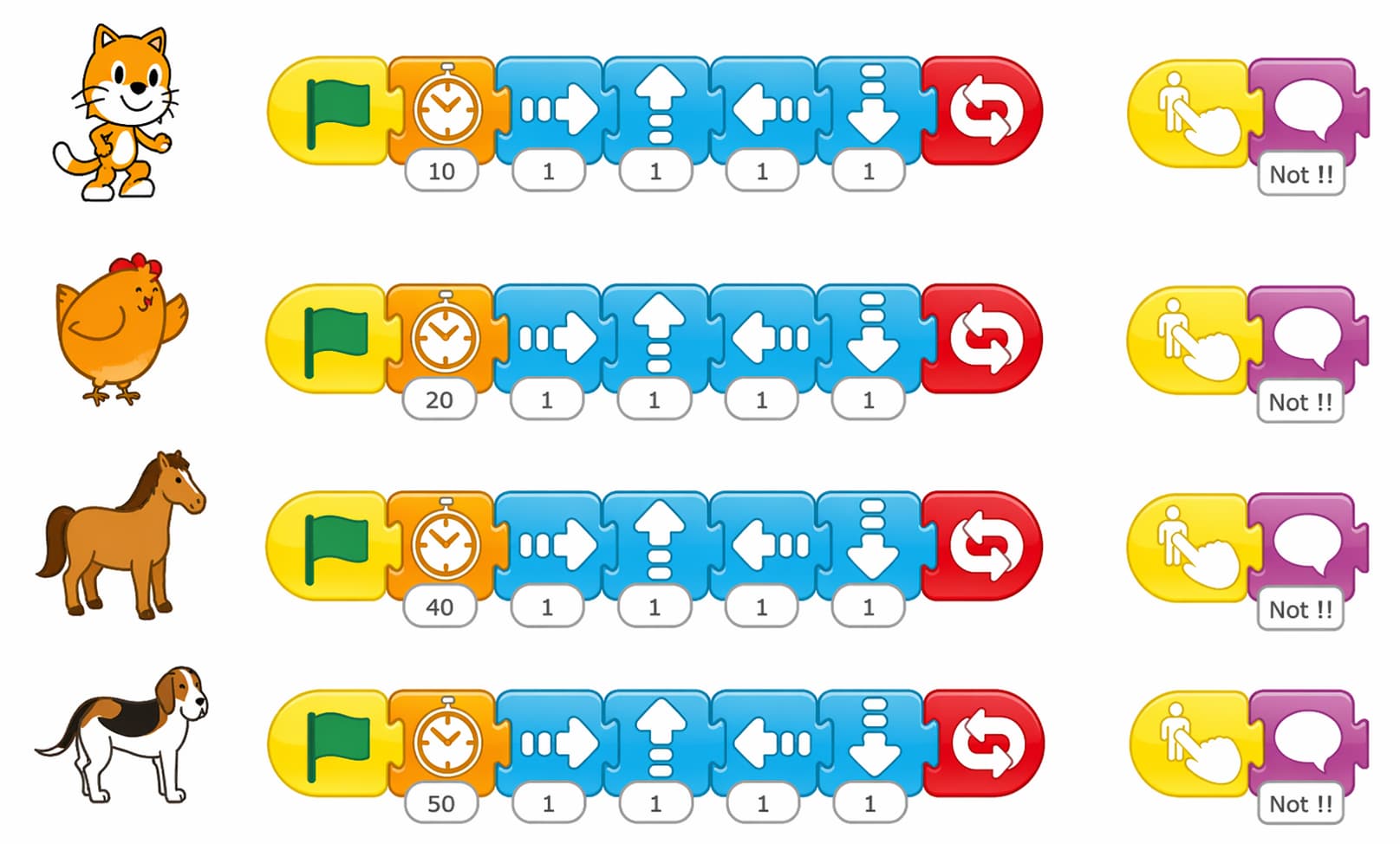
Add a script for the odd-one-out animal with an extra Move Down block to make the animal move slightly differently than the others. Then give it another script so that it stops and says

“You’re right !” when it is tapped. To make the animal stop moving when it’s tapped, tap the orange control blocks category and drag a Stop block to the end of the animal’s script.
Step 6
When you’re finished programming the animals, tap the Enter Presentation Mode button to hide the programming area so that no one accidentally sees the answer in the script.

The stage will fill the entire screen.
Step 7
Now you have a game ! Tap the Green Flag button to get it started, and see who can find the odd one out first.
Step 8
Tap the Exit Presentation Mode button to return to the regular ScratchJr screen.
Challenge
When the winning animal is tapped, it stops moving. See if you can make all of the other animals also stop moving when the game is won. You will have to use a Send Message block and give each of the other animals a Start on Message script that stops its motion.
Activities
Activity 1
Shooting game
Objectives
•
Practice on how to use movement blocks and start on message and switch the backgrounds and speed limit .
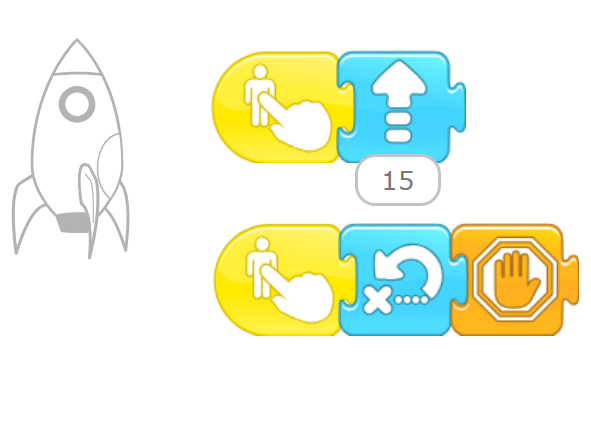
In this Activity we will create a game of hunting using the rocket
Step 1
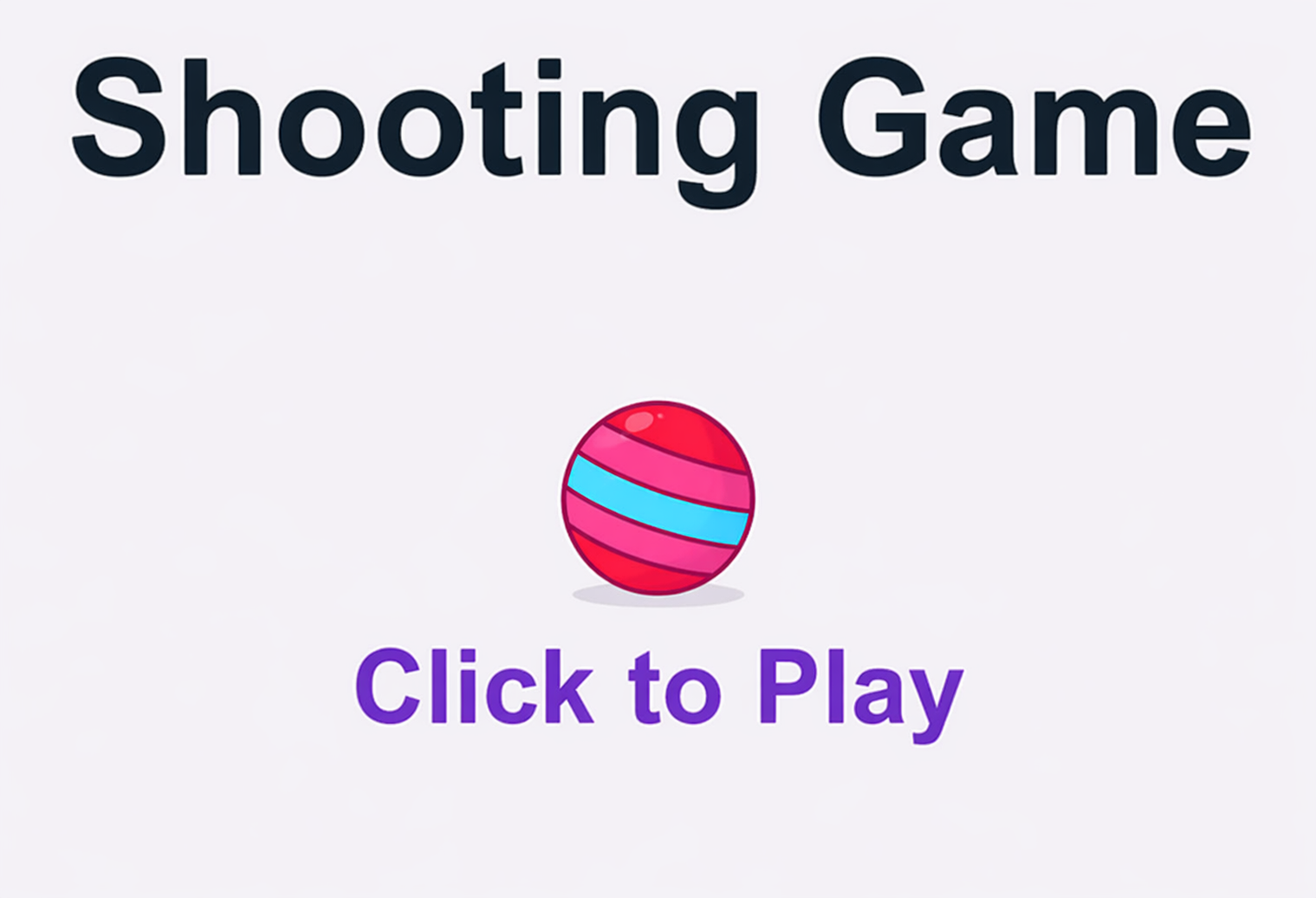
make start background
Step 2
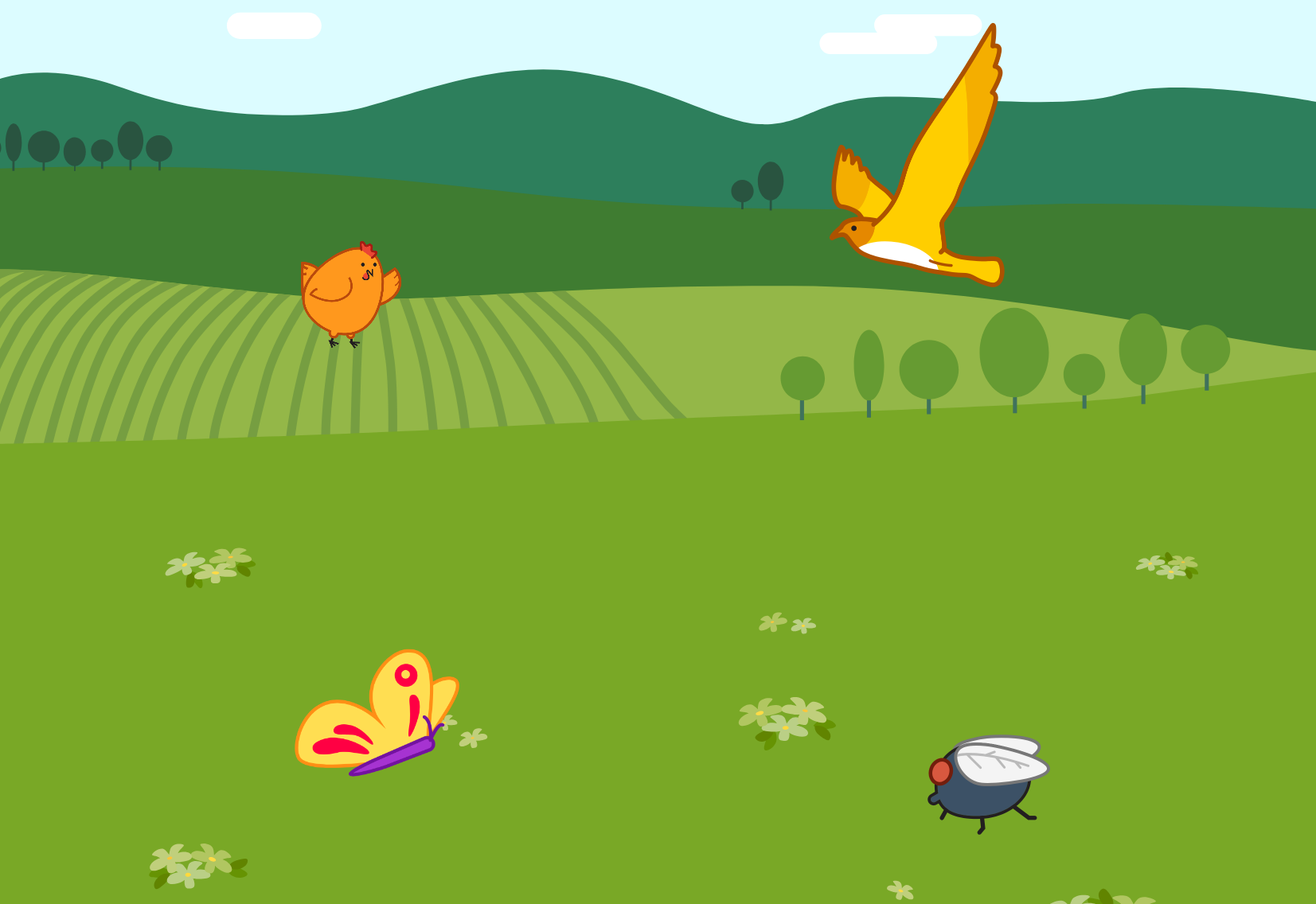
chose the character and the second background
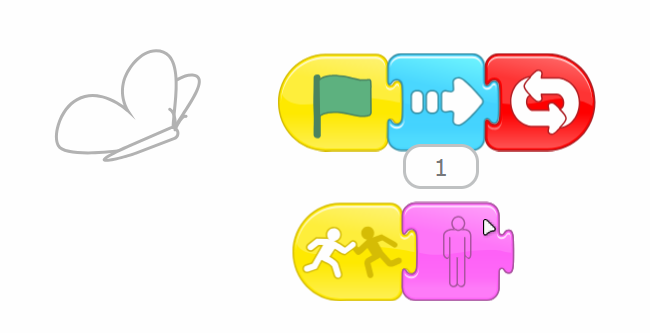
The programming of characters
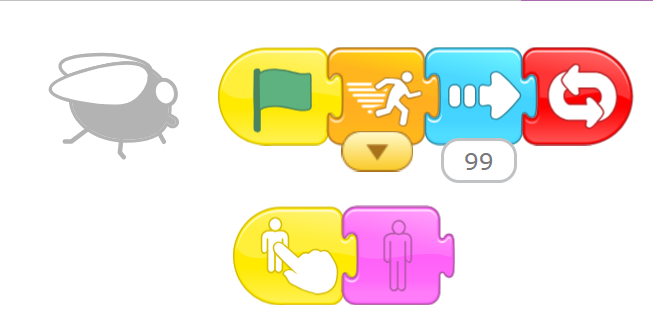
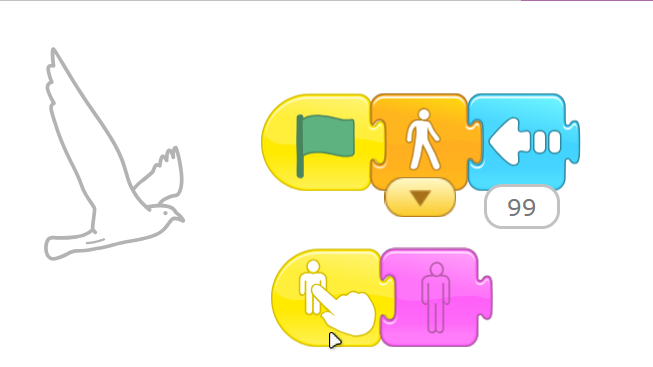
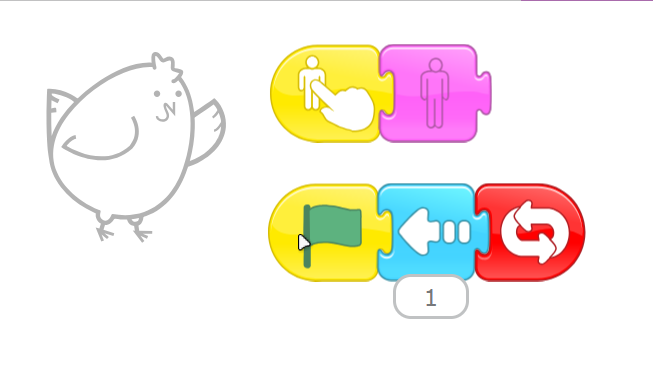
Step 3
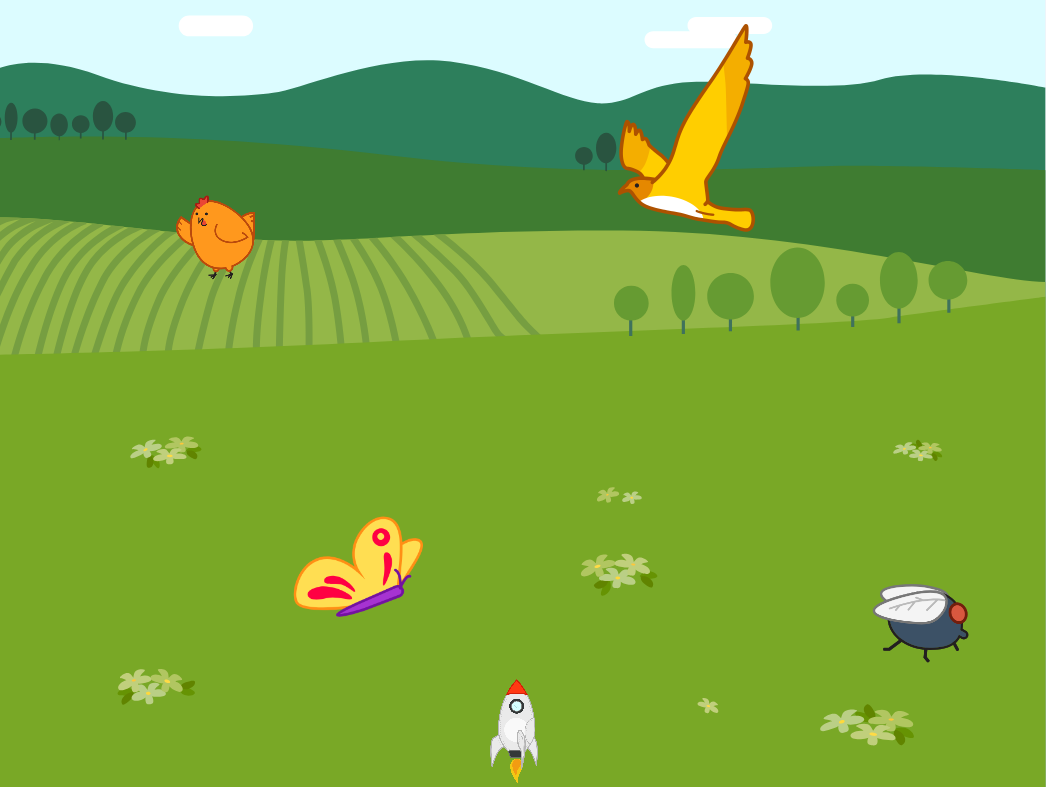
Put the shooting rocket
Activity 2
Avoid obstacles Game
Objectives
•
Use all of the skills just learned to make a Game .
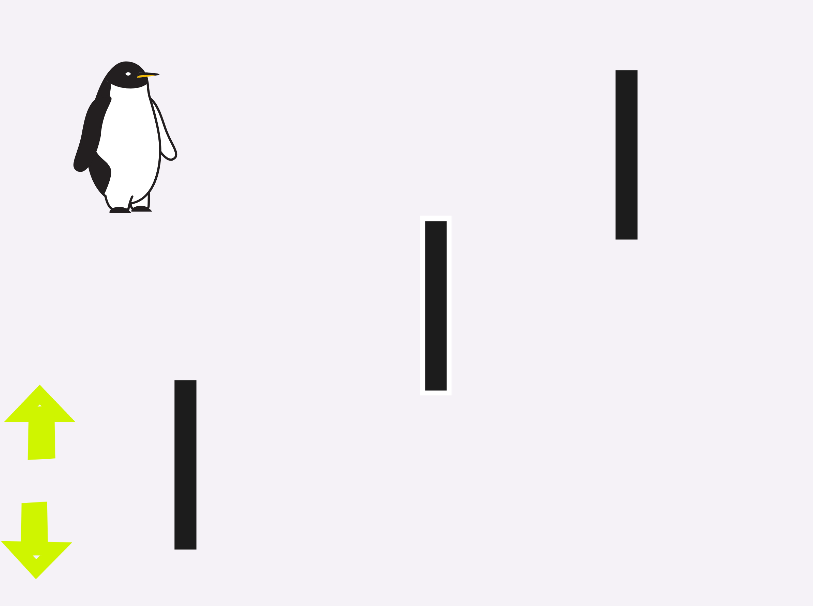
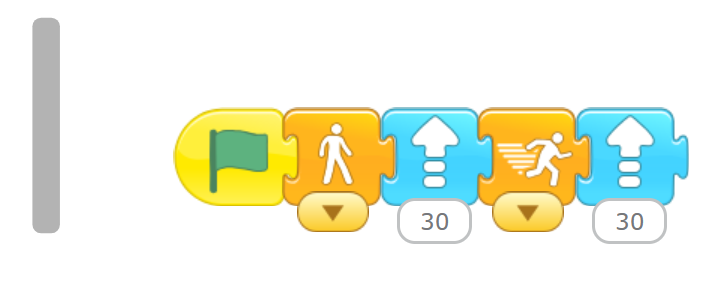
In this activity Let's get the penguin to slide on the ice and avoid the obstacles
Step 1
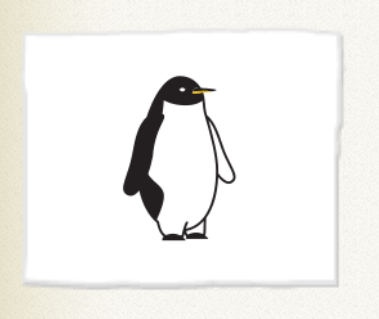
Choose the character
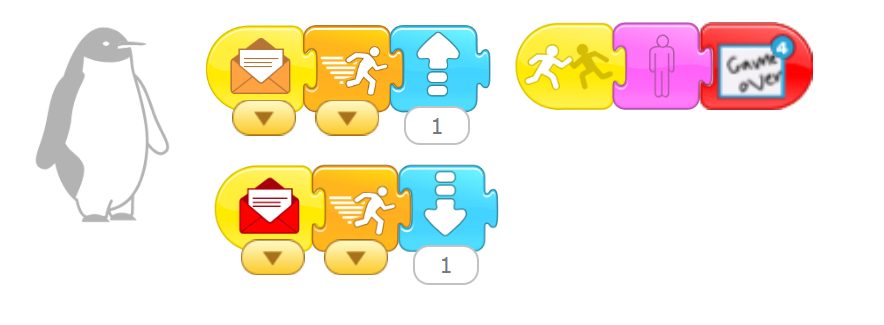
program it
Step 2
Draw the obstacles
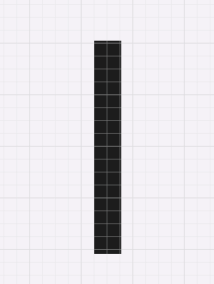
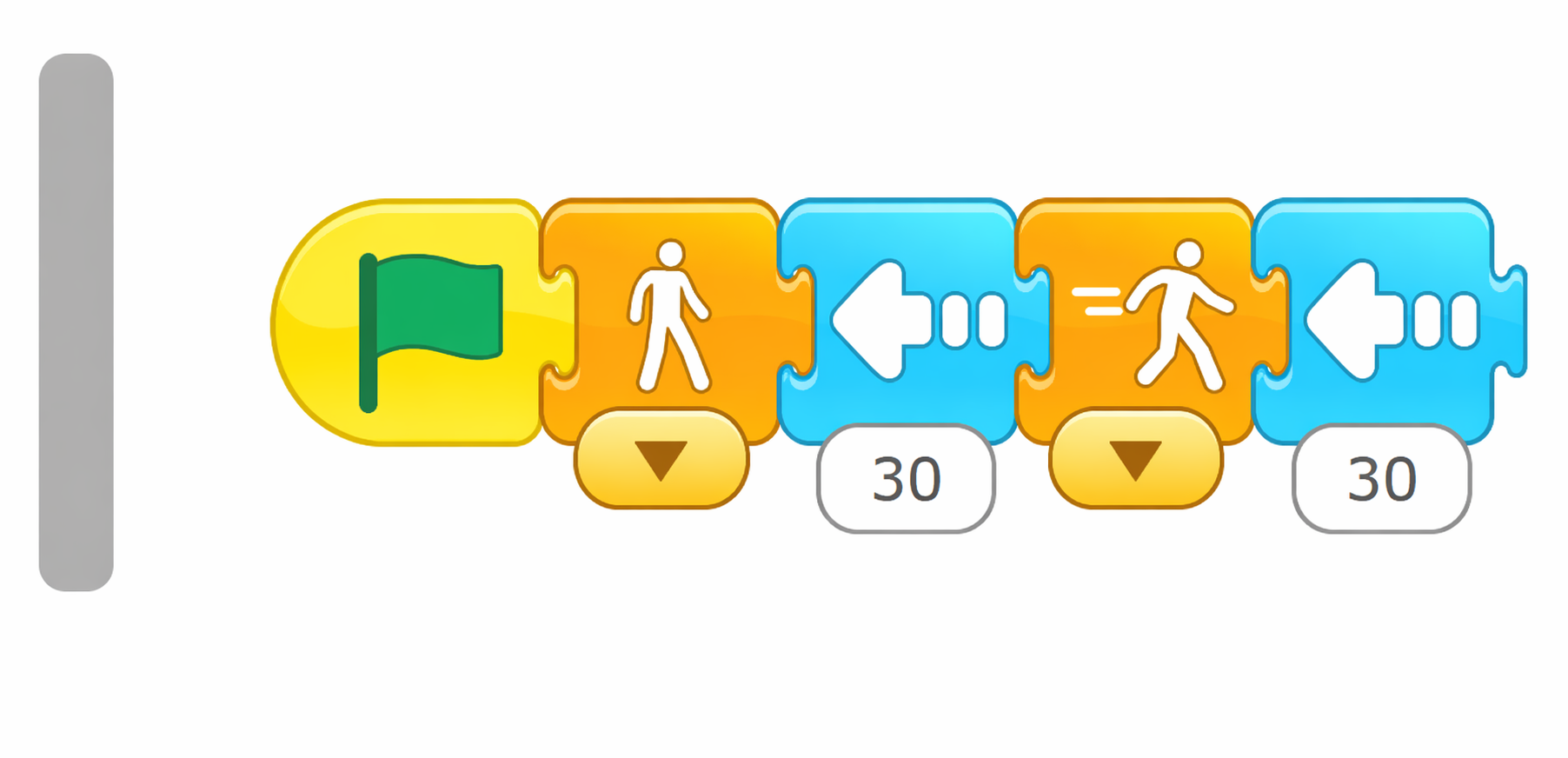
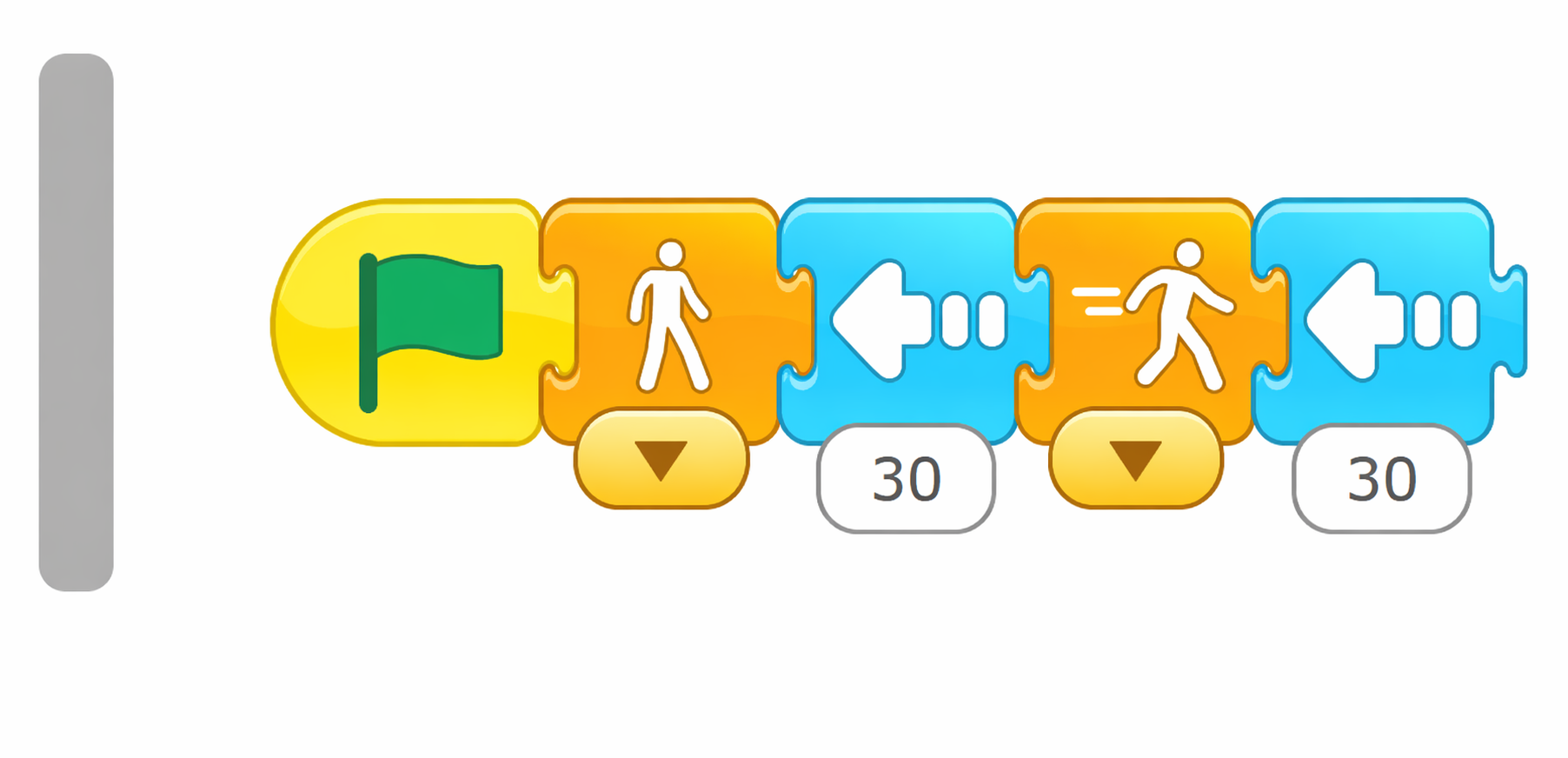
Obstacle 1
Obstacle 2
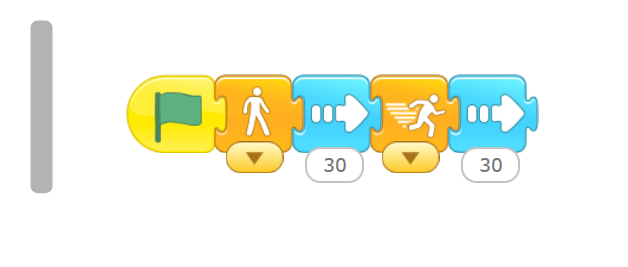
Obstacle 3
Step3
Put the arrows
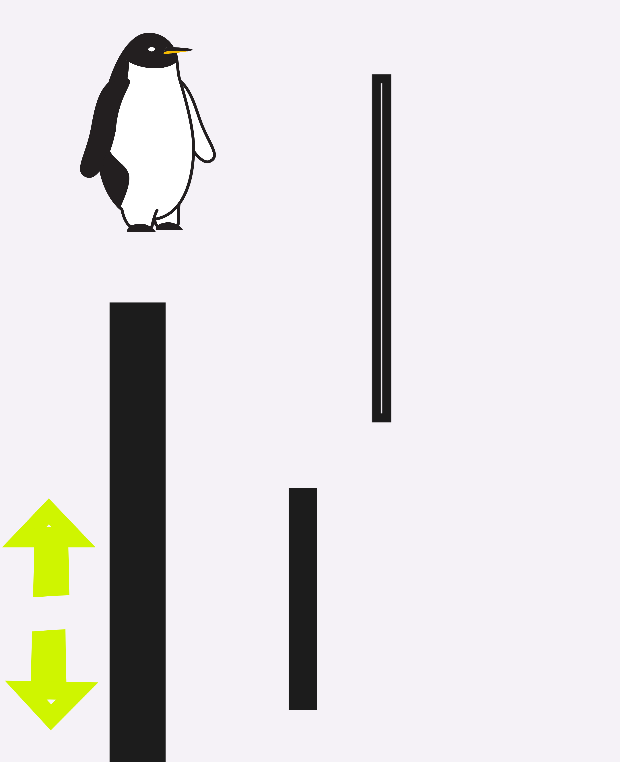

Programming up arrow

Programming down arrow
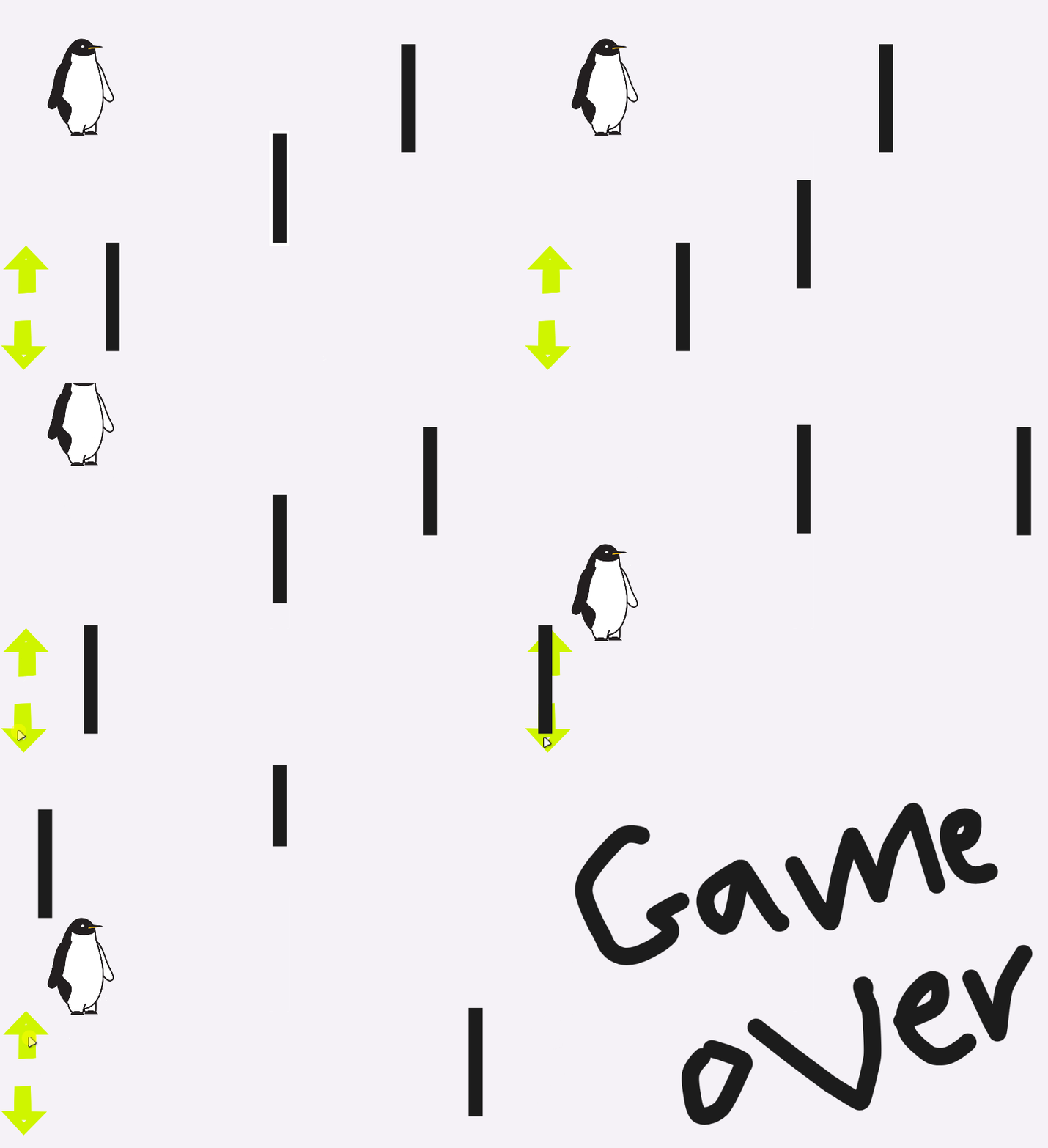
Output
Activity 3
XOXO
Objectives
•
Use all of the skills just learned to make a Game .
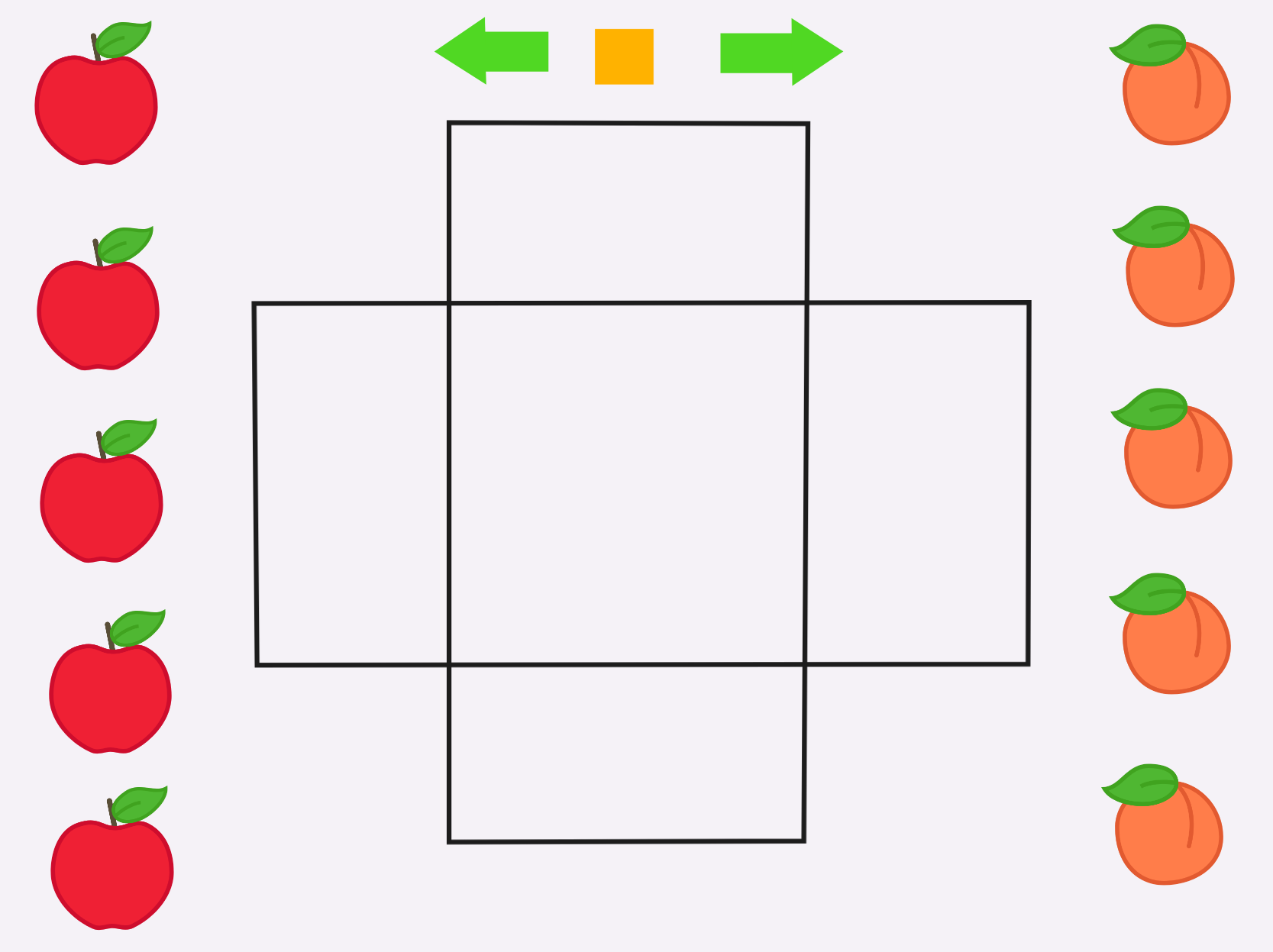
You have to group three similar elements in a horizontally, vertically, or diagonally;
let's make the most popular game and do the challenge
Step1
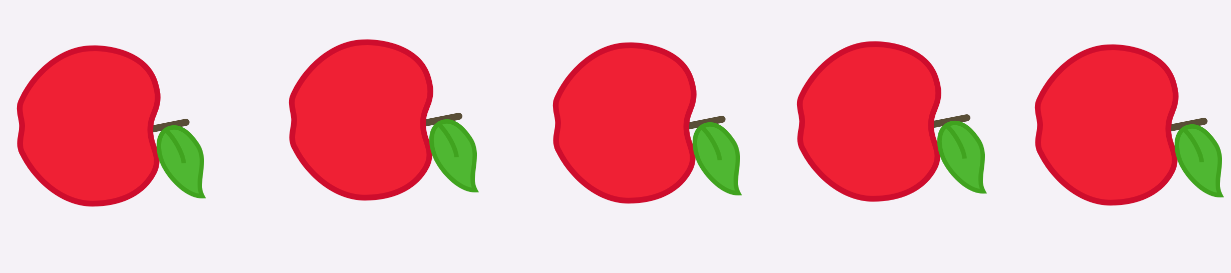
Chose the character

Step 2
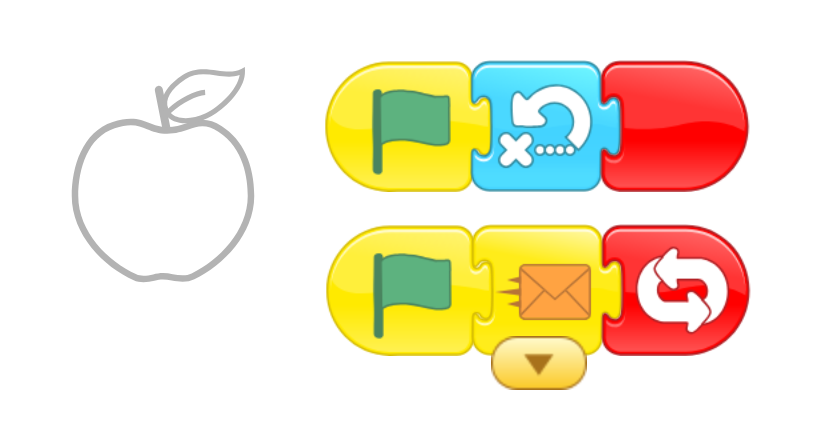
Programming of apple
Step 3
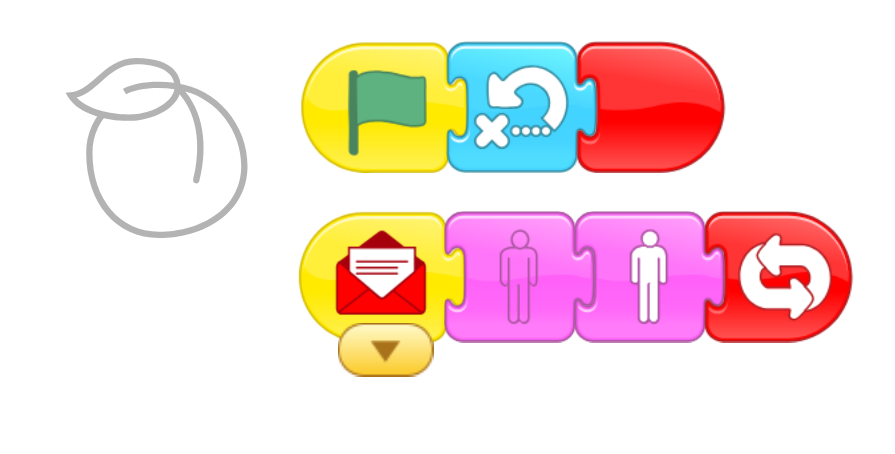
Programming of apple
Step 4
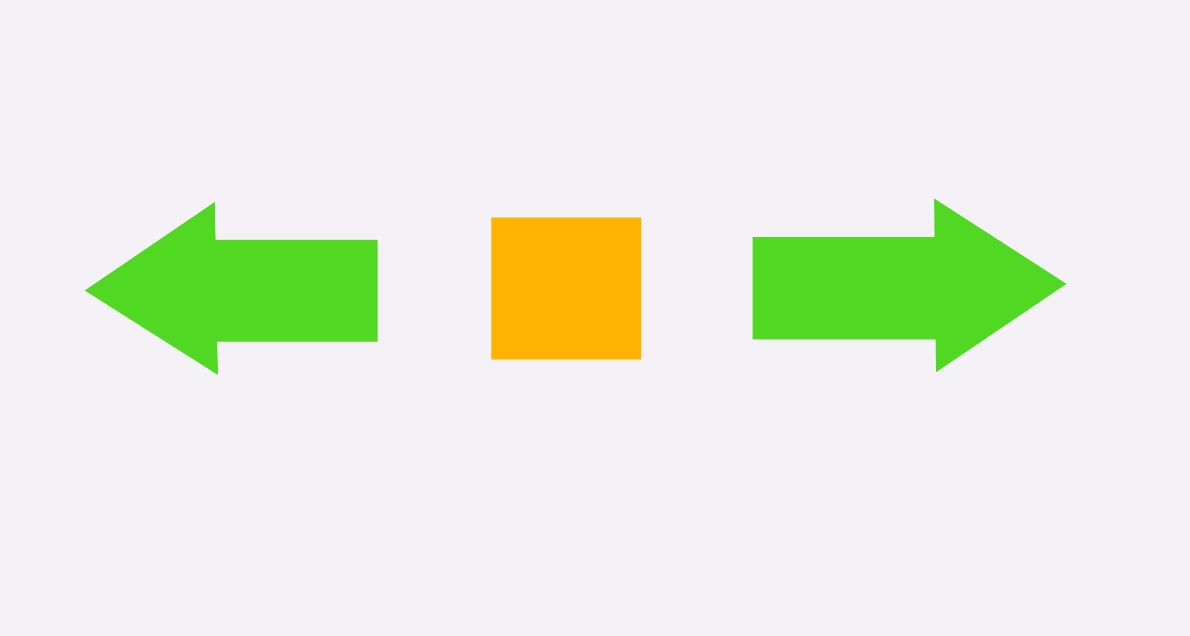
draw the arrow and Square
Step 5
The programming of left arrow

Step 6
The programming of right arrow

Step 7
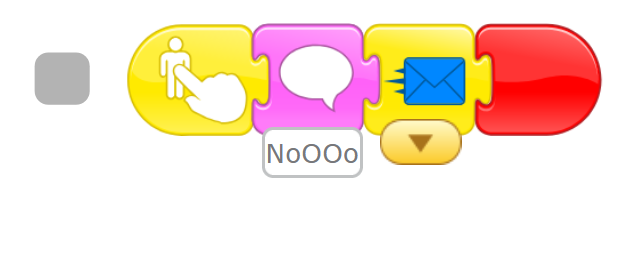
The programming of orange rectangle
Step 8
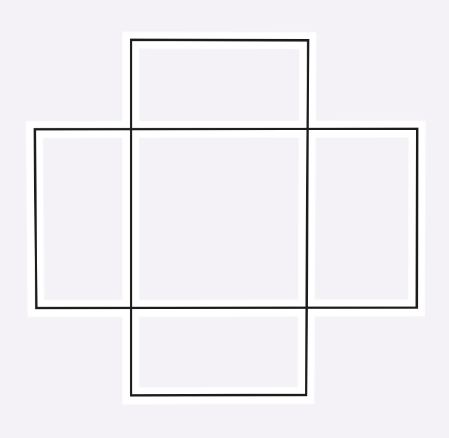
Draw the map
Step 8
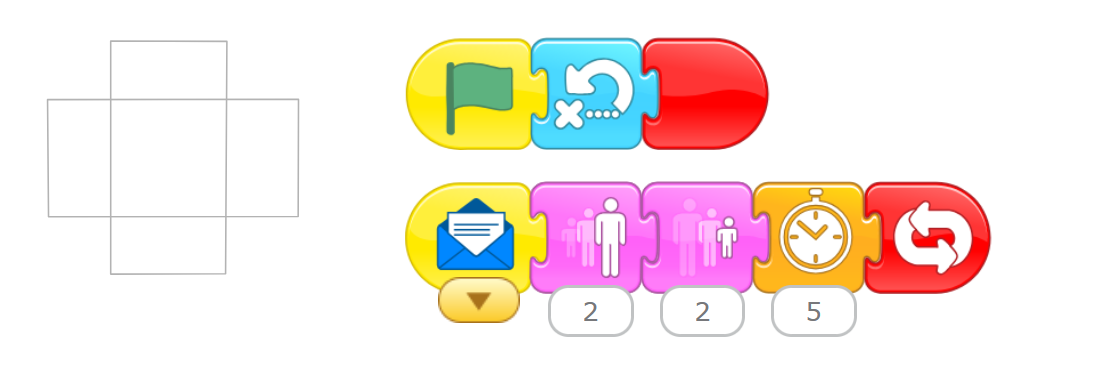
The programming of map
Activity 3
Penguin
Objectives
•
Use all of the skills just learned to make a Game.
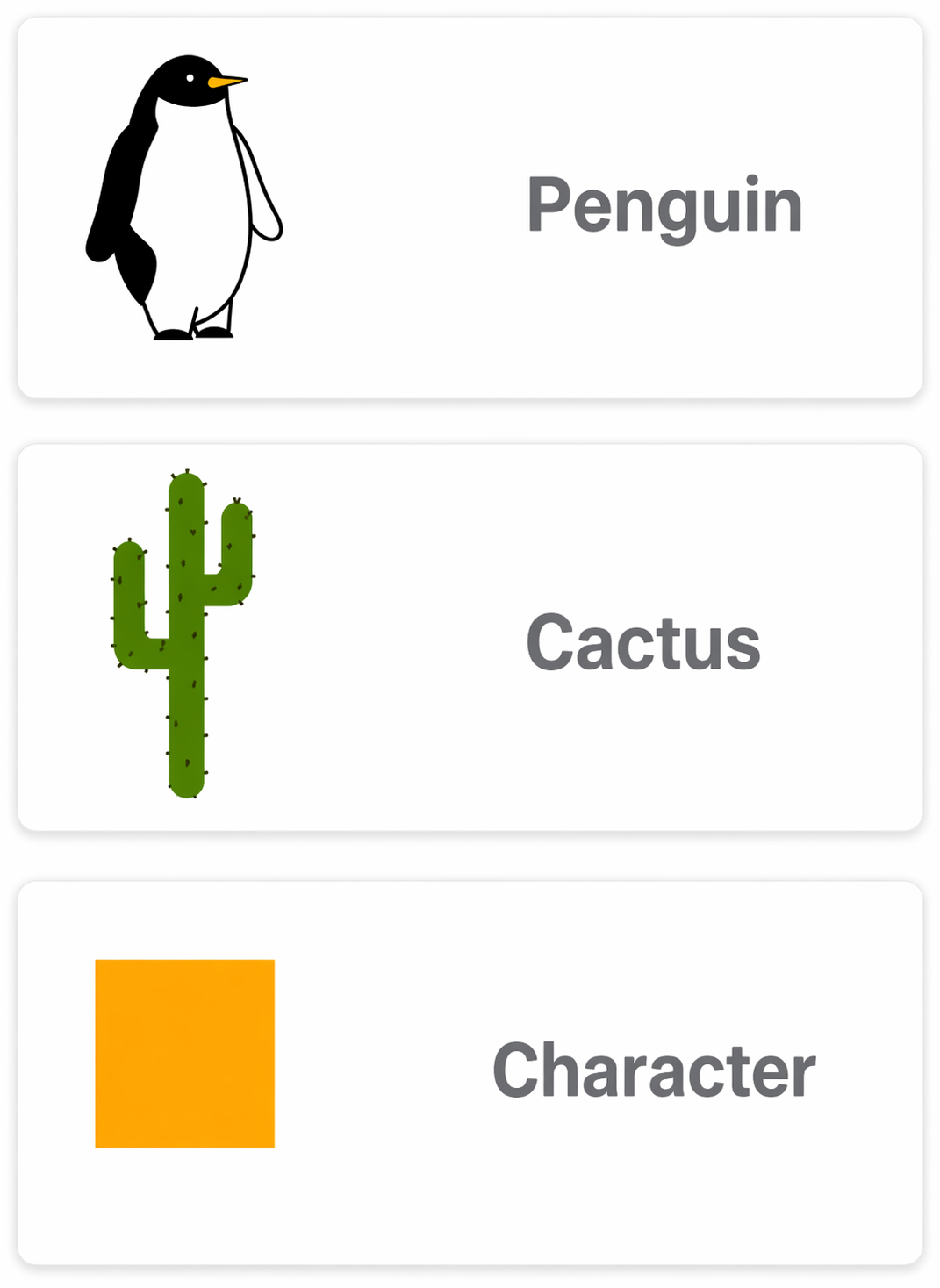
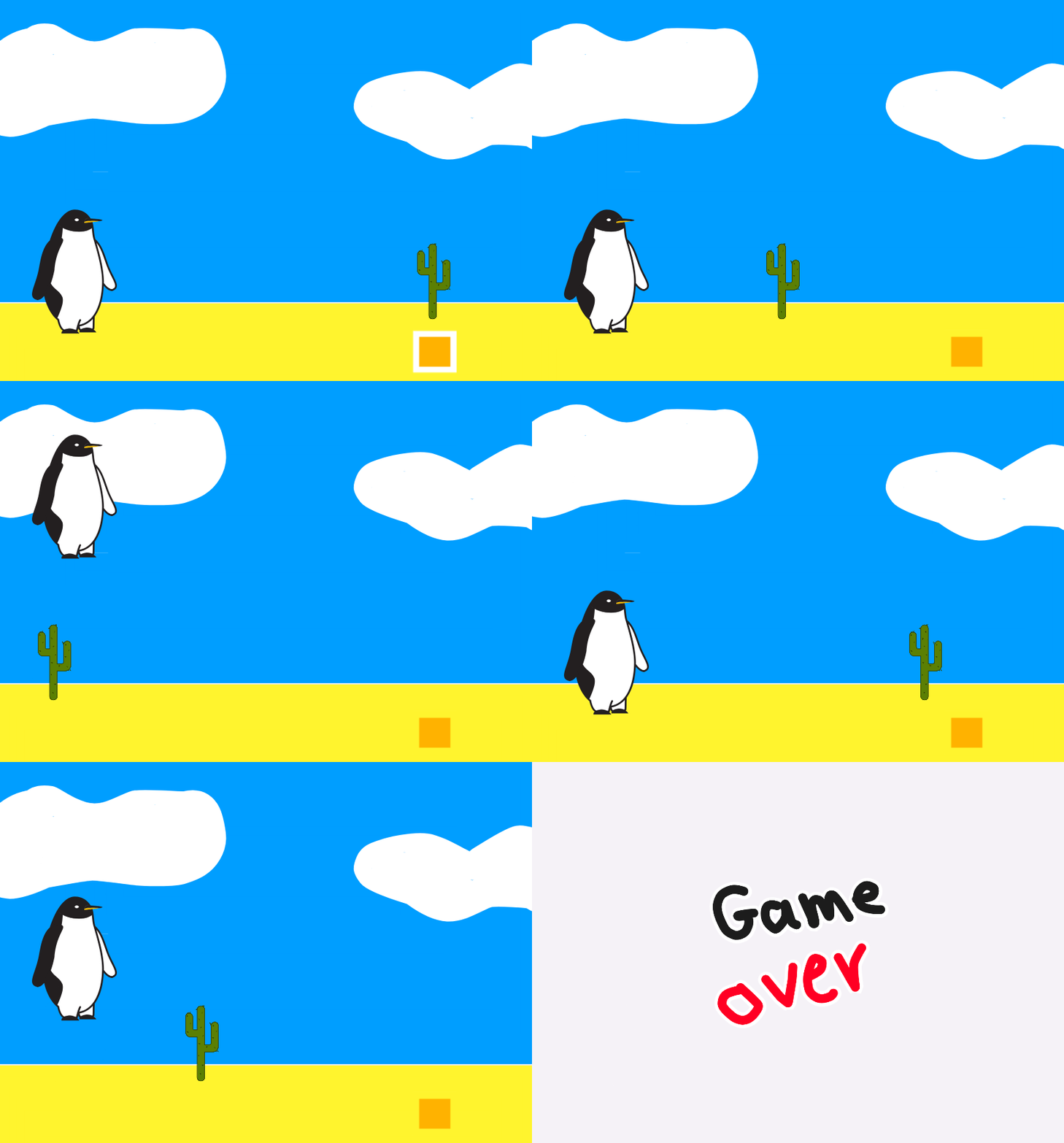
In this Activity we will make a penguin moves forward and avoids the cactus
Step 1
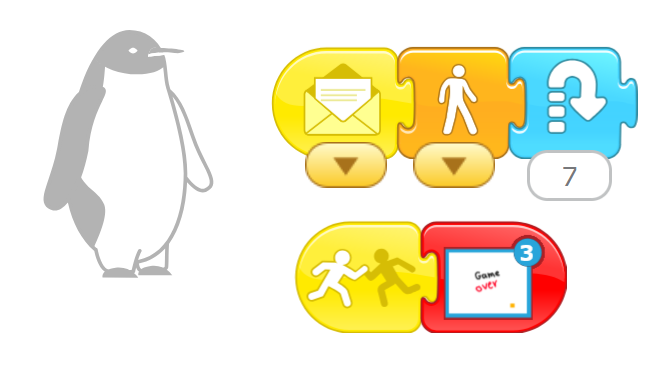
Choose the characters
Step 1
Programming of Penguin

Step 3
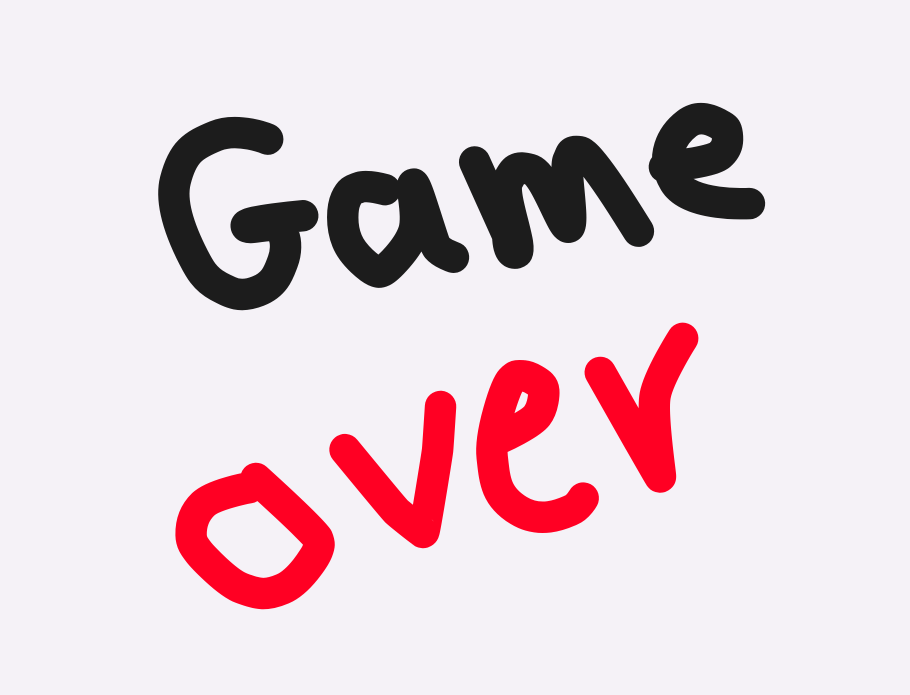
Draw the backdrop

Step 4
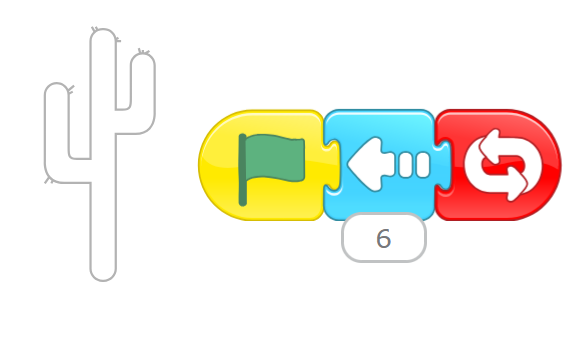
The programming of cactus
Output
Activity 4
Cats Versus Birds
Objectives
•
Use all of the skills just learned to make a Game
Step 1
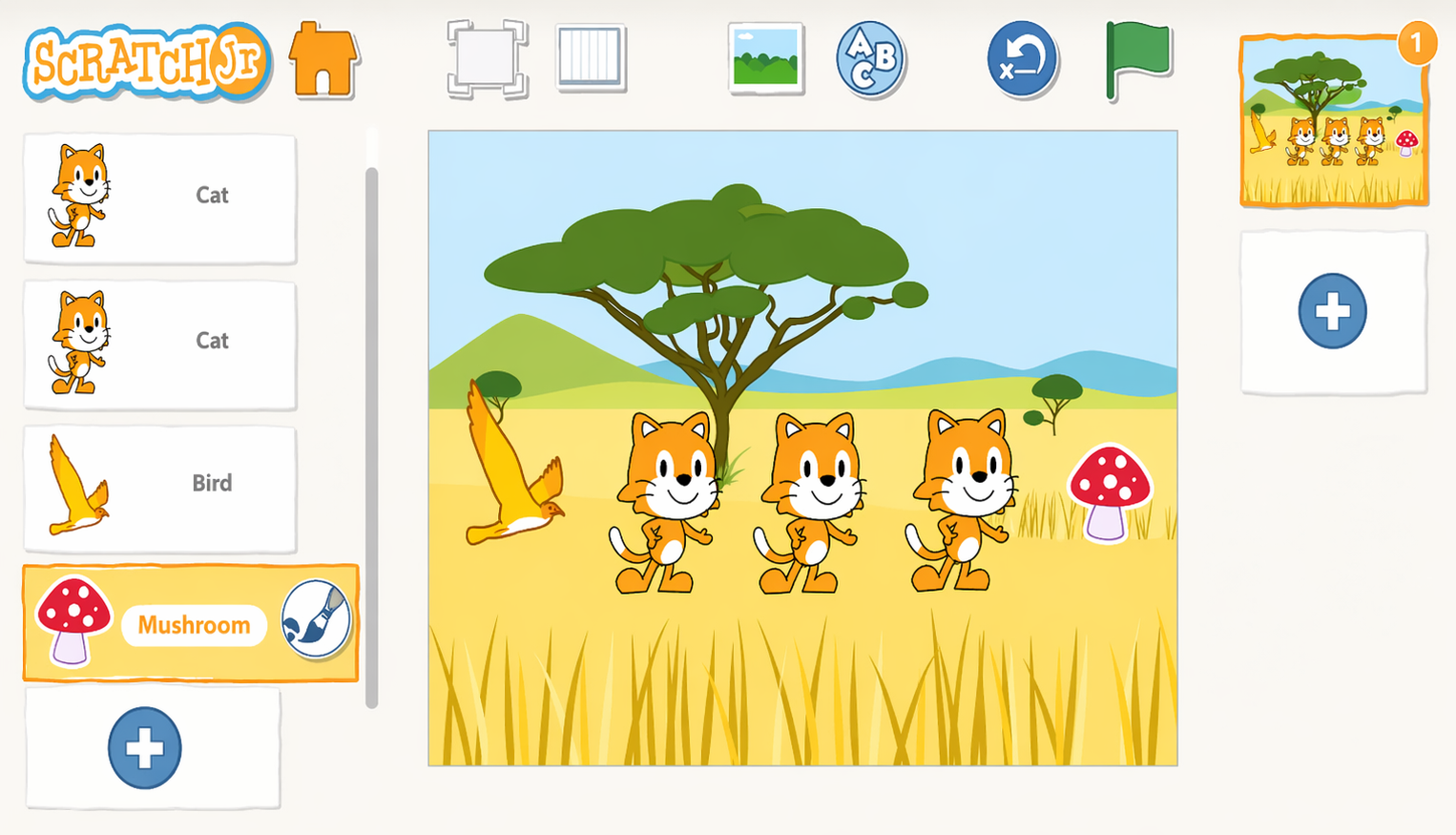
Make a one-player game where the bird must fly past three moving cats and touch the mushroom to win. When the player taps the bird, it flies toward the mushroom, but if the bird touches any of the cats on the way, it has to go back to its starting position. If the bird reaches the mushroom safely, the player wins !
Step 2
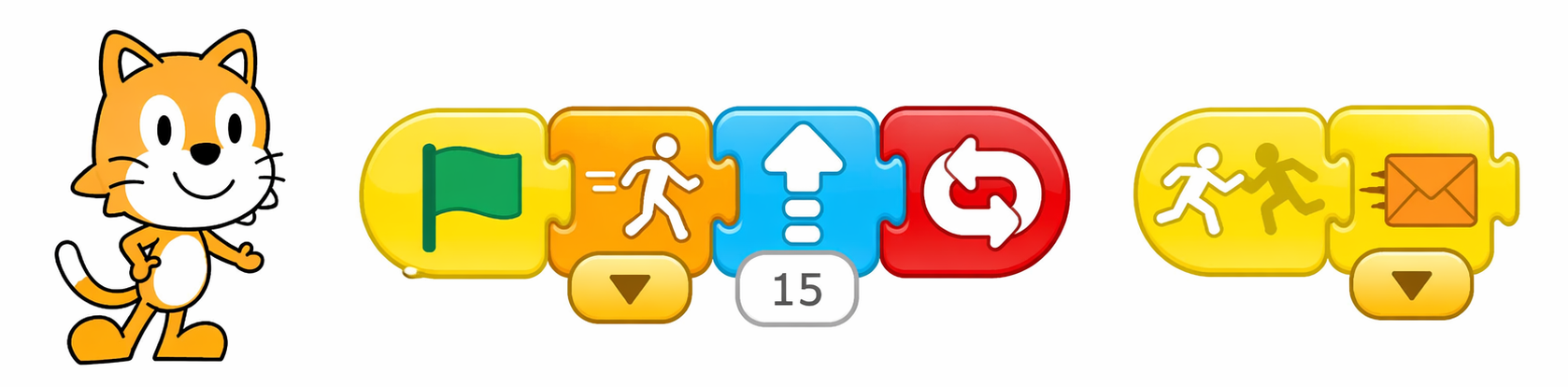
Program the cats to move upward at different speeds by changing the speed in the Set Speed block so it is different for each cat. You need to make another script to send an orange message when a cat is bumped by the bird so that the bird will know it has to go back to the start. Here is an example of our script for one cat.
Step3
Program the bird to move forward when it is tapped. Then add a script to make it go back to its home position when an orange message is sent because it bumped into a cat

Step 4
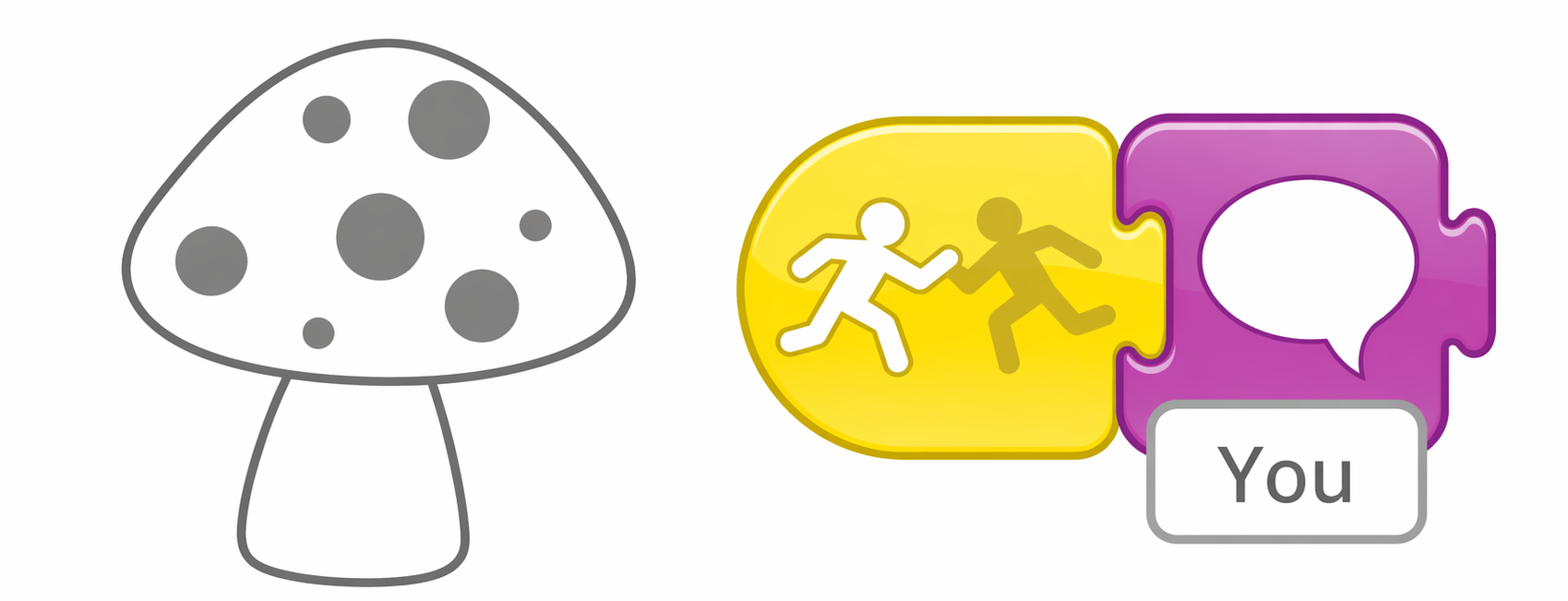
Program the mushroom to say “You win!” when it is bumped by the bird:
Step 5
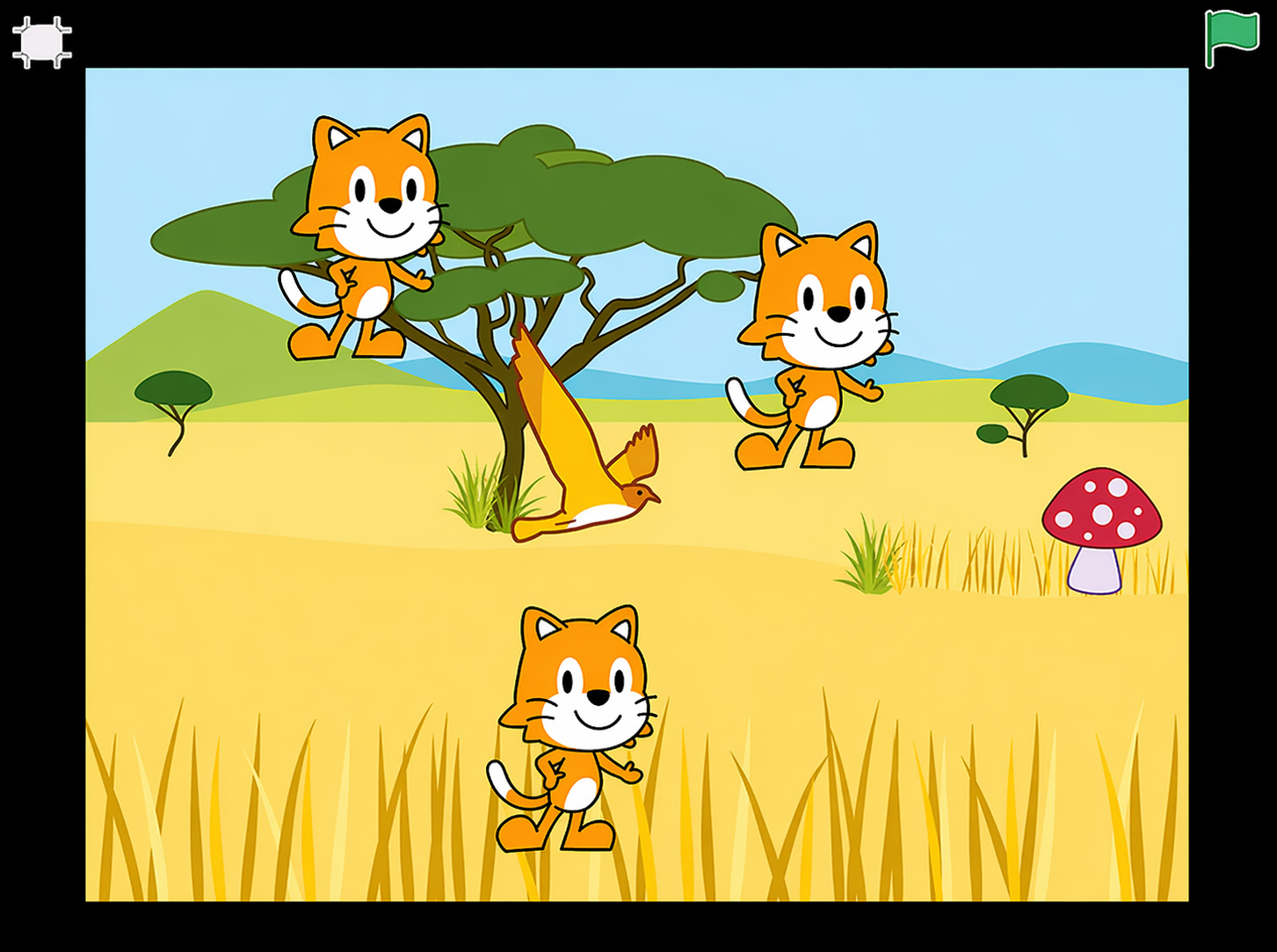
To play the game, tap the Enter Presentation Mode button.
Challenge
Change the starting positions and speeds of the cats to make the game harder. What other strategies can you use to make this game easier or more difficult ?