
Objectives
•
Explore some options for making a character move on the screen .
•
Discover how to change the number of steps along this grid using the motion blocks.
•
Learn how to use the Start on Green Flag block to reset your cat’s position .
•
learn how to use the turn Right and Turn Left blocks to tilt your cat clockwise or counterclockwise.
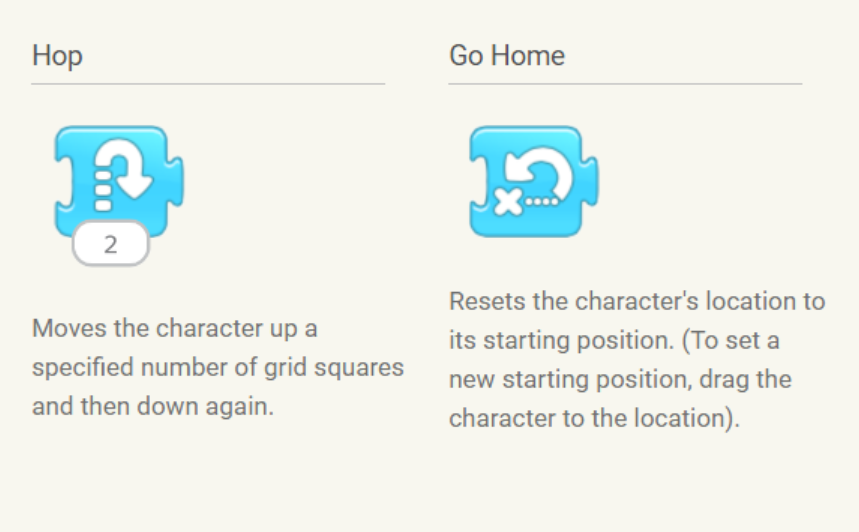
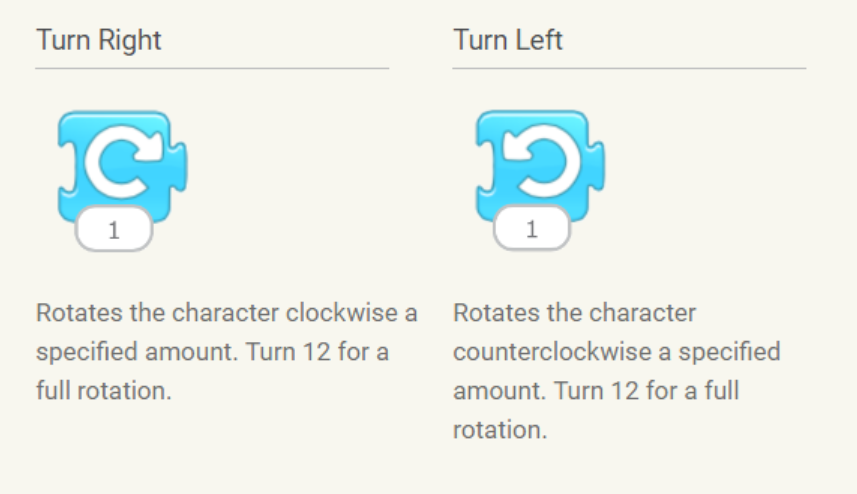
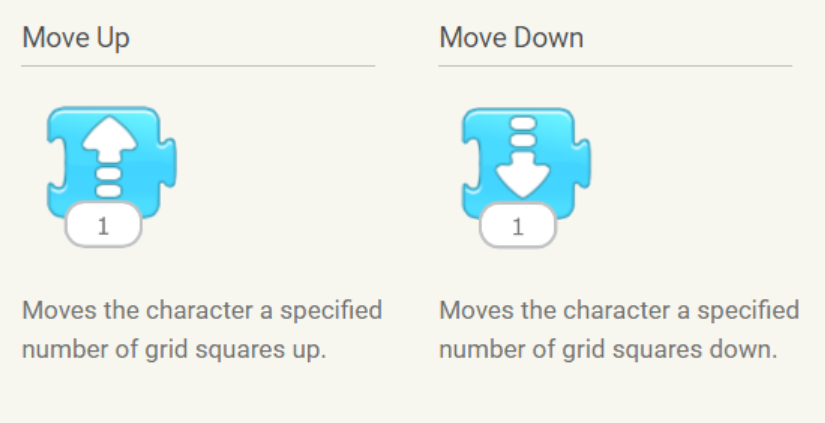
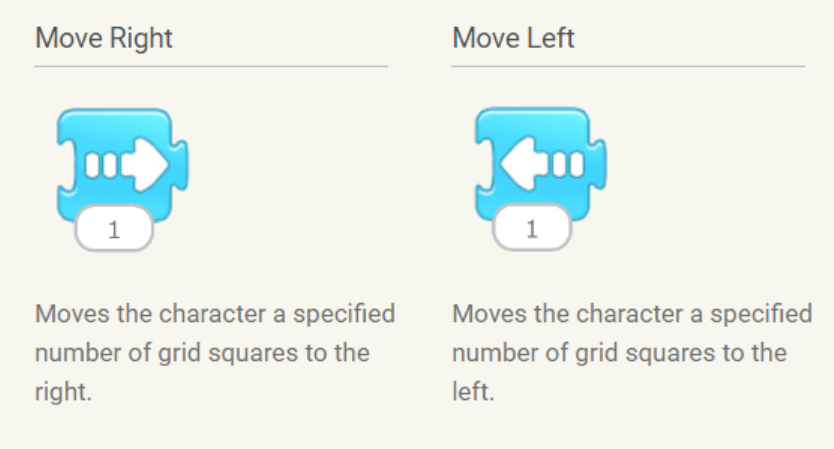
One motion block can be used to make a character move several steps.
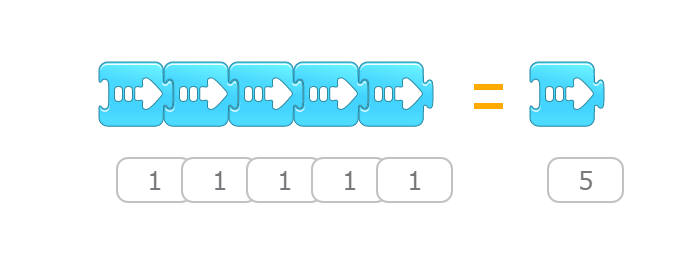
Make Your Cat Move
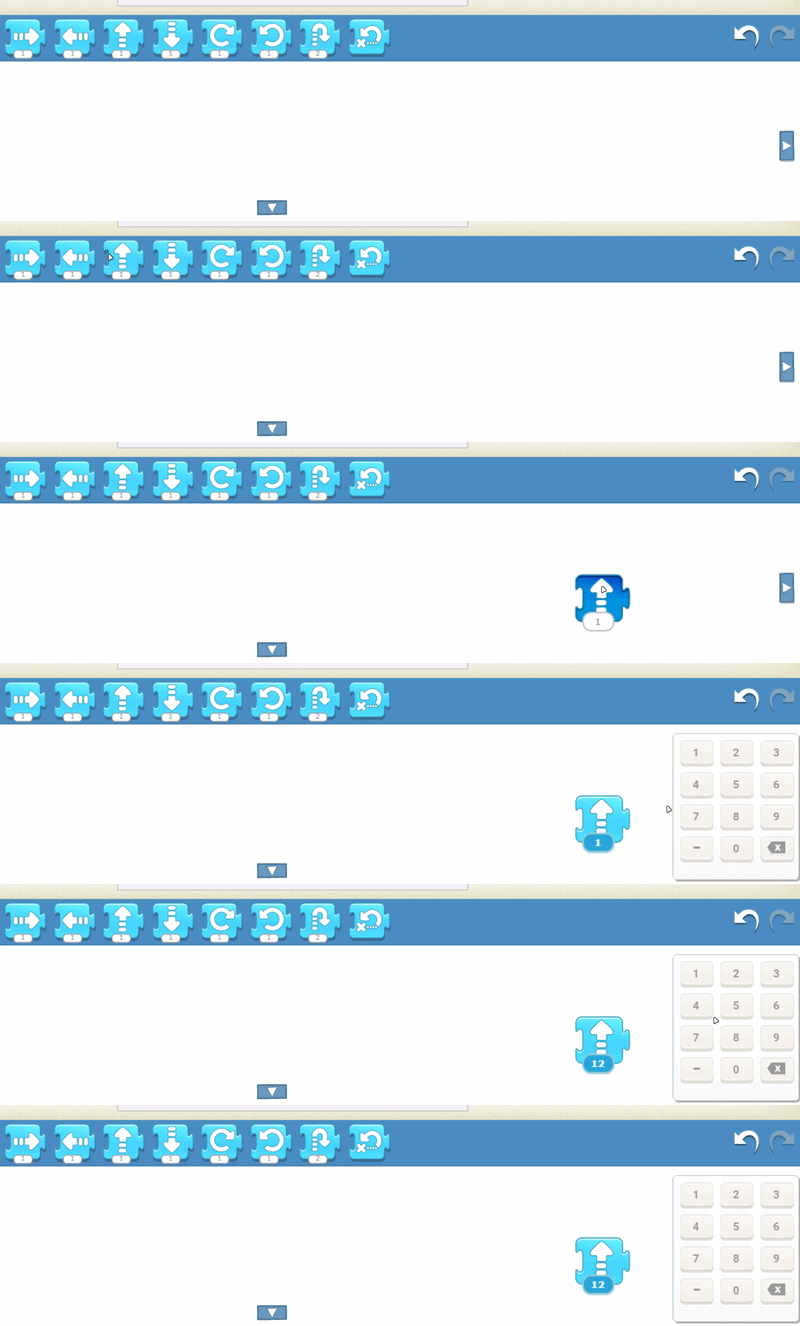
There is a number at the bottom of each motion block.When you tap the number at the bottom of the motion block,a keypad appears on the right side of the programming area. Enter a new number with the keypad, and then tap the block
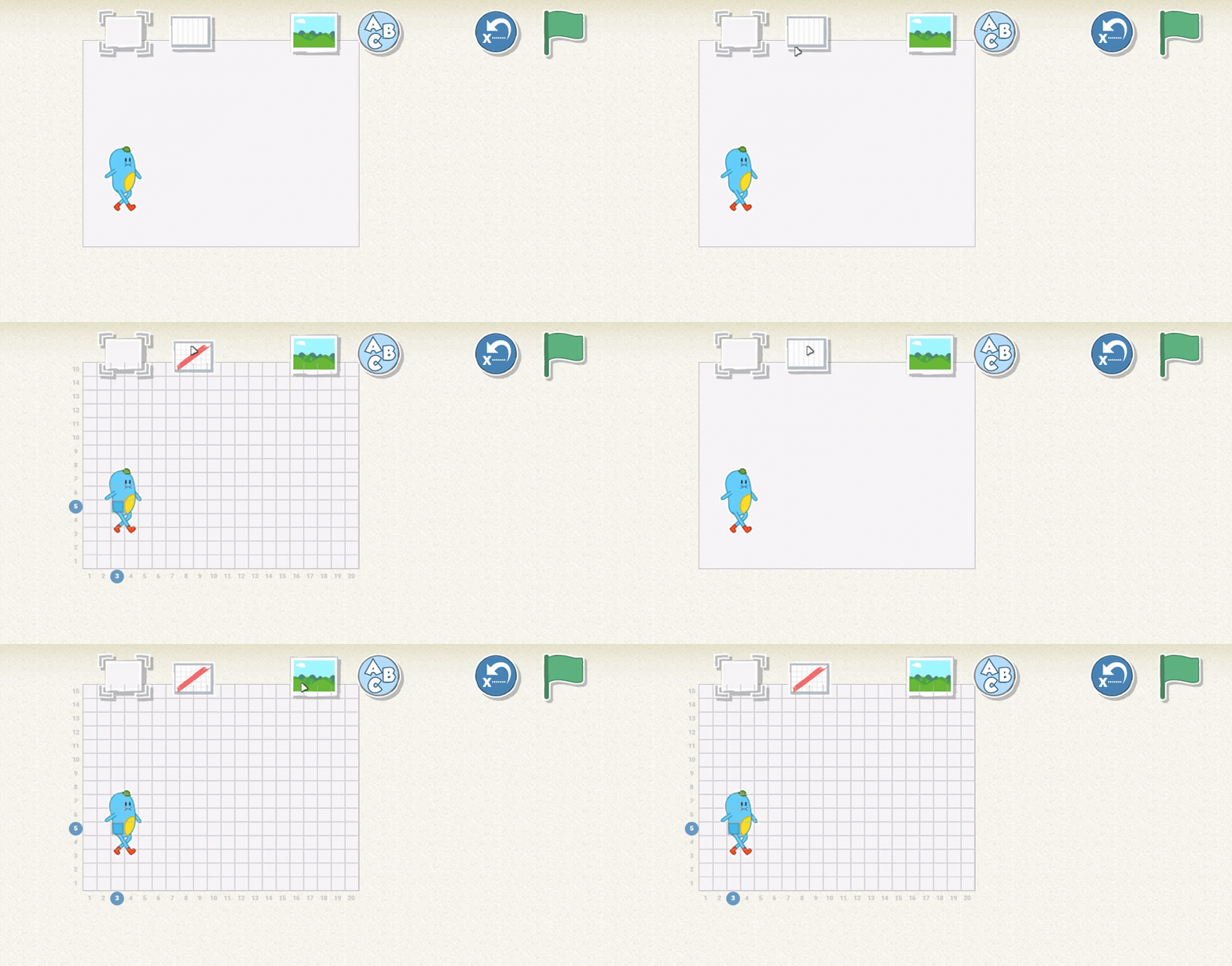
Step 1 | Tap the Grid button at the top of the screen to show the grid
You will see a grid appear on the stage. This grid will help you keep track of where your characters are on the stage.
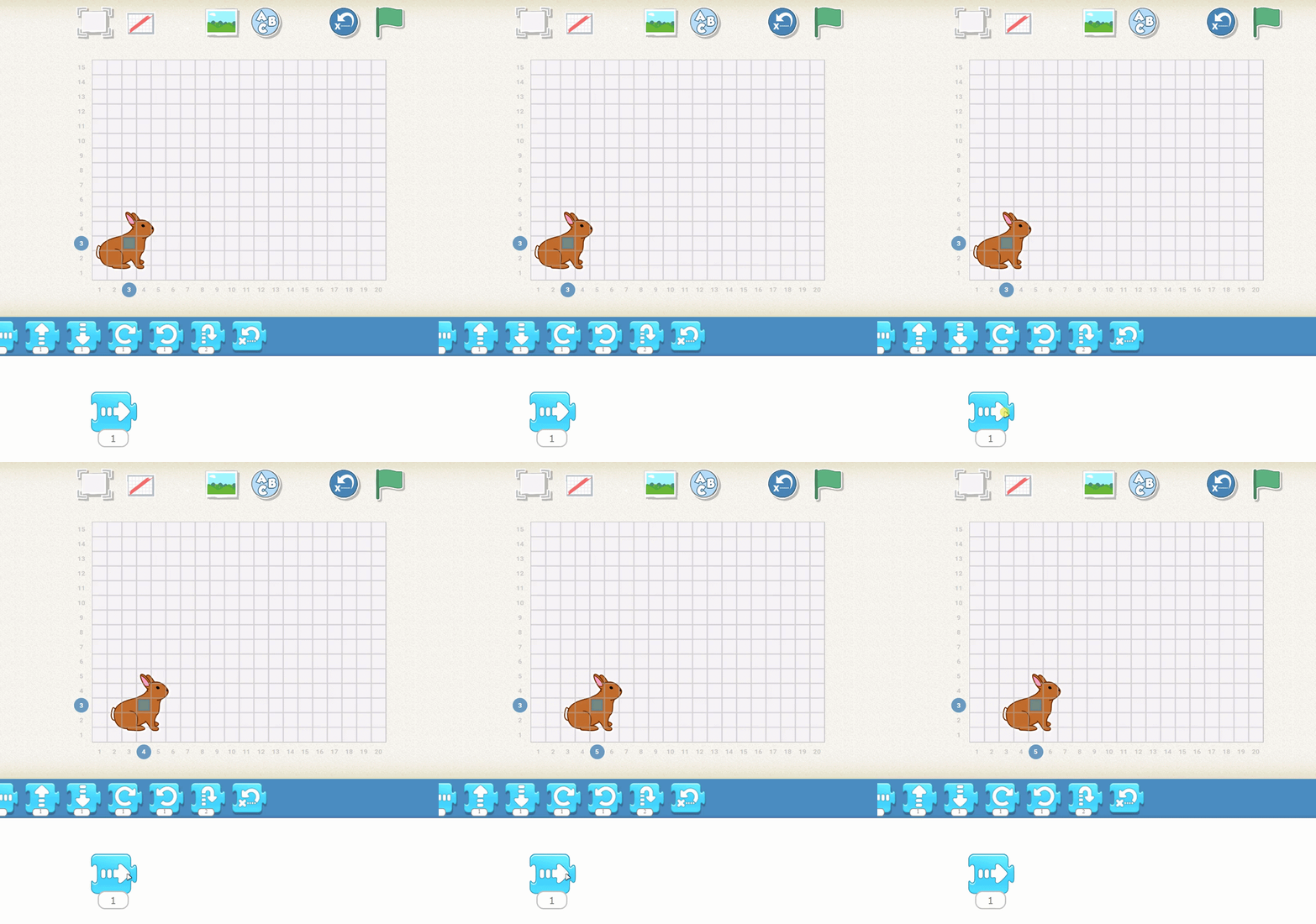
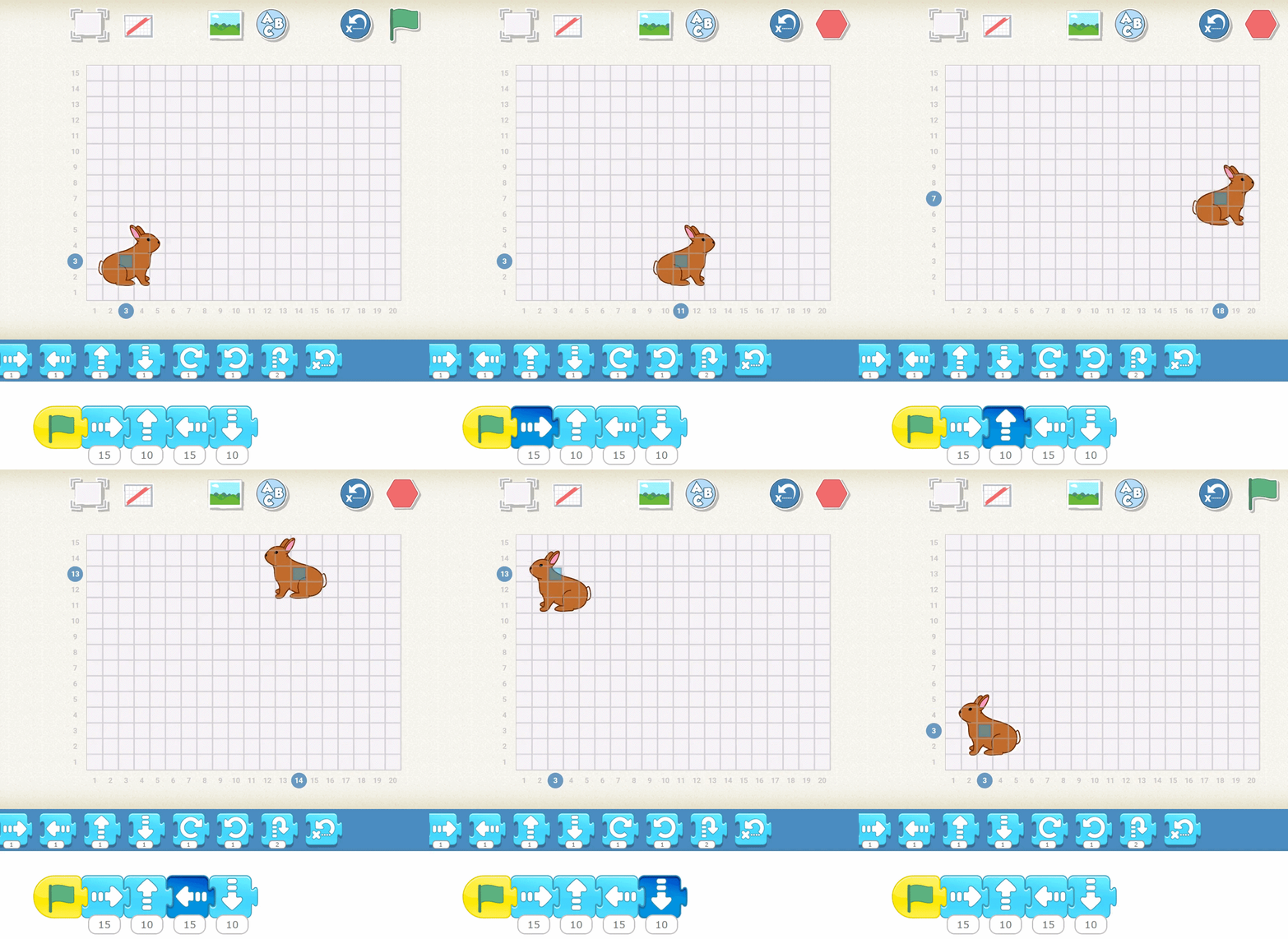
Step 2 | Tap your script. the Rabbit moves from one spot to another on the stage , The blue square
will move with your cat, and the blue numbered circles will indicate the cat’s new position on the stage.
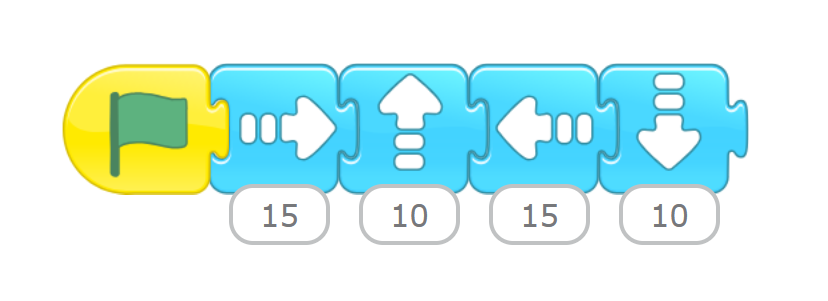
Step 3 | make your rabbit visit every corner of the stage
by using the first four motion blocks in the blue blocks palette.
Challenge
•
Create a set of instructions for an animal to move.
Make Your Cat Turn
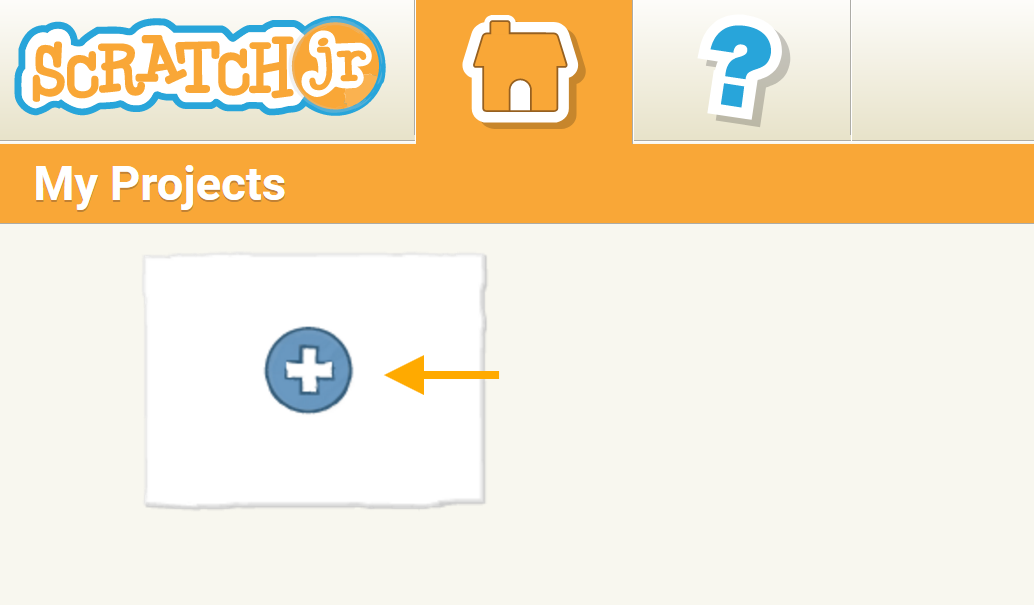
Step 1 | From the home screen, tap the plus sign to make a new project
Step 2 | Drag the Turn Right block from the blue blocks palette to the programming area
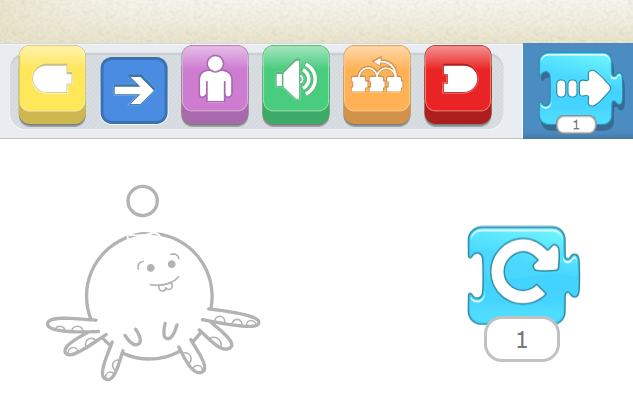
Step 3 | Start on Green Flag Block so that the cat returns to a vertical position before turning.
Change the number input, and tap the Turn Right block to see how the cat responds.
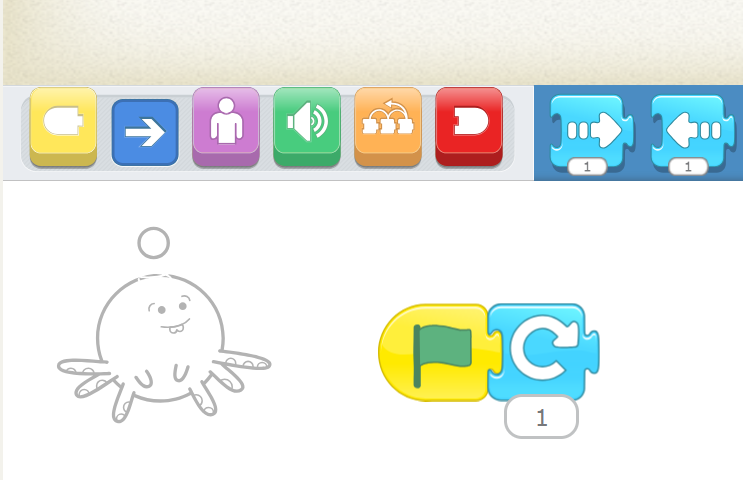
Challenge
1.
What number will make the cat turn upside down? Then figure out what the number should be to make the cat turn a full circle
2.
Try the same thing with the Turn Left block
3.
See whether you can make the cat do a cartwheel by making it turn and move forward at the same time.
Hint: use two scripts for this and start both scripts at the same time with a Start on Green Flag block. You can also use this trick with Move Right and Move Up blocks to make the cat move diagonally !
Activity
Objectives:
•
Pick a background and a character,
•
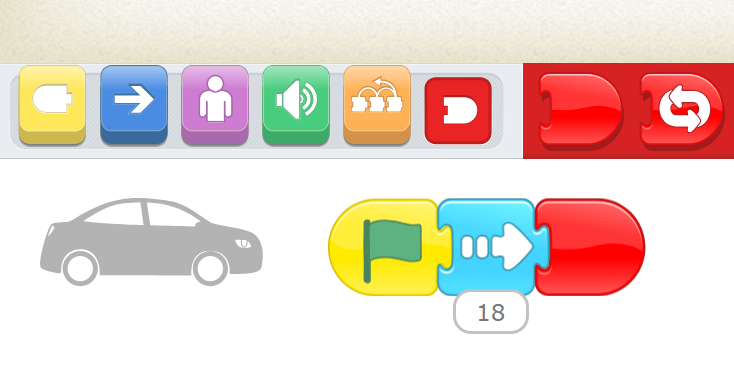
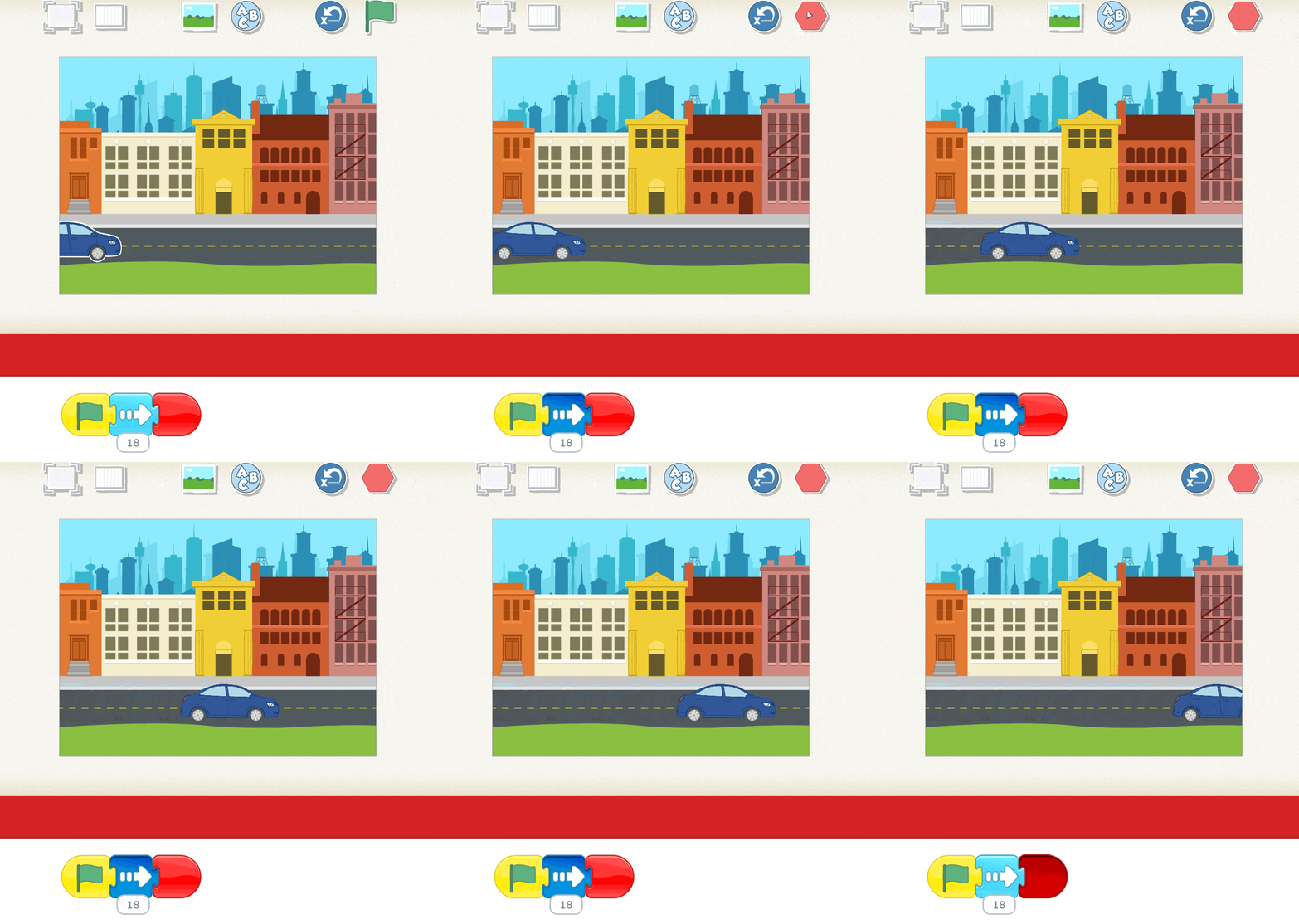
Use a motion block to make a car drive across the city
Step 1 | Choose a background
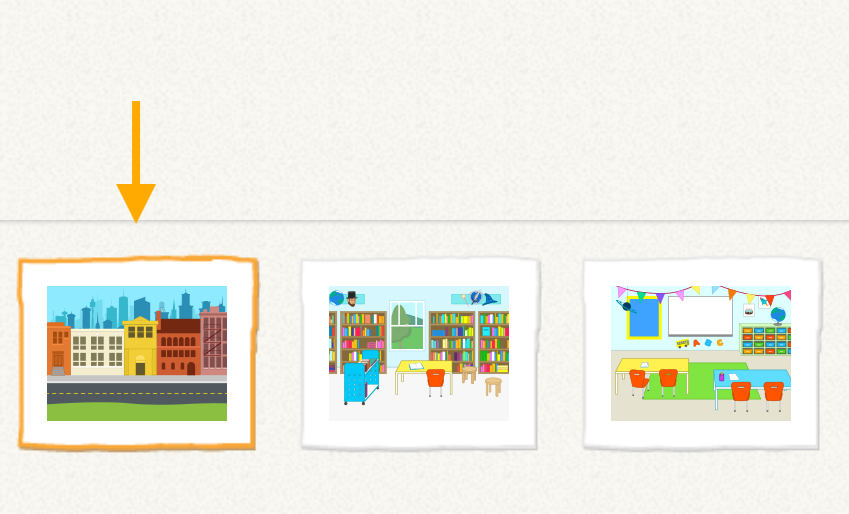
Step 2 | Choose character
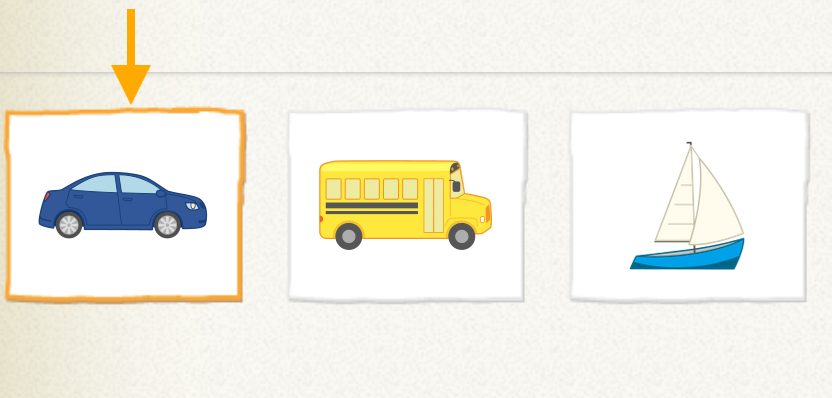
Remember !
you can delete the old character by long press on it
you can delete the old character by long press on it
Step 3 | Resize character and move to Start Place
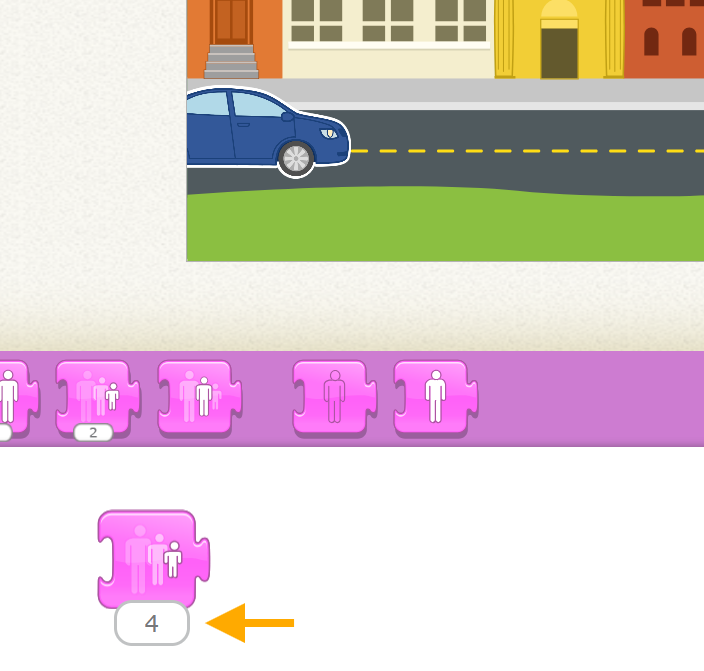
Step 4 | Make the program
Output
Challenge
•
How would you make the car go only halfway across the screen?
•
What would happen if a wizard, a dragon, or an elephant appeared on the sidewalk?