Objectives
•
learn how to use another new starting block:( the Start on Bump block).
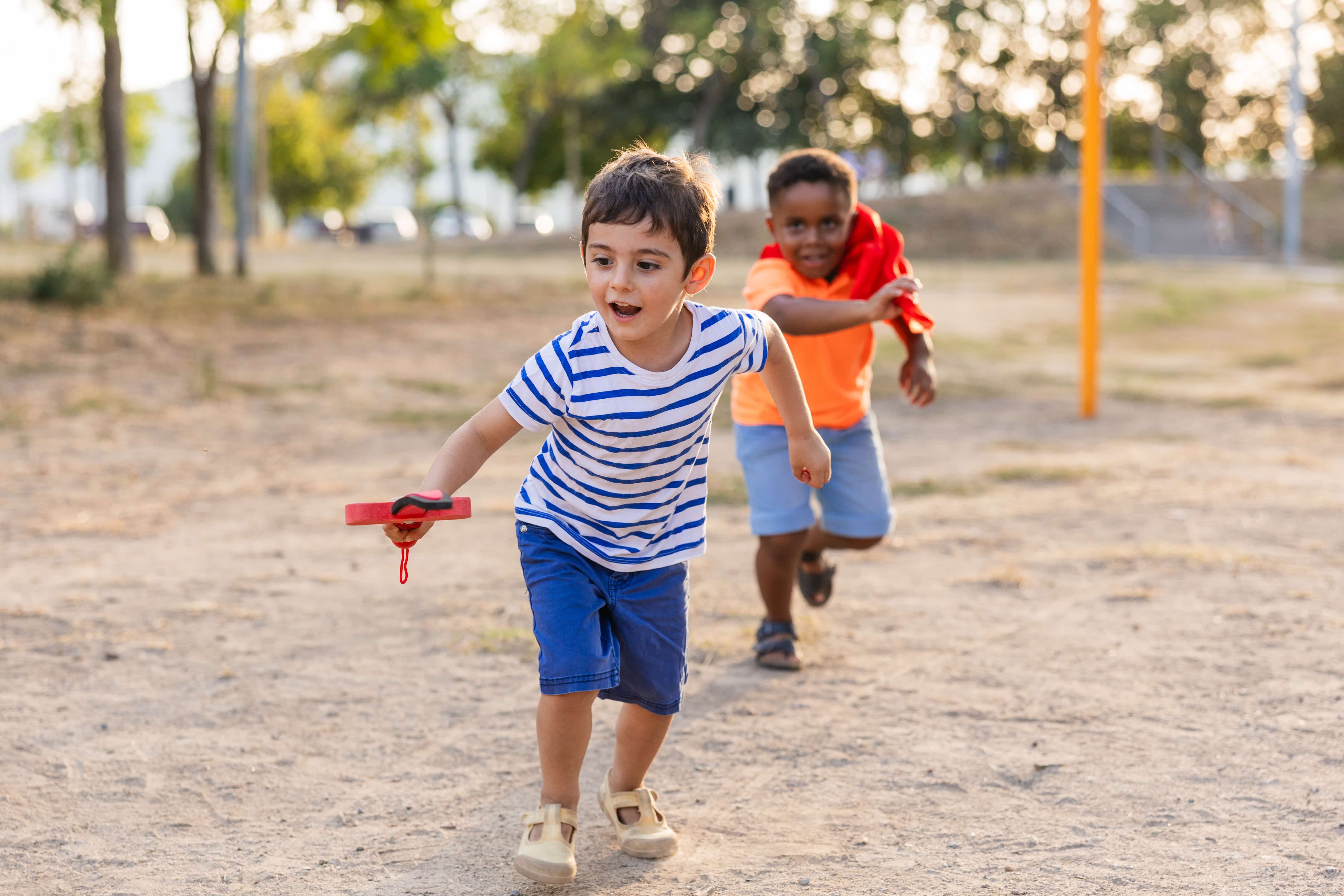
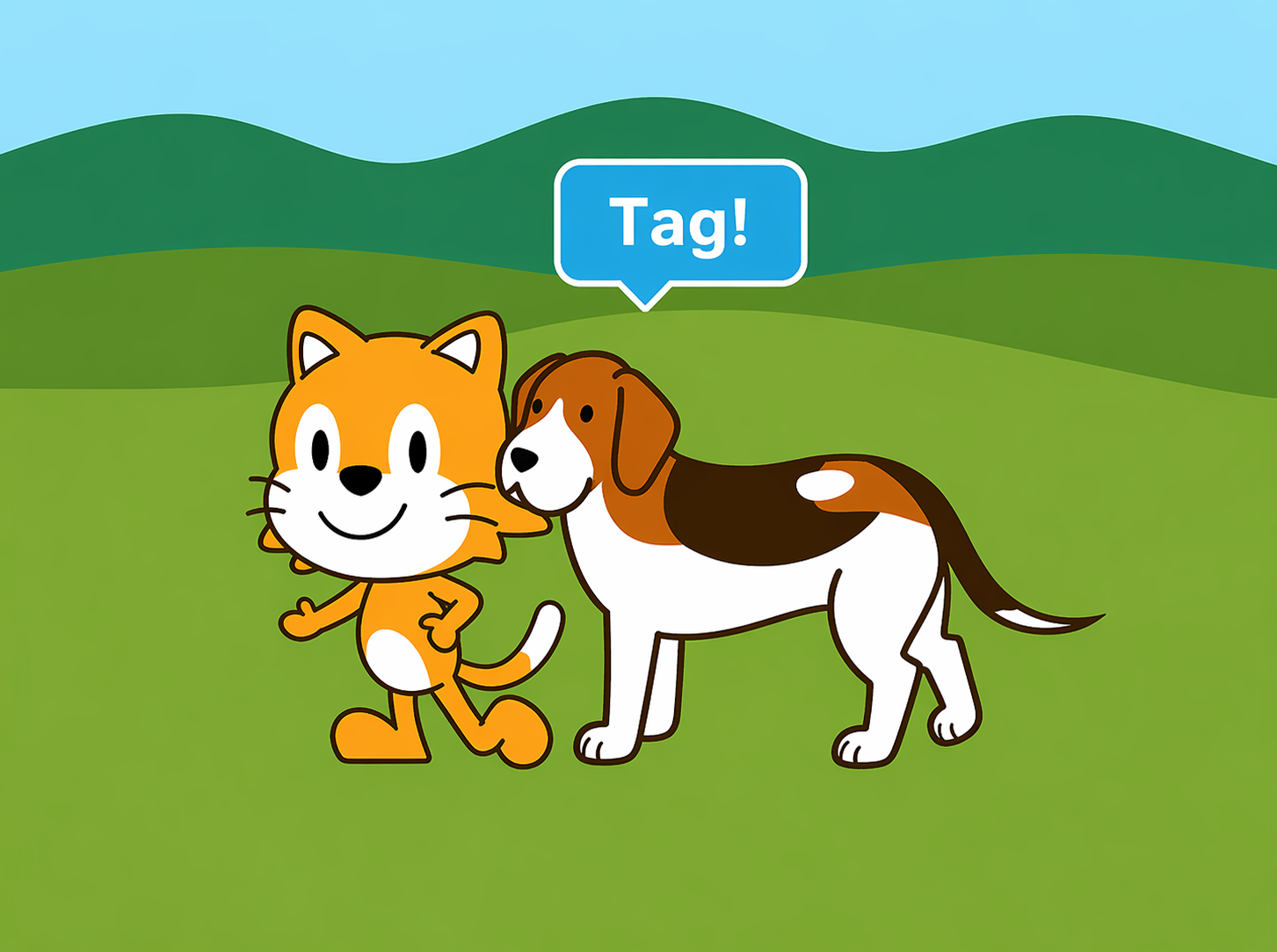
In this game, the dog’s script will start when it is tagged by the cat. Then the dog will tag the cat, and they’ll continue to play tag until you stop the program.
Start on bump
The Start on Bump block starts a character’s script when the character bumps into another character.
Step 1
Select the farm background and add the dog. Position the cat and the dog on the stage so that they are standing about five steps a part.
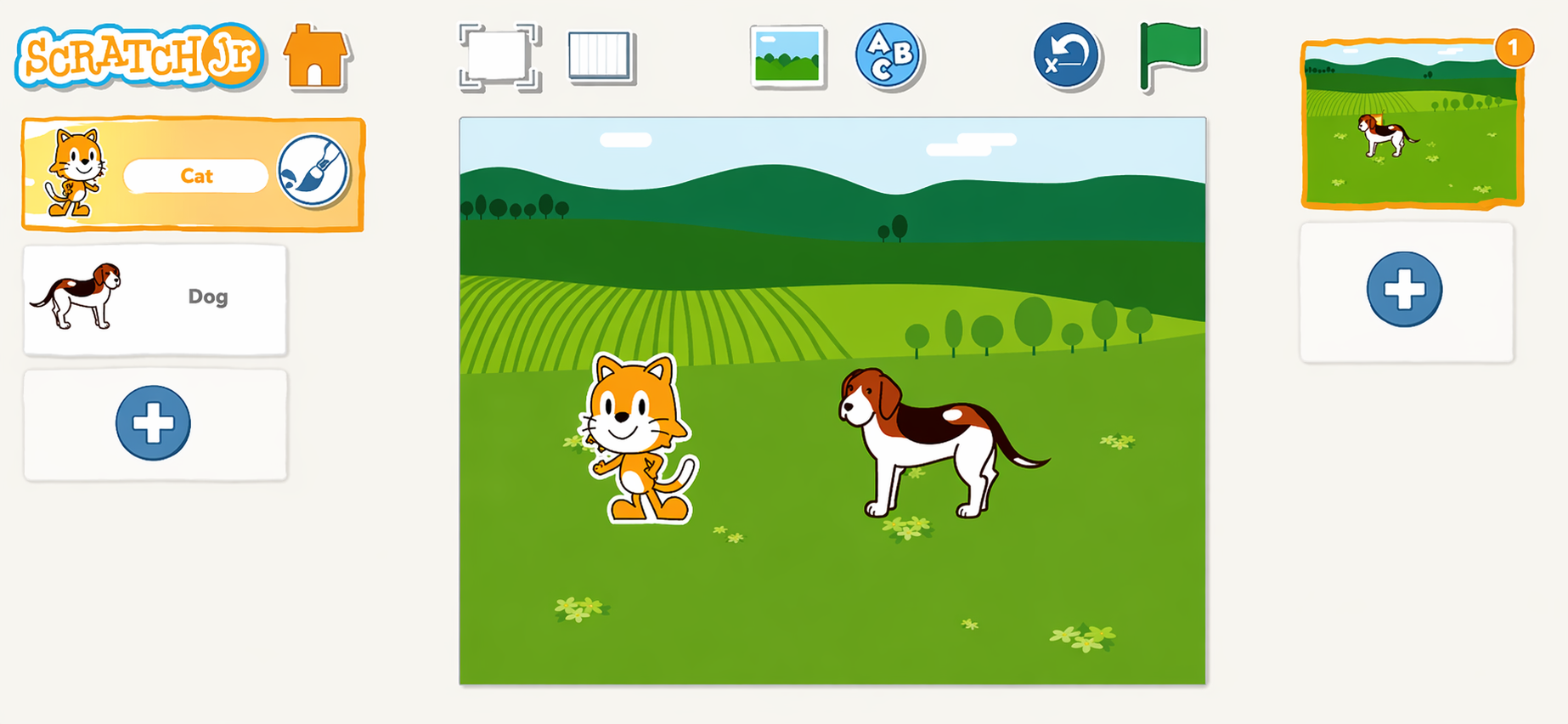
The cat will move toward the dog and say “Tag ! ” Then it will move back and pause for 2 seconds to wait for the dog to tag it.
Add a Repeat Forever block to the cat’s script so the cat and the dog will play again and again.
Step 2
Create the following script for the cat

Step 3
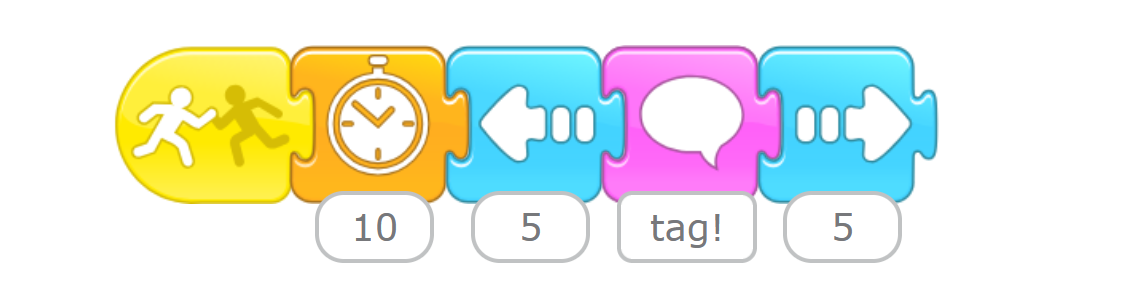
The dog’s script uses the Start on Bump block so that it starts when the dog is bumped by the cat.

After the dog is bumped, it will wait 2 seconds to give the
cat a chance to run away. Then the dog will move to the cat,
say “Tag!” and run away.
Step 4
Create the following script for the dog
We don’t need the Repeat Forever block for the dog, because the Start on Bump block will run every time the dog is tagged.
Step 5
Tap the Green Flag button to watch your characters play tag ! Press the Stop button when you want the game to end.
Hints If a character is touching another character that has a Start on Bump script, the script will keep running until the characters are not touching anymore. For example, if you move the cat so
close to the dog that they are touching, the dog’s Start on Bump script will begin running, and it will continue to run over and over again until you move the cat away from the dog.
close to the dog that they are touching, the dog’s Start on Bump script will begin running, and it will continue to run over and over again until you move the cat away from the dog.
Challenge
Add a ball to your project and make it move all around the stage with a few different Start on Green Flag scripts that repeat forever.
Change the scripts of the cat and the dog so that when they are hit by the ball, they say “I’m out!” and then disappear. Add more characters to make the game more exciting!
Activities
Activity 1
Three Ducks
Objectives
•
Use movement blocks
•
Use start on bump block
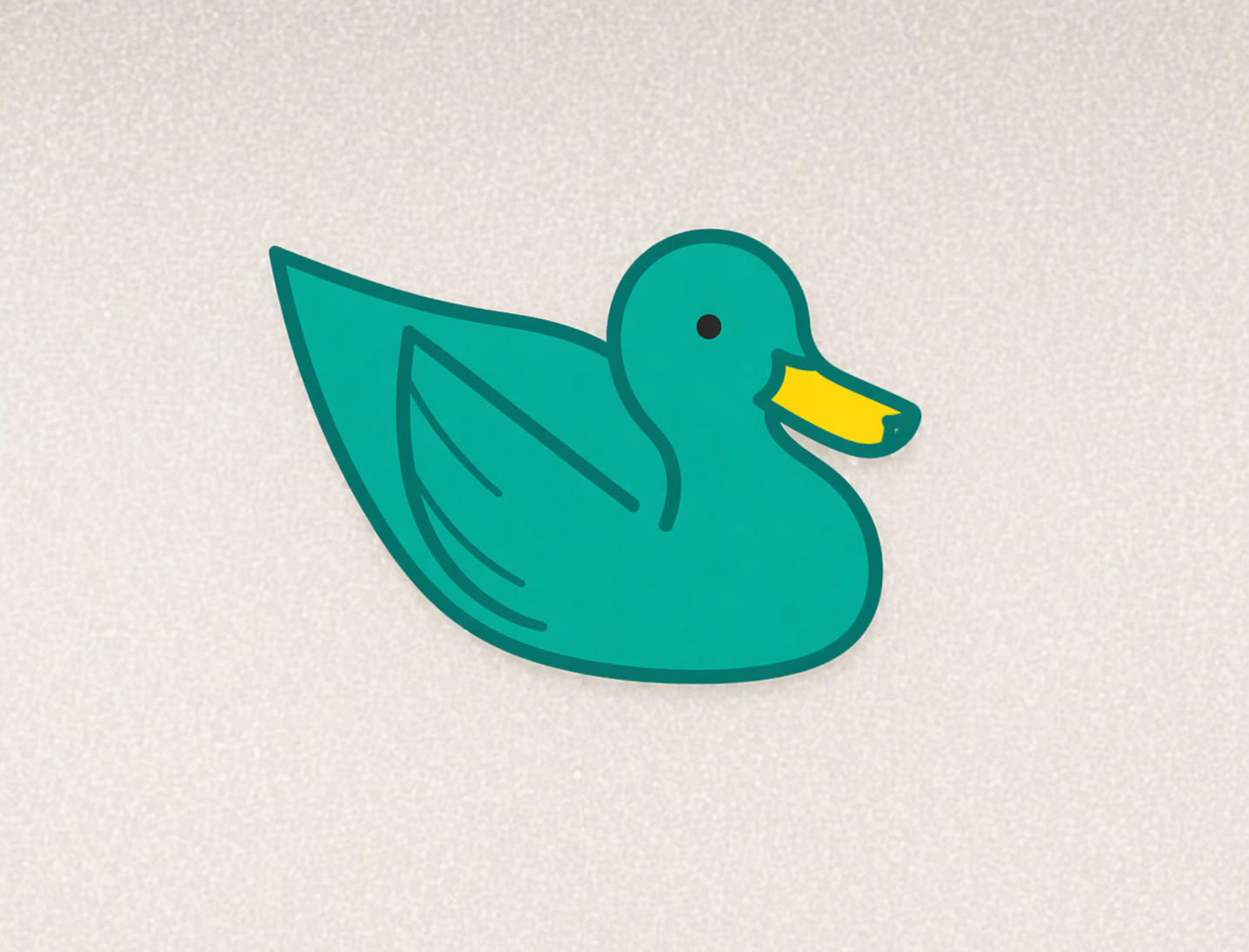
Let’s move the ducks around the tank and learn what happens when they collide.
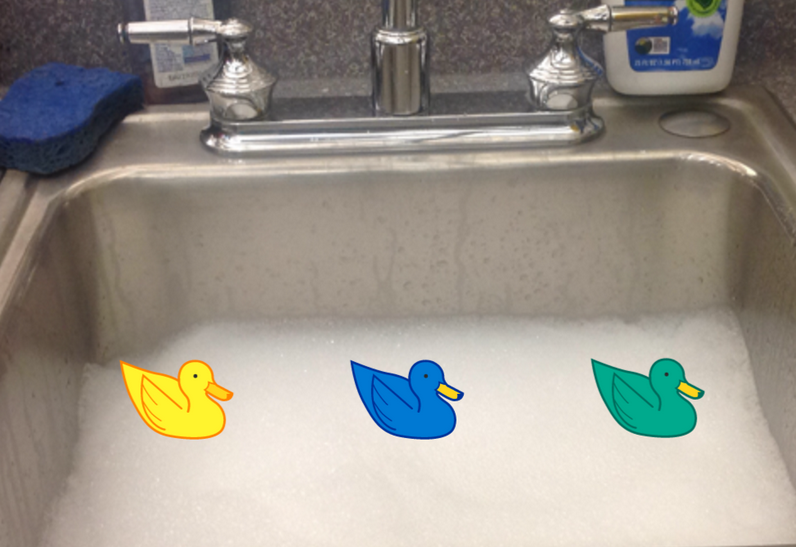
Step 1
Move right 4 steps to the right, then move lift 5 steps, and then move right 1 step to the right.
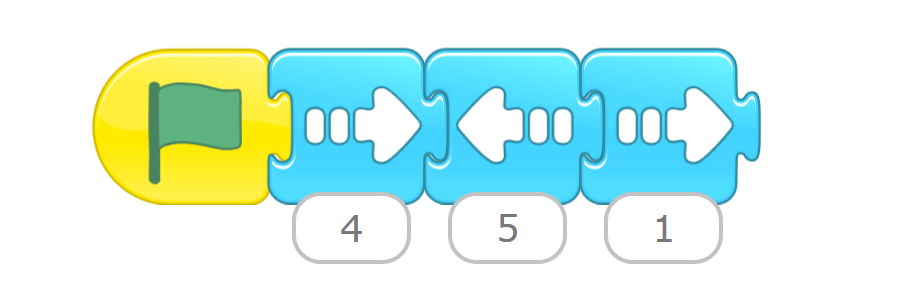
Step 2
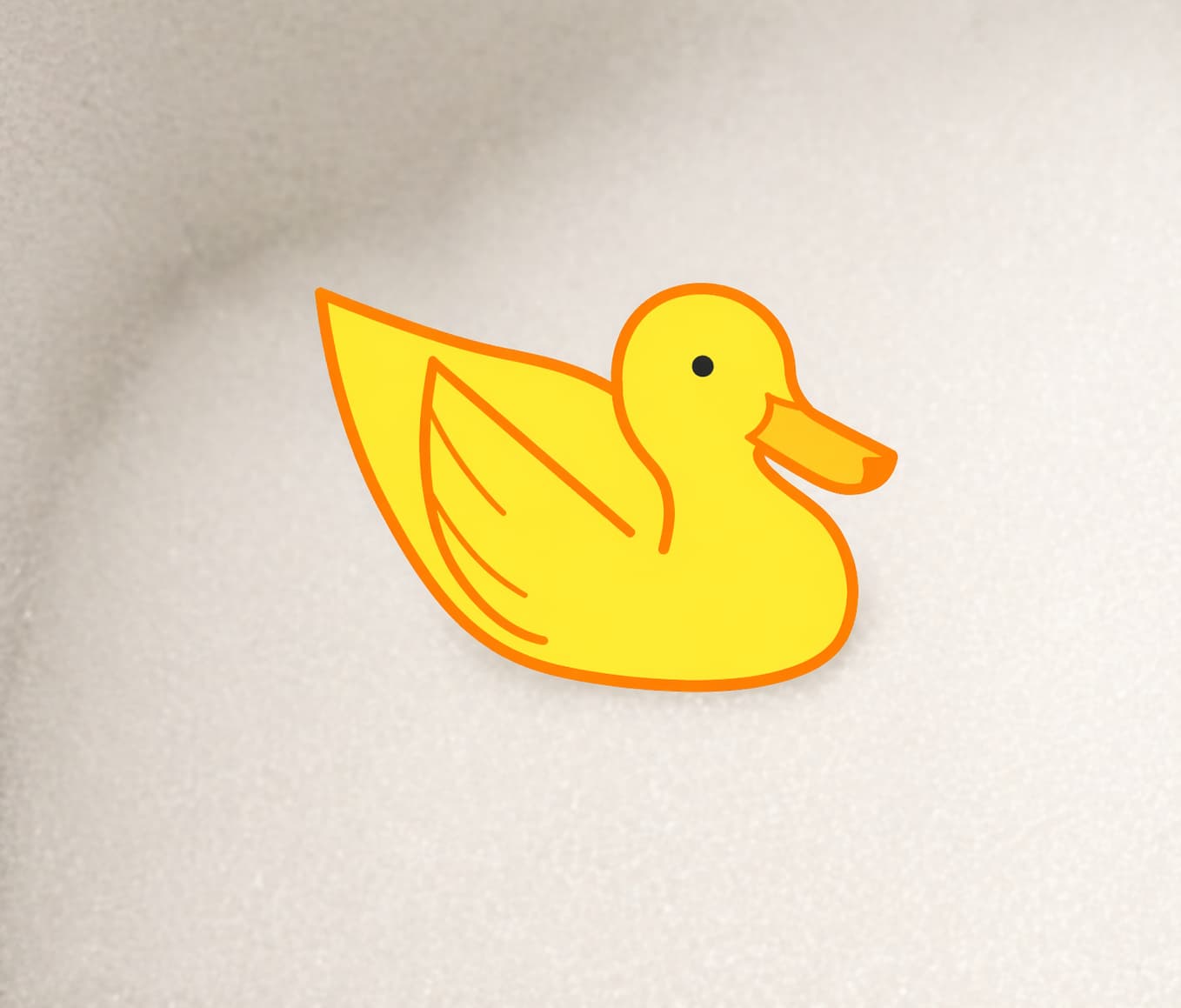
When the yellow duck bumps into the blue duck, move right 4 steps to the right, then move lift 5 steps, and then move right 1 step to the right.
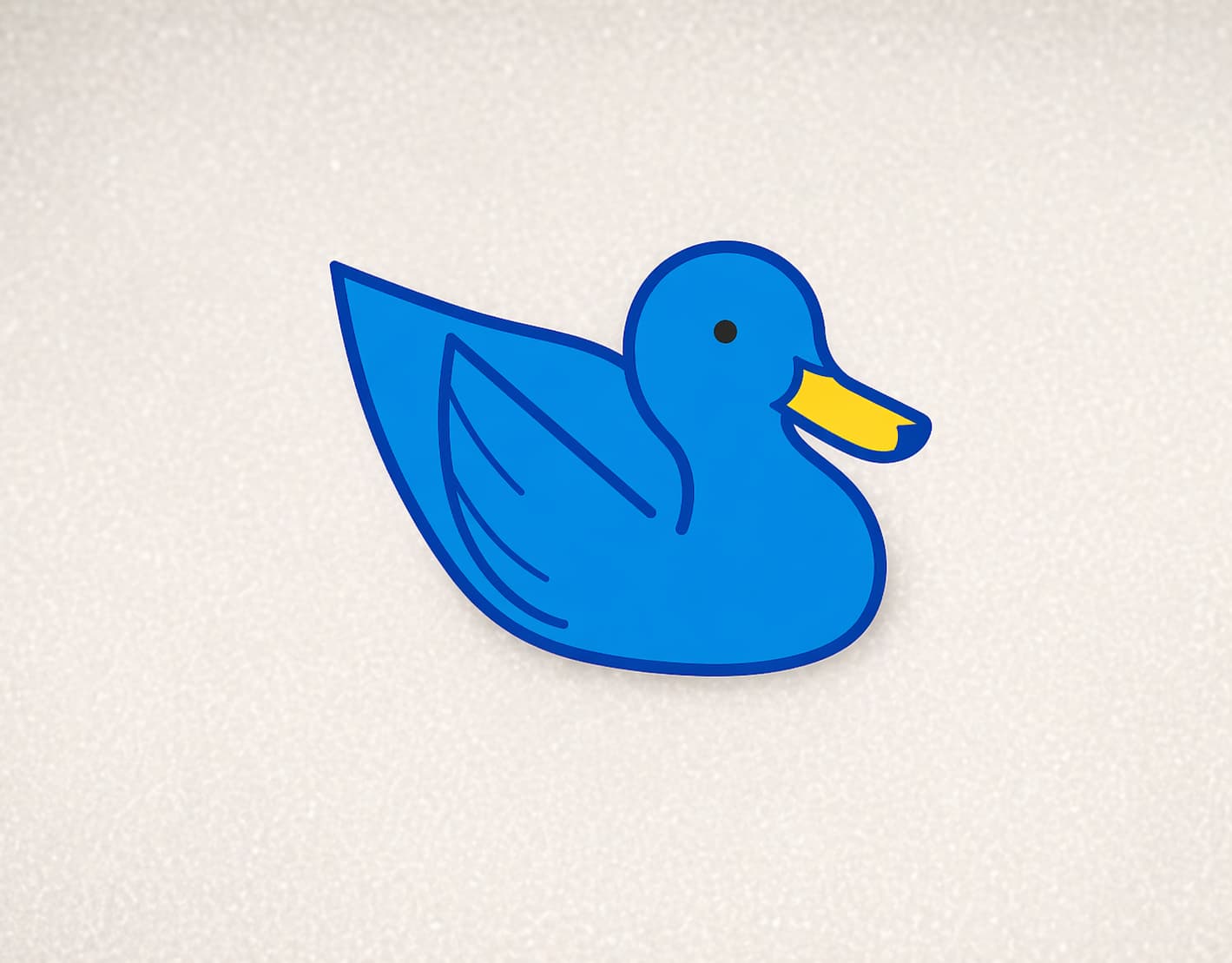
Step 3
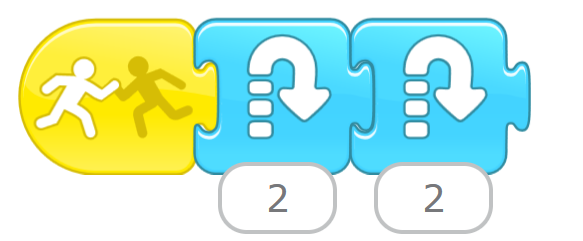
When the blue duck bumps into the green duck, hop 2 times.
Activity 2
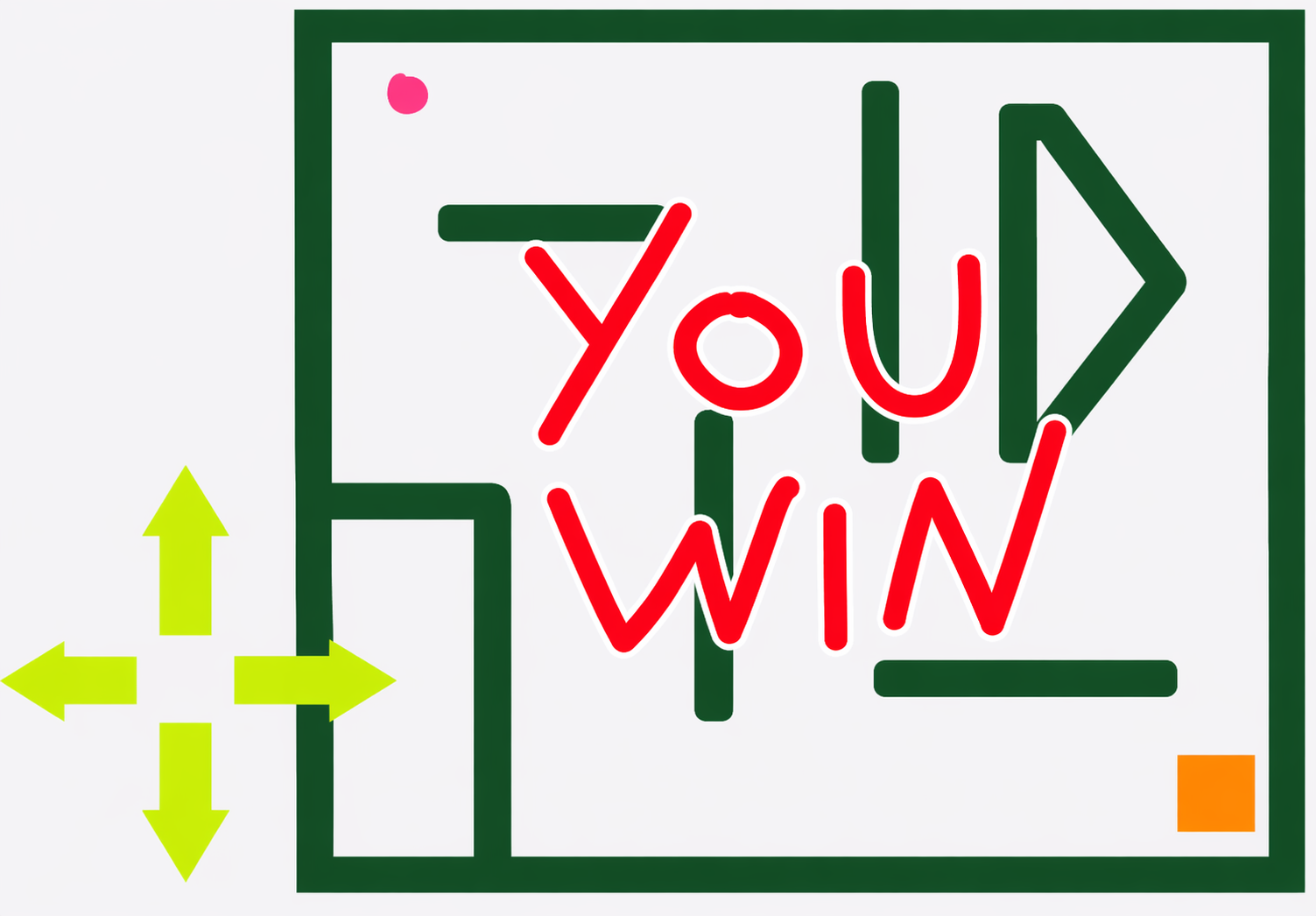
The maze
Objectives:
•
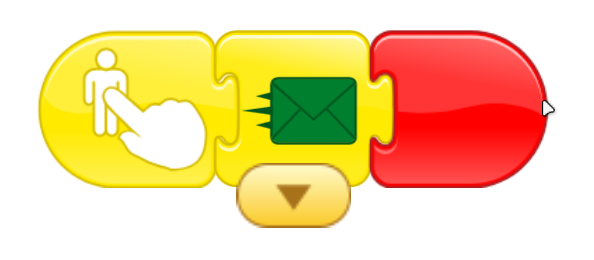
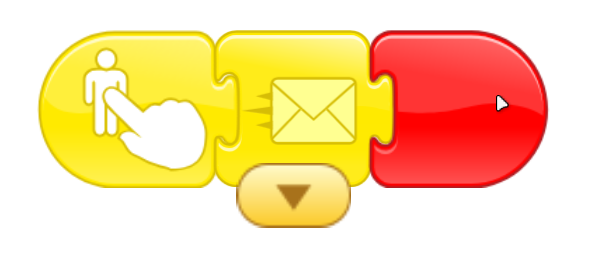
Practice how to use use movement blocks ,start on message block and start on bump block.
Step 1
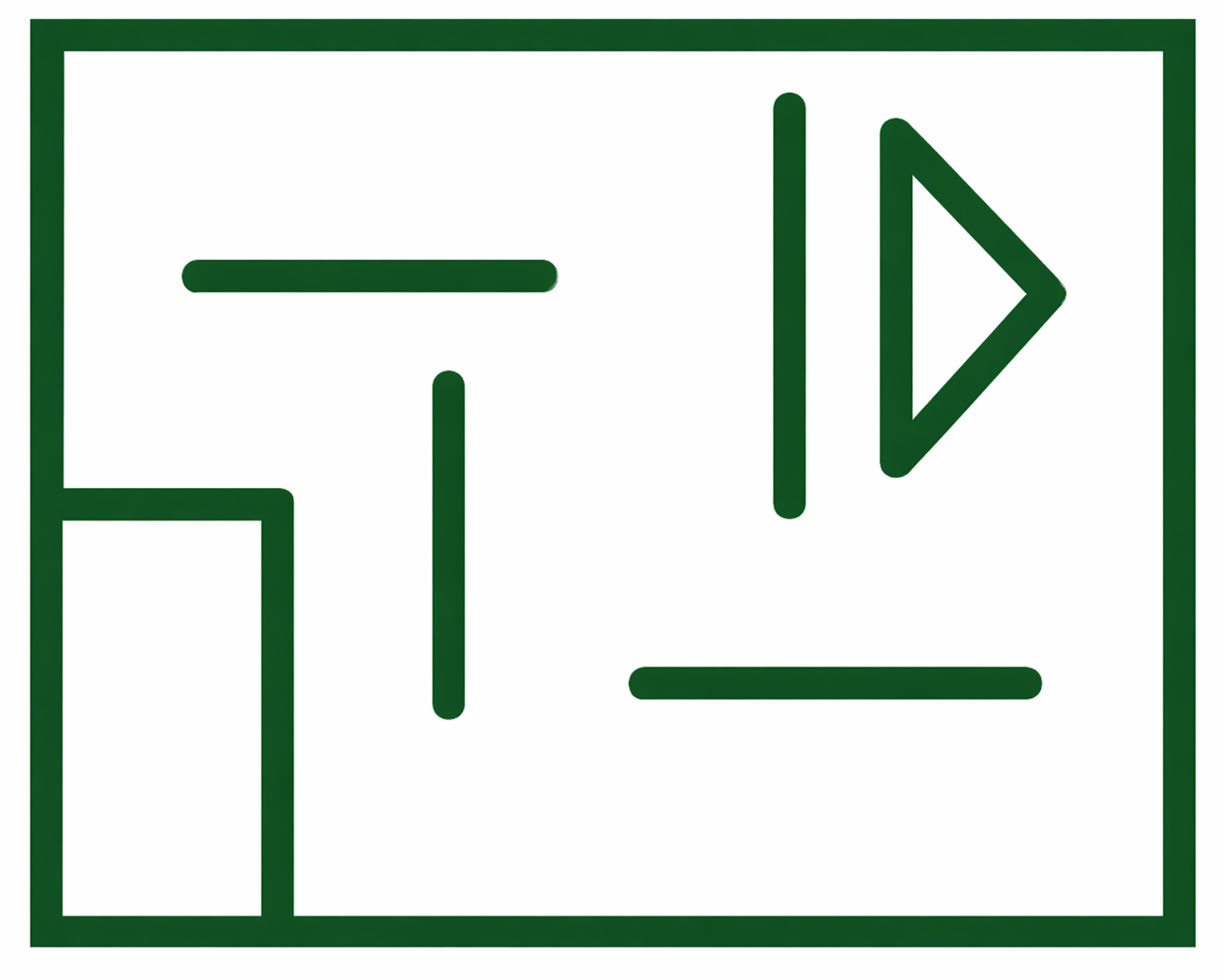
Draw the maze

Step 2
Draw movement arrows

Step 3
Draw the point

Step 4
Draw the finish point
Step 5
Draw you win

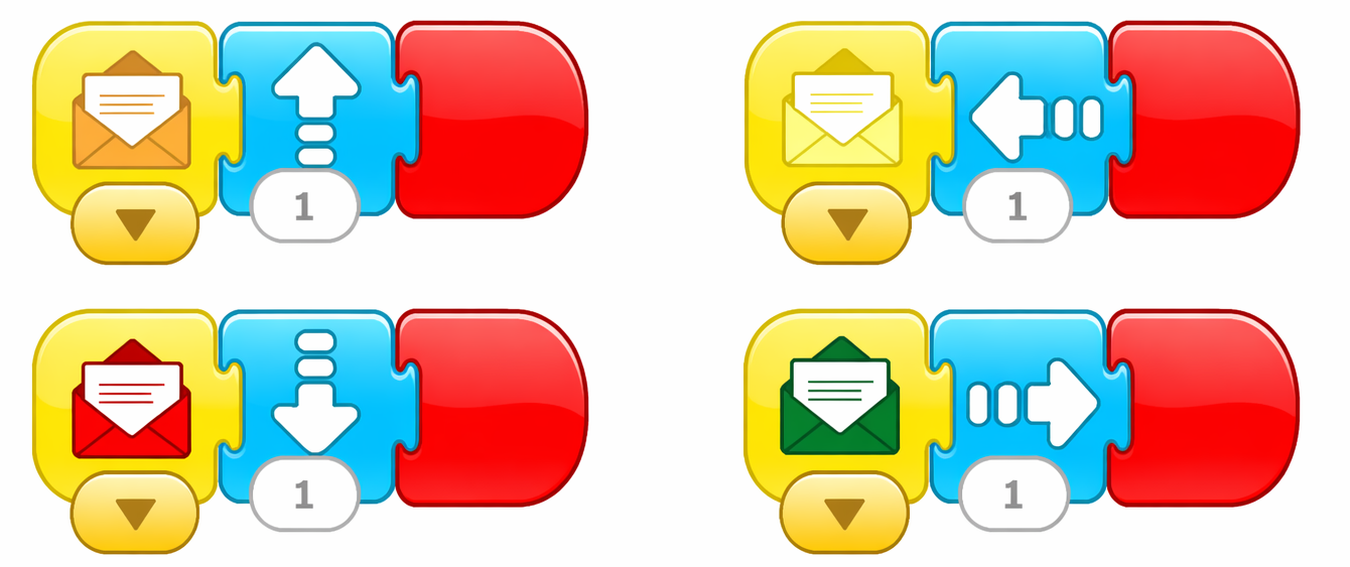
1.
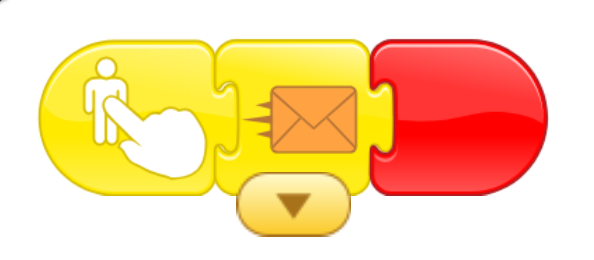
programming of up arrow
2.
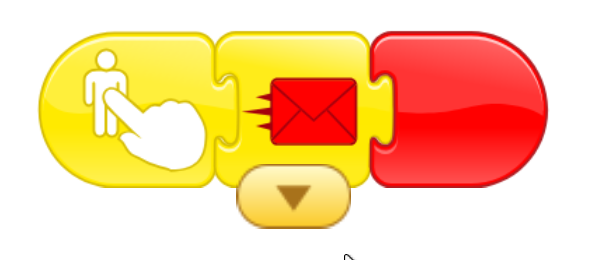
programming of down arrow
3.
programming of right arrow
4.
programming of left arrow
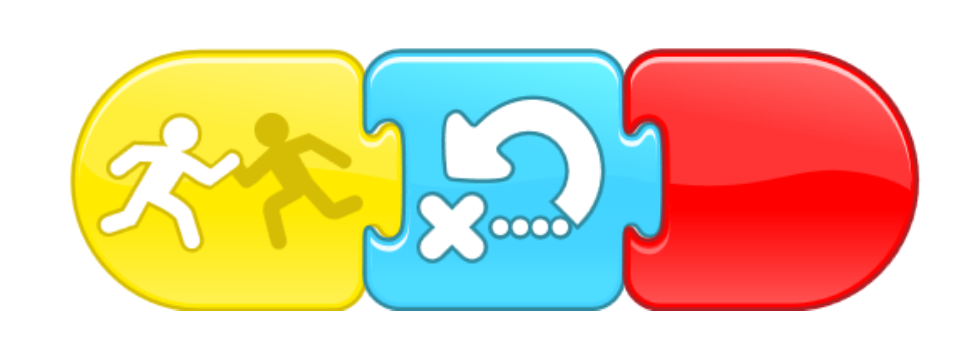
5.
programming of point
6.
the programming of finish point
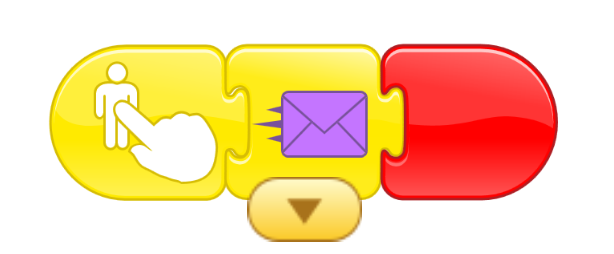
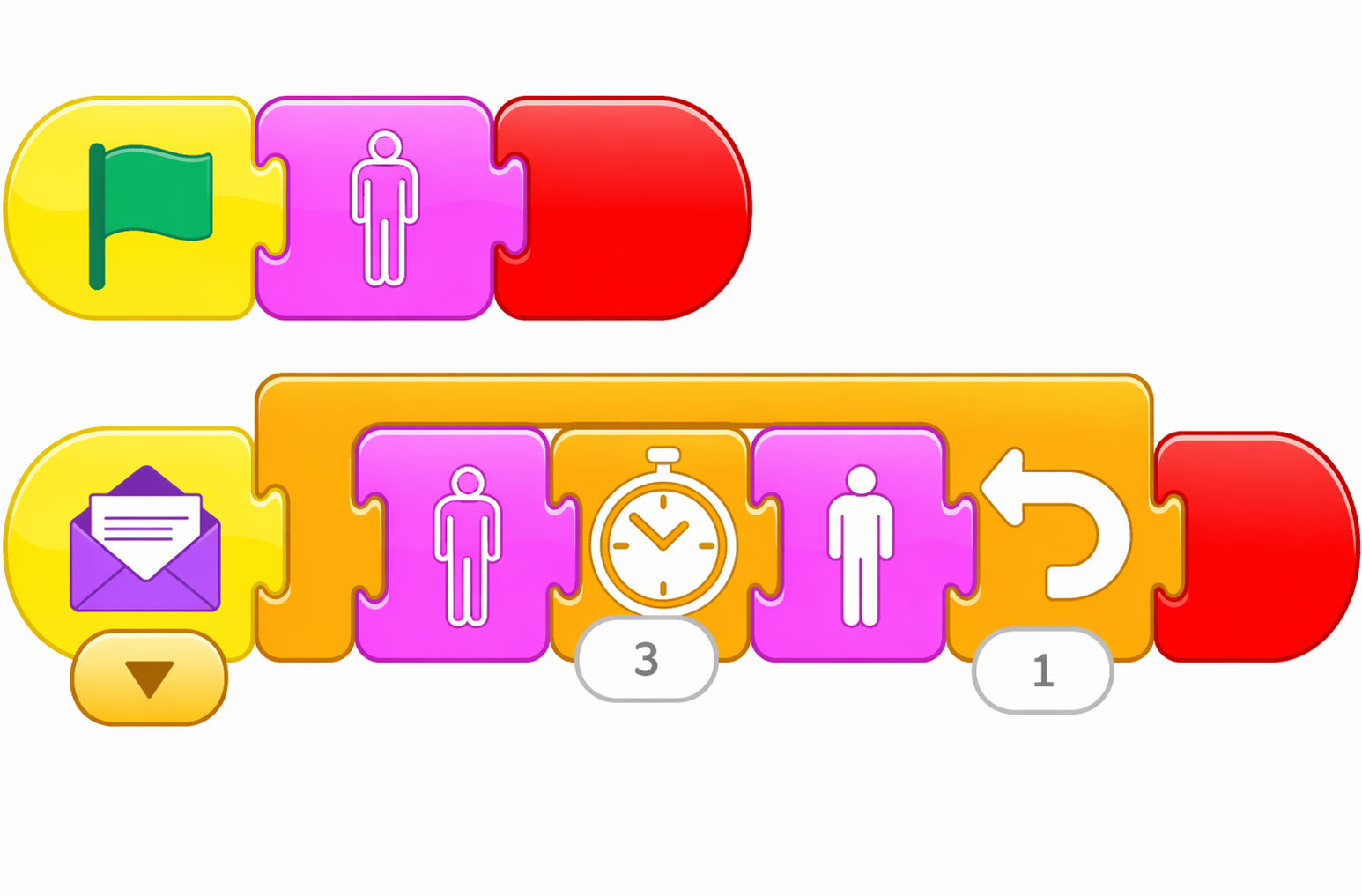
7.
the programming of you win
Activity 3
City
Objectives:
•
Use the skills learned to build a city .
In this Activity we will build and simulate the reality of crowded city
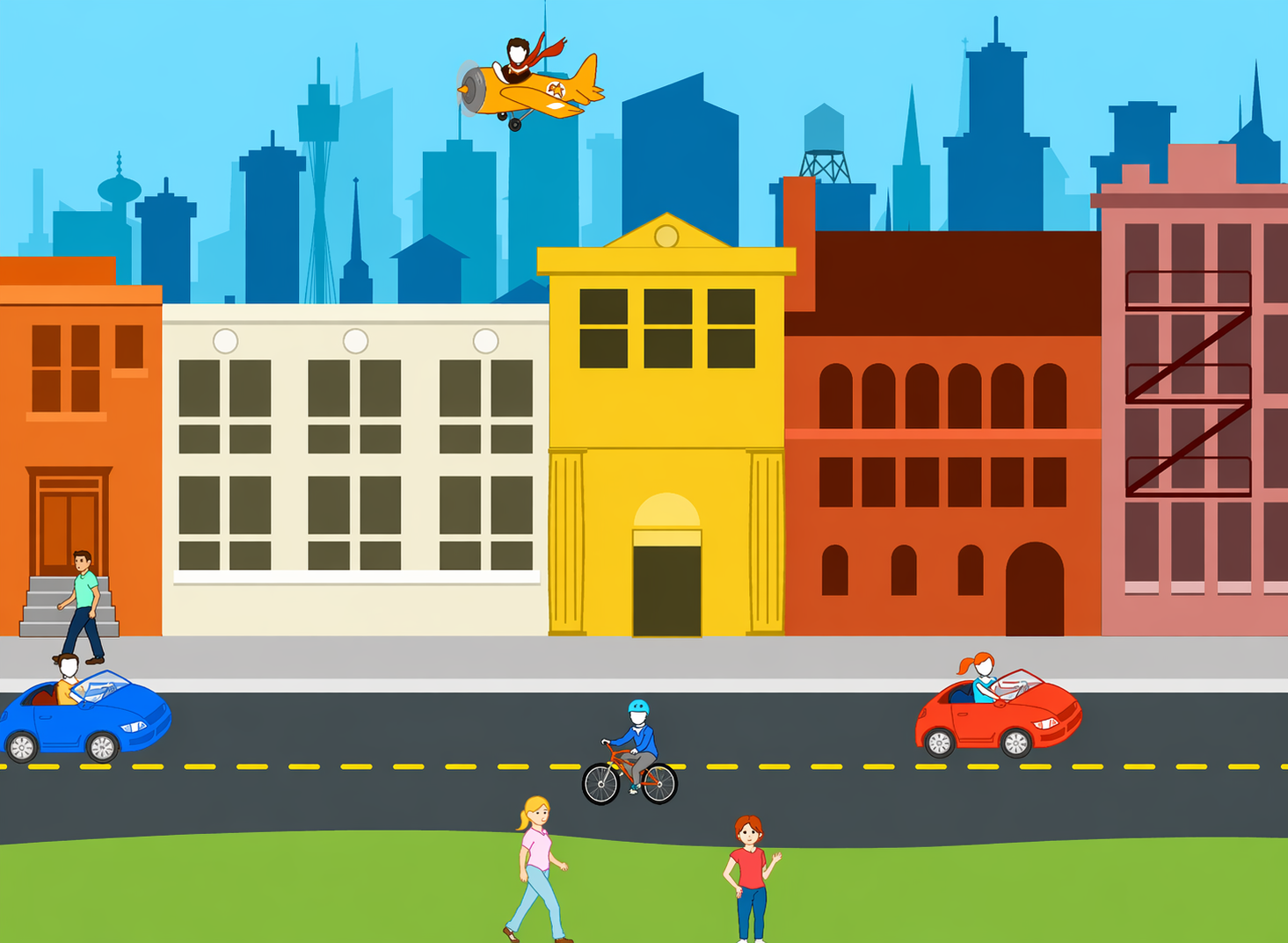
Step 1
Take a left at the end of the road then hide.
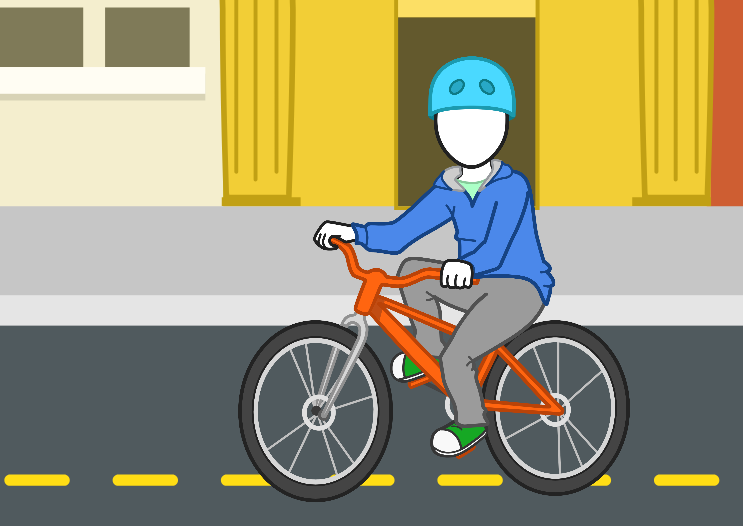
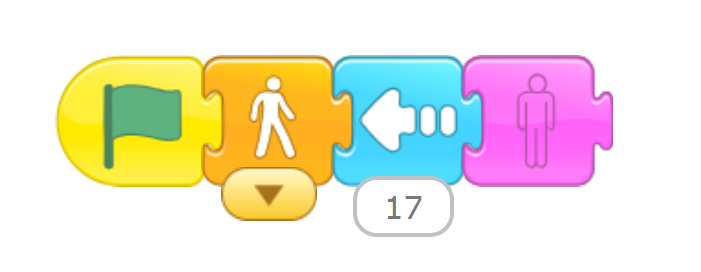
Step 2
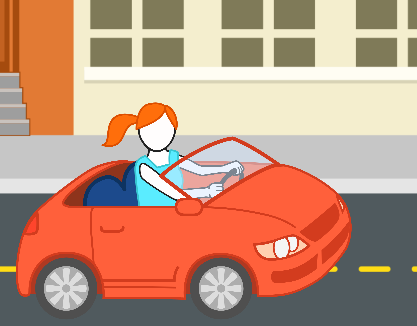
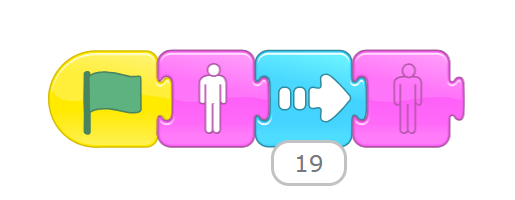
Move right at from the beginning of the road until the end and then hide the car
Step 3
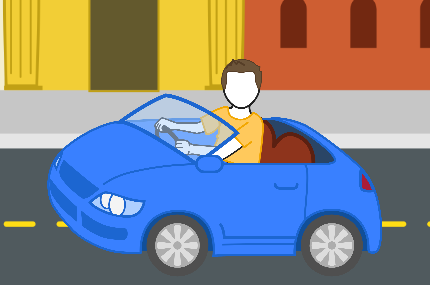
After the red car disappeared; Move right at the beginning of the road to the end and then hide the car.
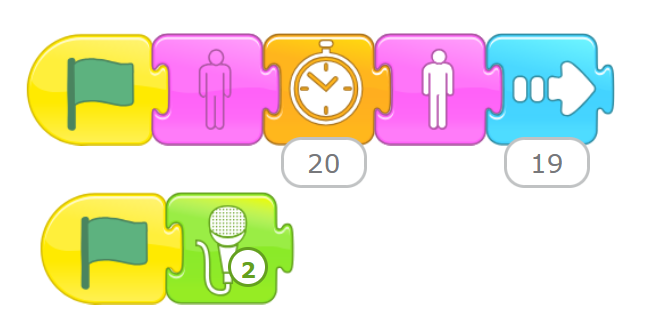
Step 4
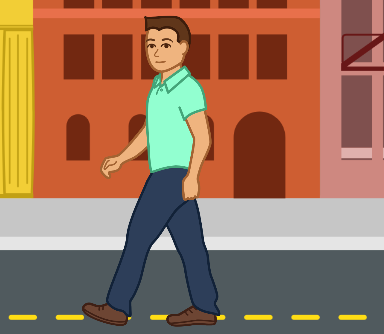
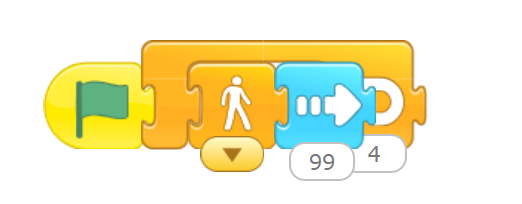
Move right to meet the teenager at the then stop; and move left towards the to end of the city
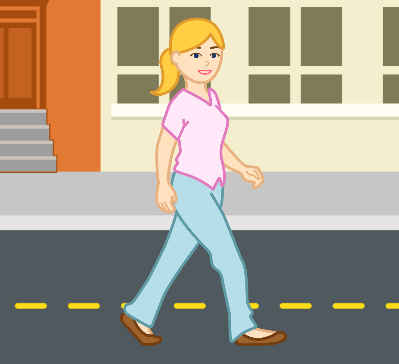
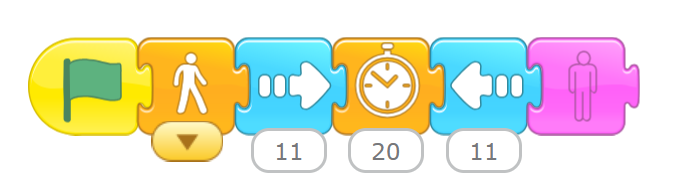
Step 5
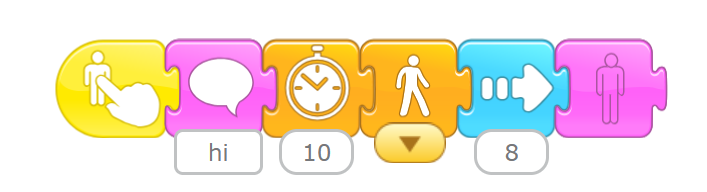
Wait for the girl to bump into the car into another girl, then say “hi” and move right.
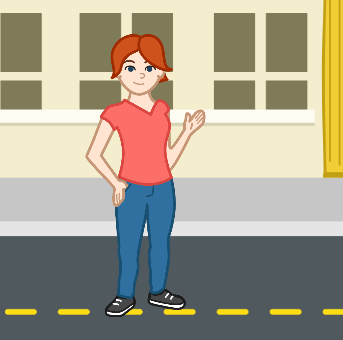
Step 6
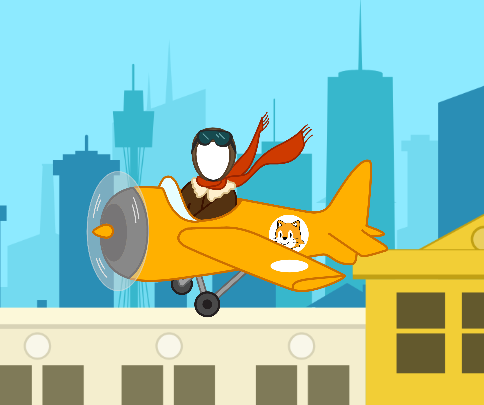
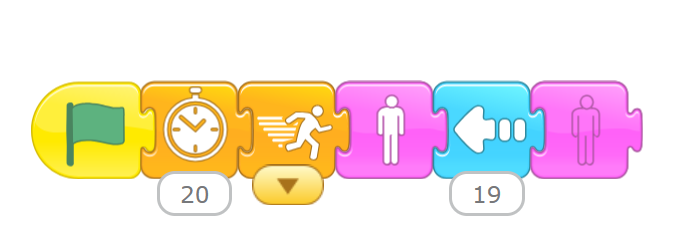
Wait, then move right left at the beginning until the end, left from the beginning of the road to end then hide the plane.
Step 7
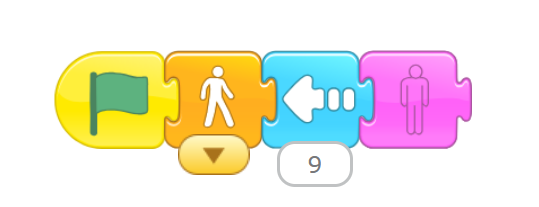
Move left down the street slowly then slowly, then hide.
Activity 4
Pass the street
Objectives:
•
Practice on how to use movement blocks, start on tap block and start on message
•
Practice on how switch the backgrounds
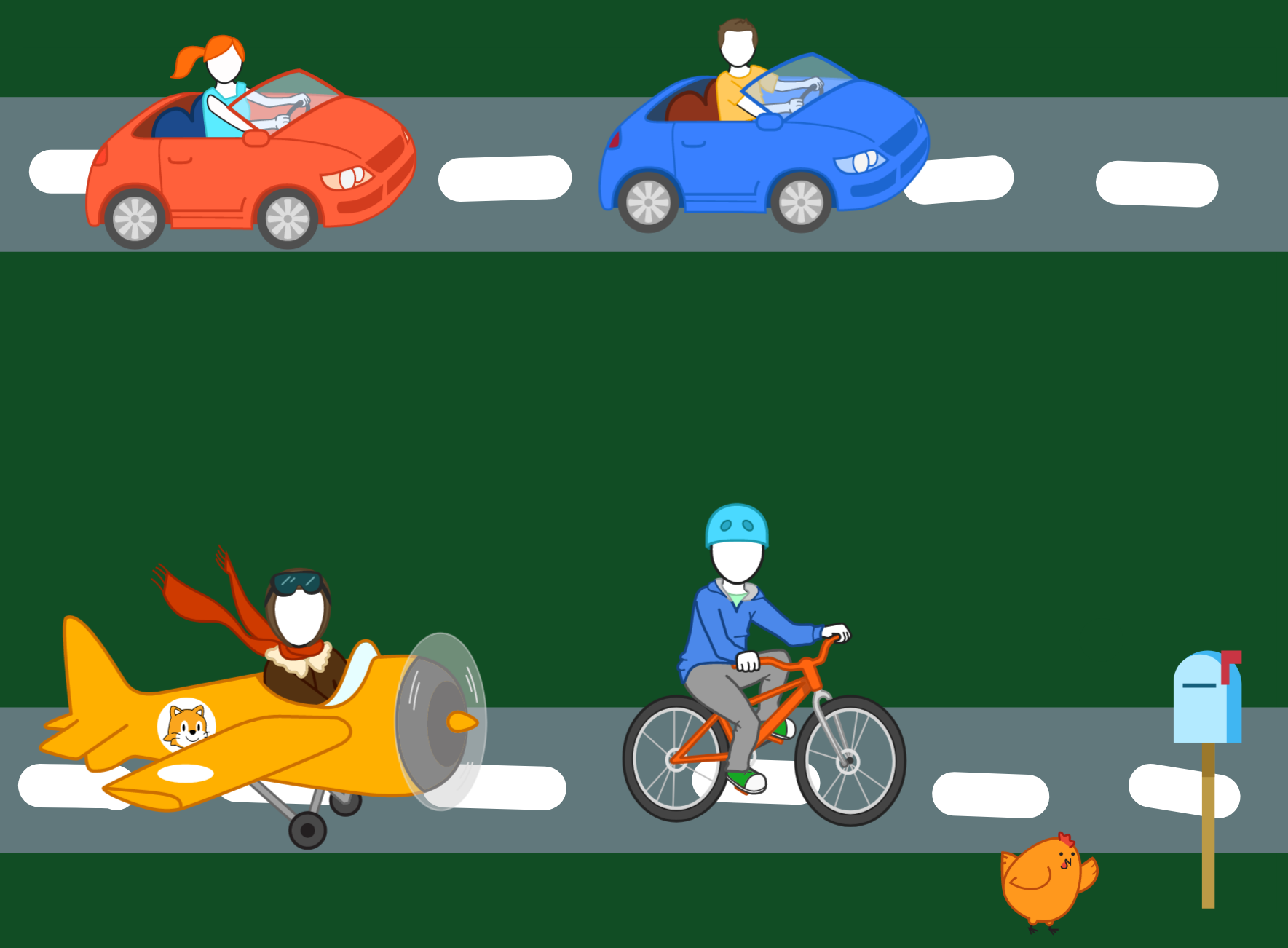
In this activity we will help the chickens cross the road without crashing into the moving objects
Step 1
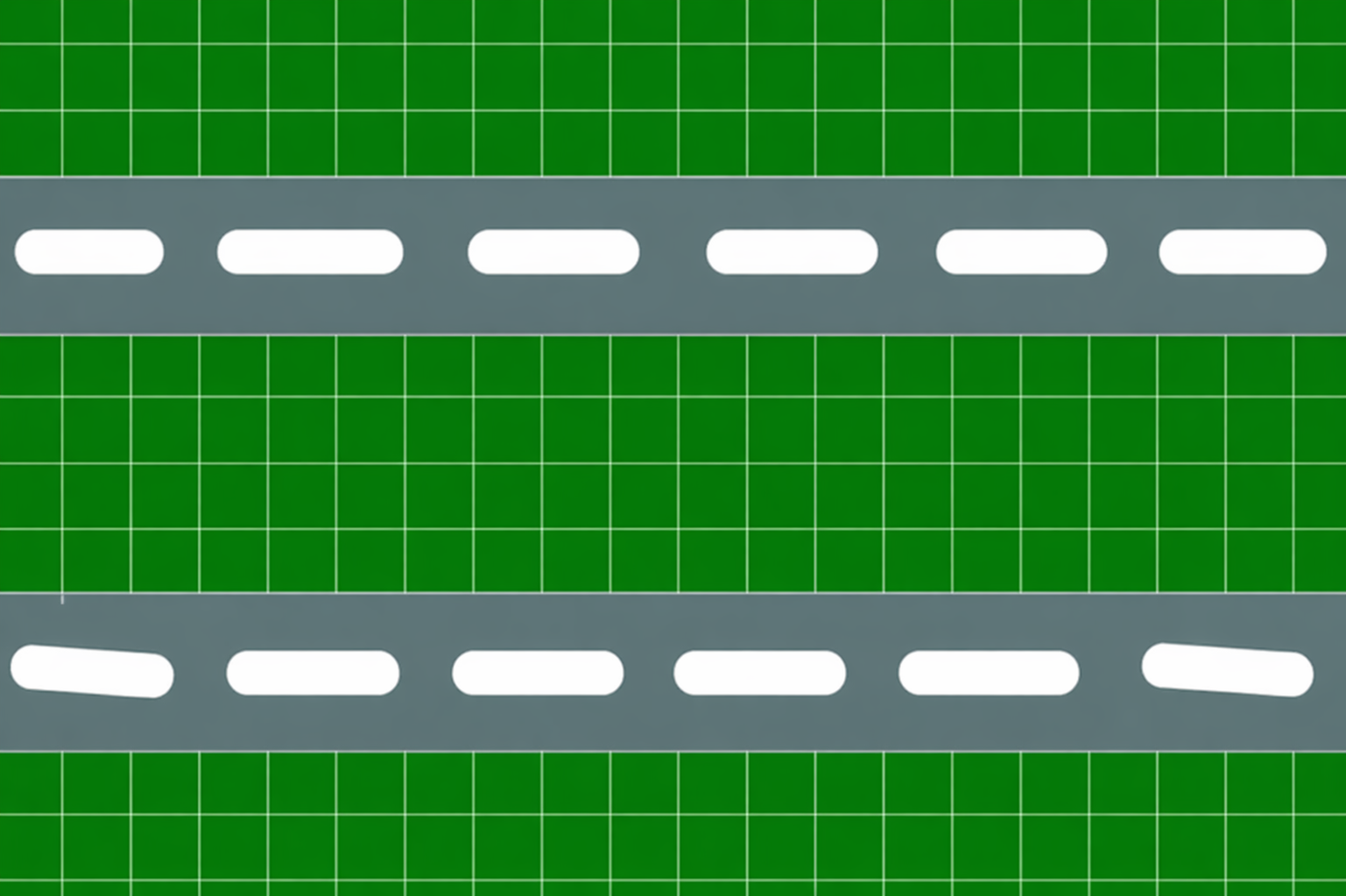
Draw the street

Step 2
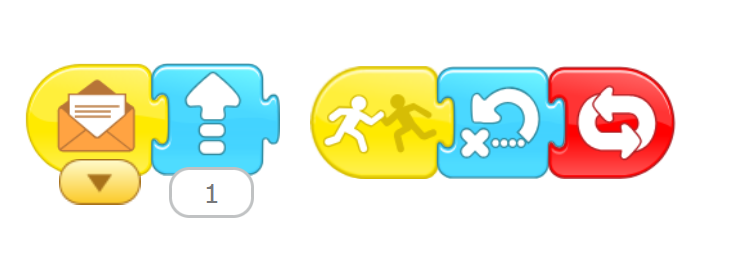
Draw movement arrow

Step 3
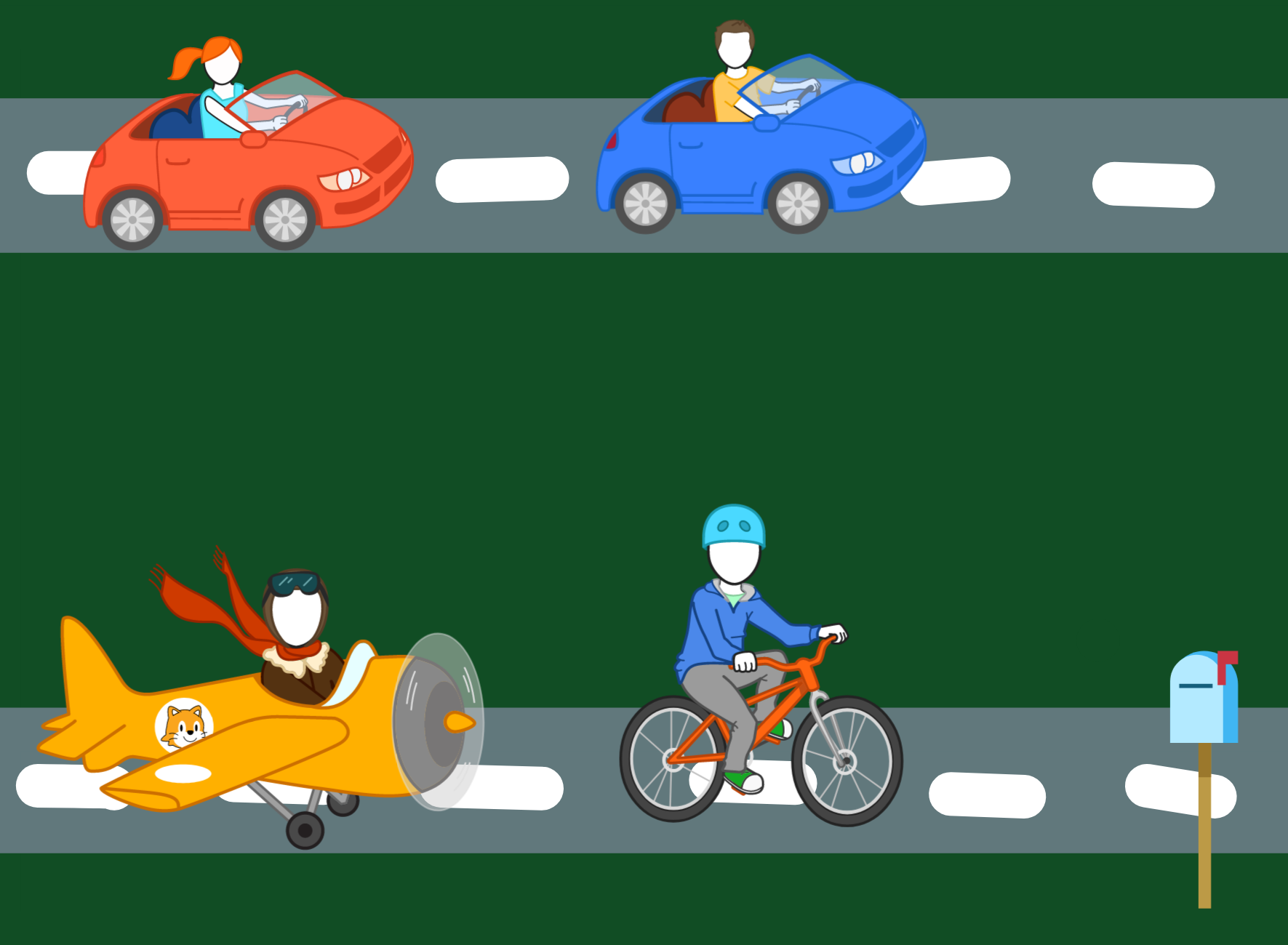
Put the vehicles
Step 4
Put the chicken
Step 5
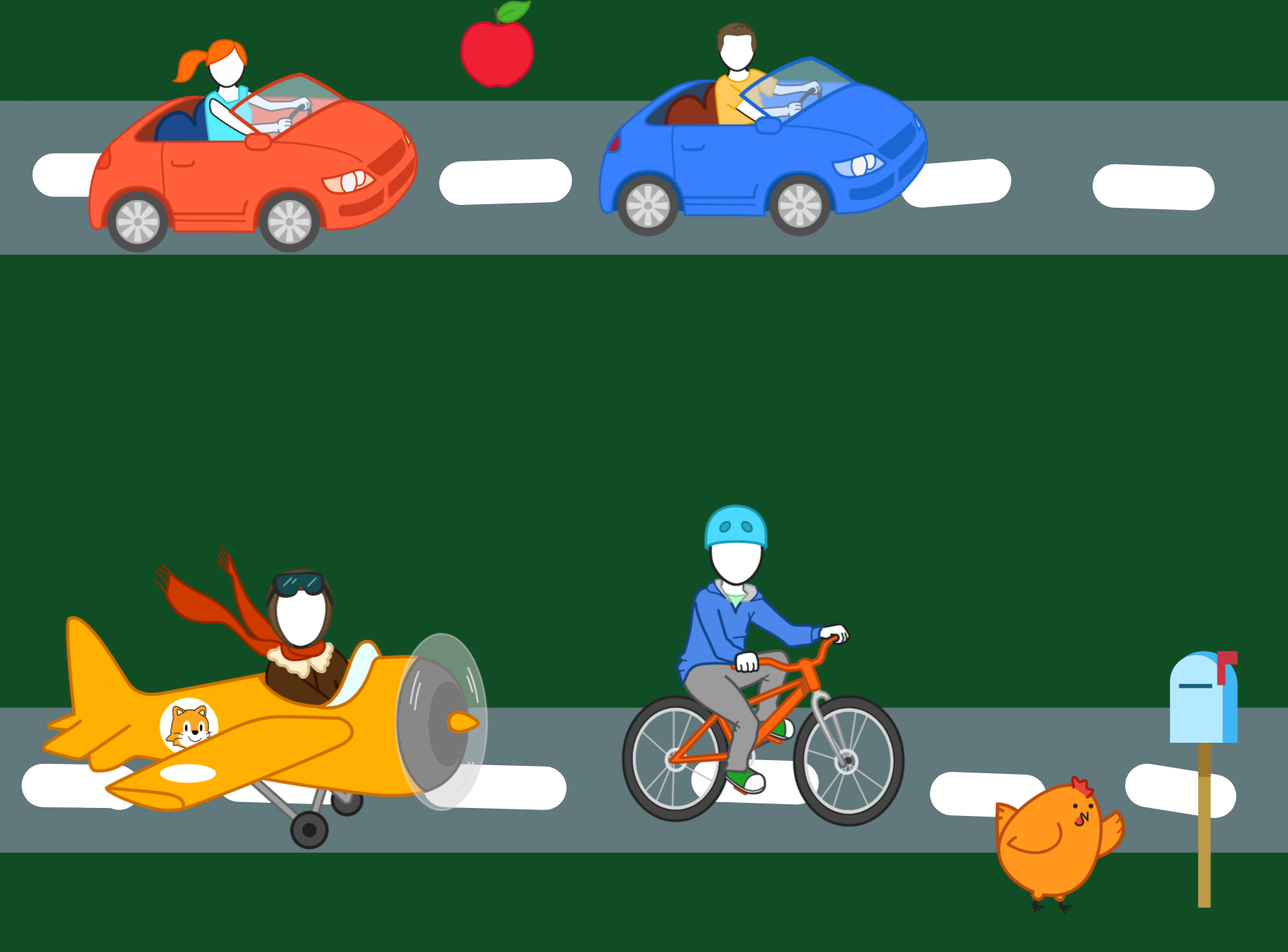
Put the apple
Step 6
Draw you win