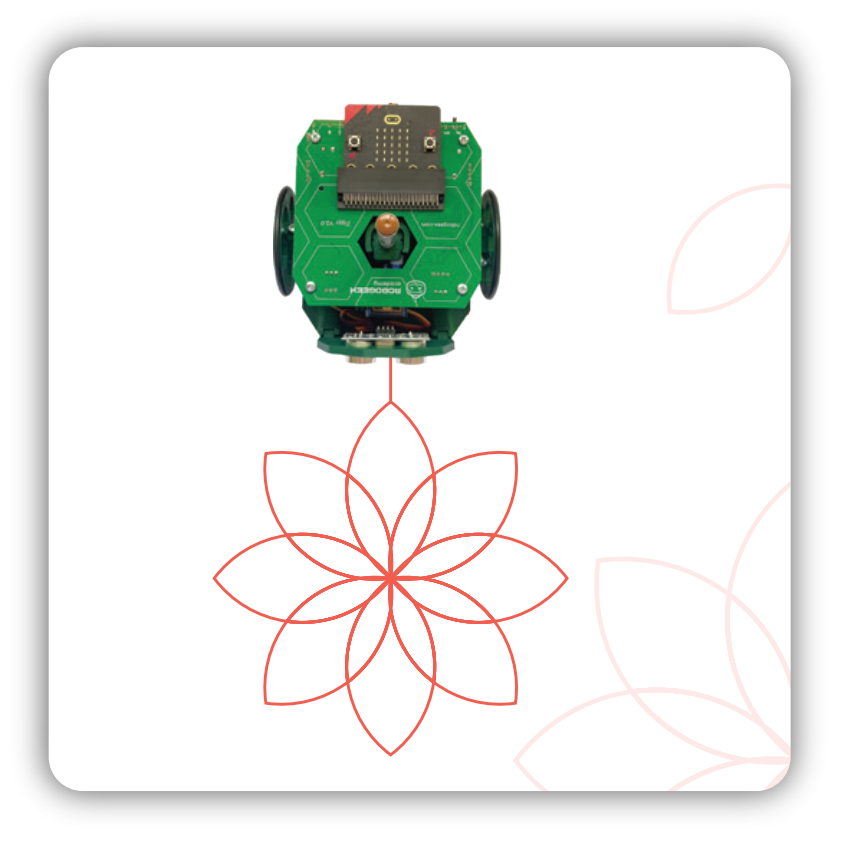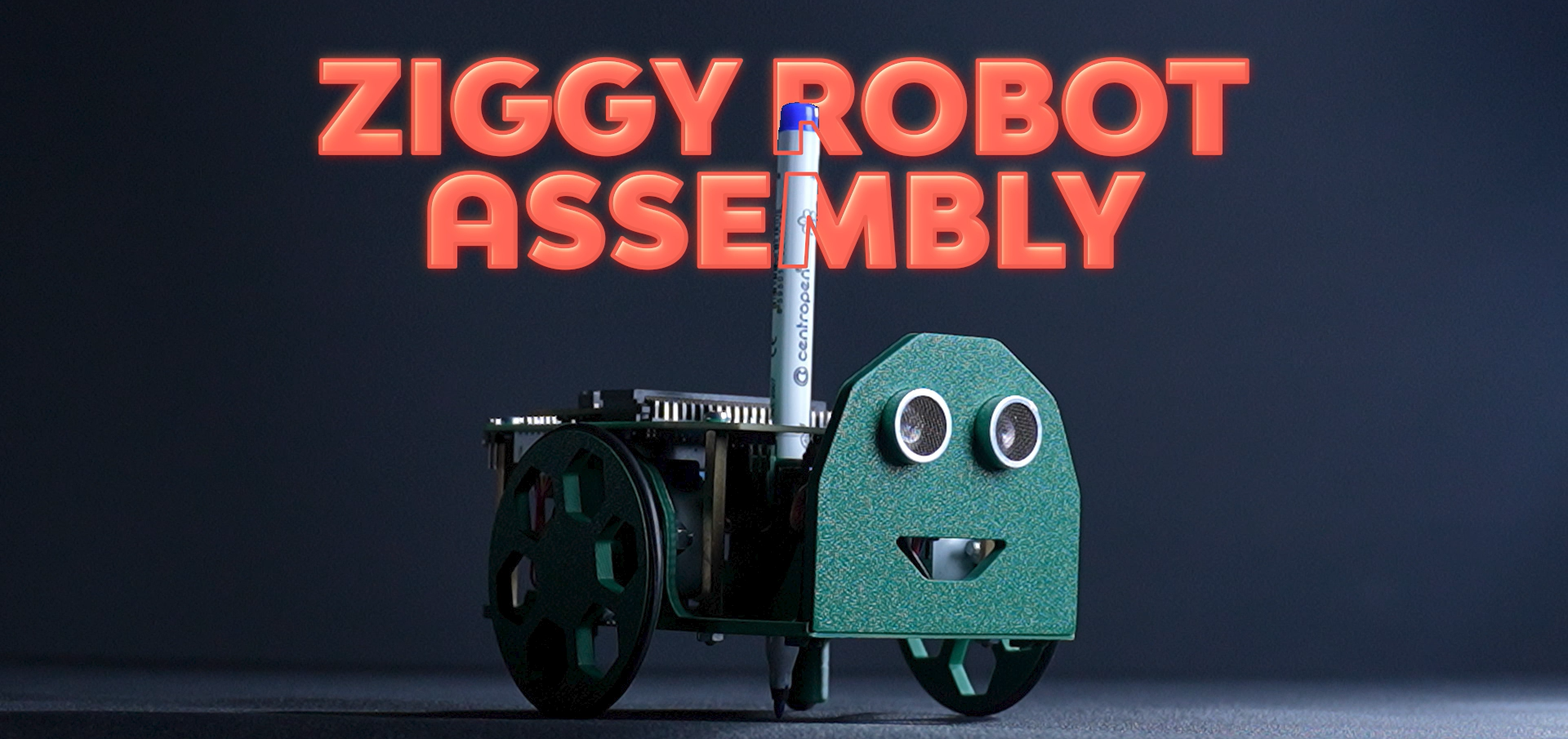
Ziggy, the Turtle Robot
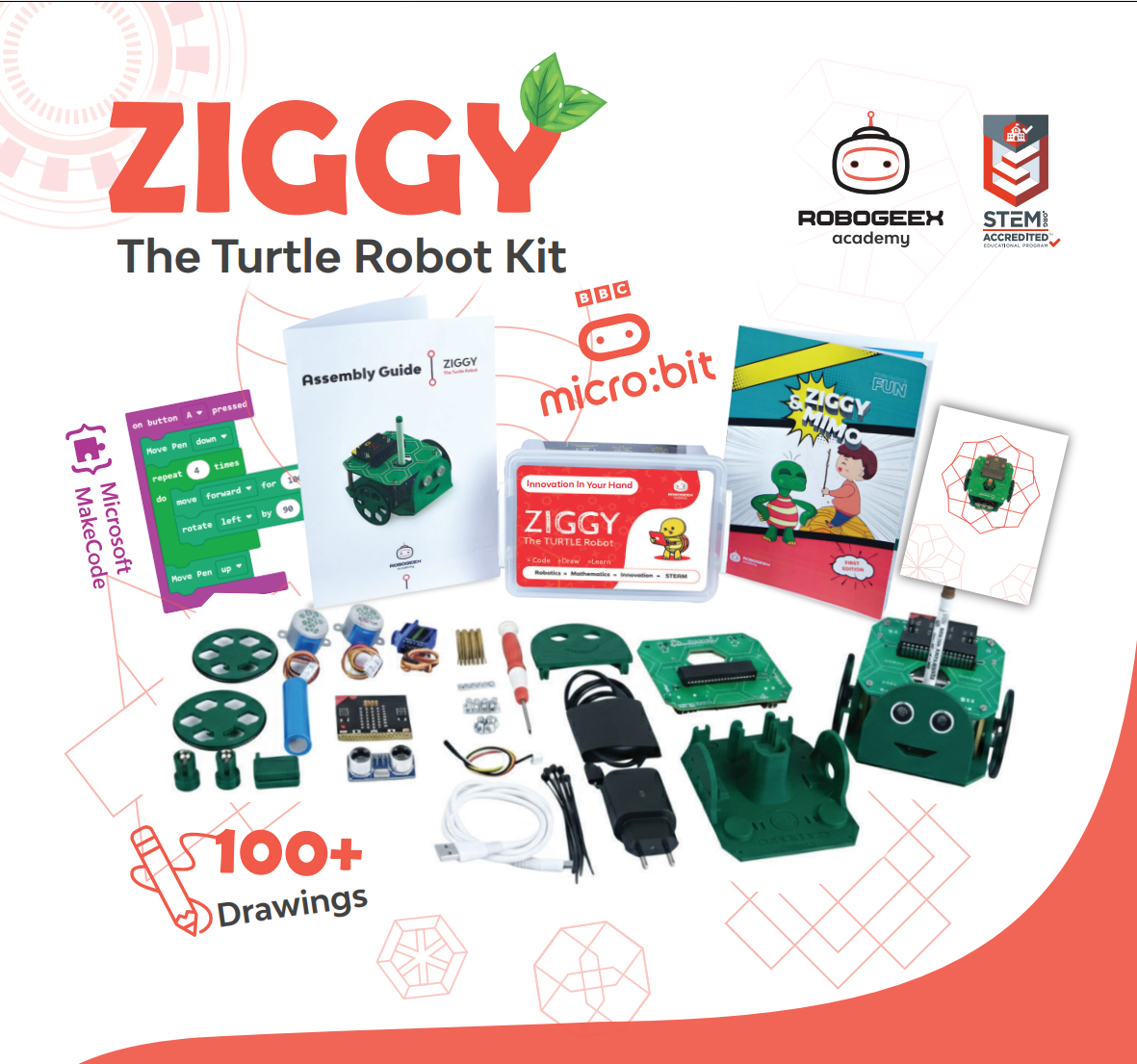
Ziggy is a groundbreaking educational robot designed to transform the way children learn and engage with coding and mathematics. Developed by a passionate team at RoboGeex Academy. Ziggy represents a fusion of cutting-edge technology and creative pedagogy. This educational robot aims to inspire and empower young minds by providing a fun, interactive platform to explore coding, mathematics, and robotics.
What will you learn?
•
Understand the basics of points and how they define positions in geometry.
•
Identify and work with lines, line segments, and rays.
•
Recognise different types of angles and measure/classify them.
•
Explore common 2D shapes and their key properties (sides, vertices, symmetry).
•
Learn triangle types and properties (by sides and by angles).
•
Understand circles and their parts (center, radius, diameter, circumference).
•
Get an introduction to functions as rules that connect inputs to outputs.
•
Apply deeper thinking to advanced shapes and more complex properties.
•
Solve problems using combined/composite shapes (breaking shapes apart and finding total measures).
•
Build confidence solving beginner geometry problems step-by-step using correct math vocabulary.
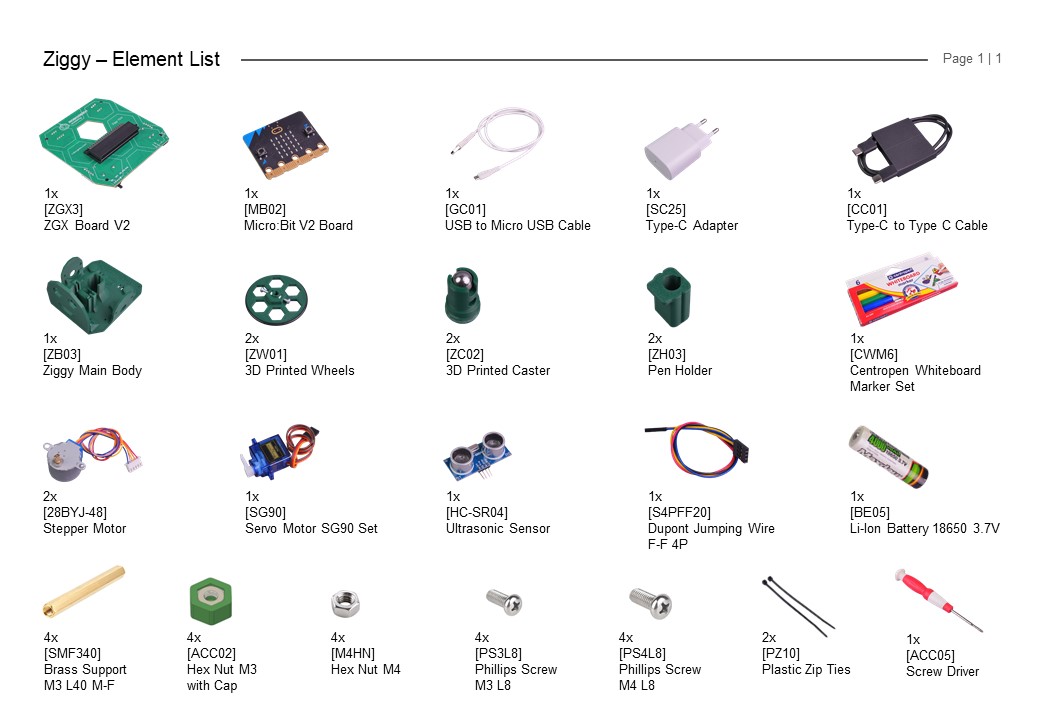
Parts List
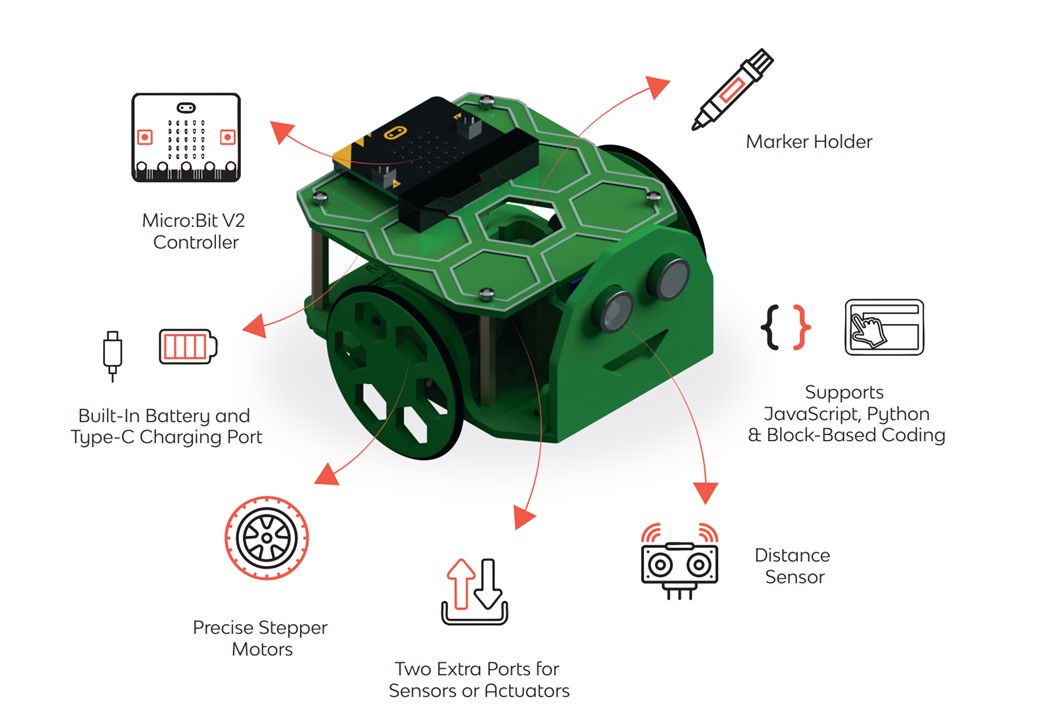
Ziggy Features
Ziggy Assembly ( Video )
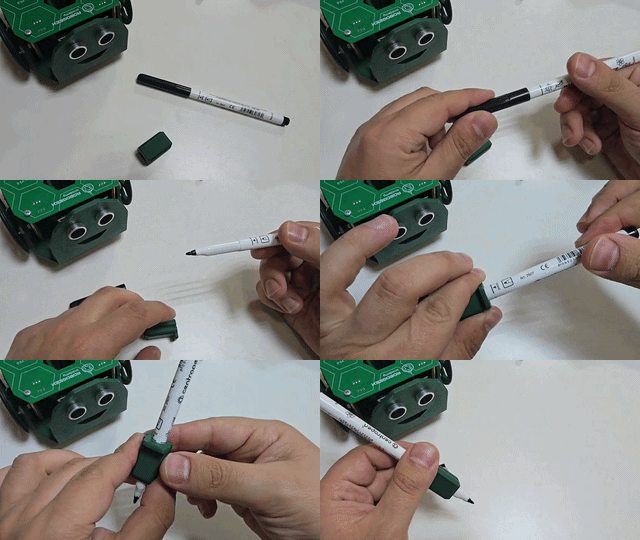
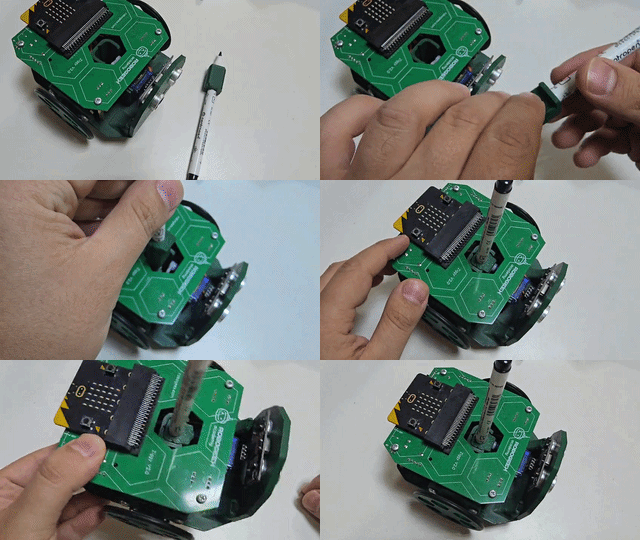
Ziggy Pen
Follow the steps in the following animated clips:
Important Links
Coding App
•
Online App --> MakeCode Online
•
Offline App --> MakeCode Offline
Ziggy Library ( Important )
•
Download --> Ziggy Library V2.6
•
Download --> How to install the Library.pdf
Ziggy Library ( Video )
Connect and Code
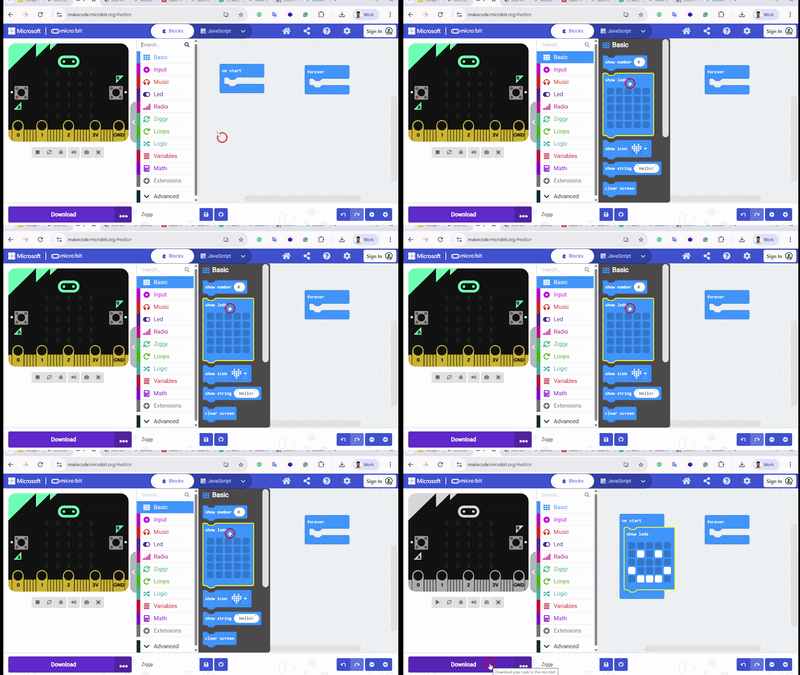
Follow the following steps to upload a code to Ziggy:
1.
Add a Show Led Block to the setup event and make a happy face
1.
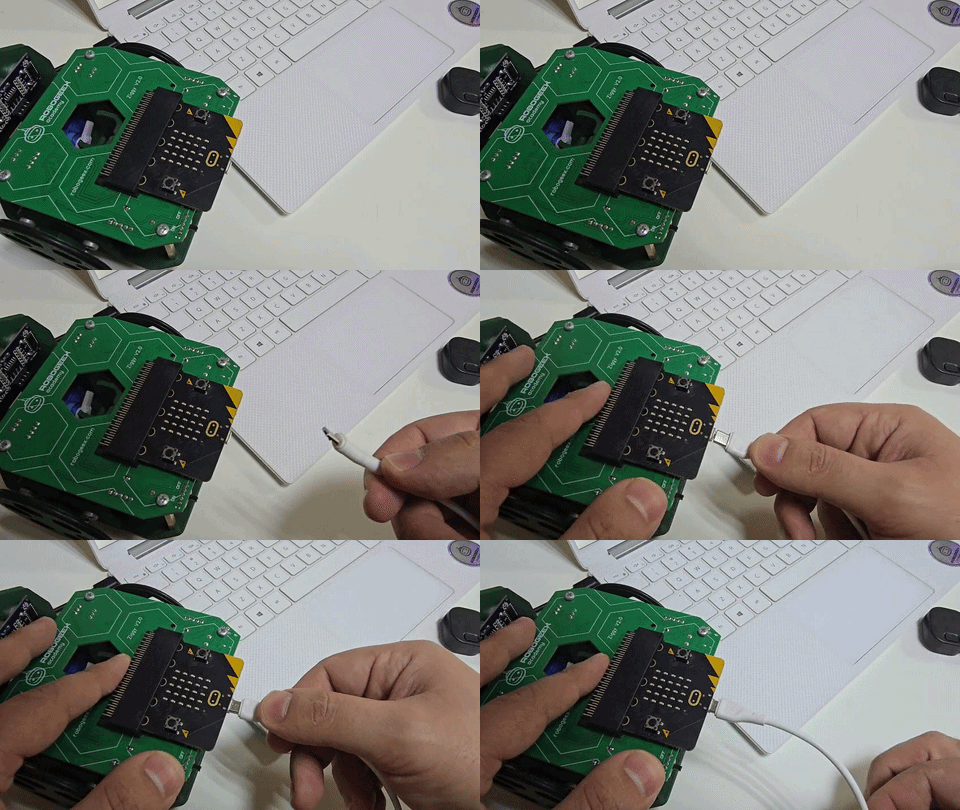
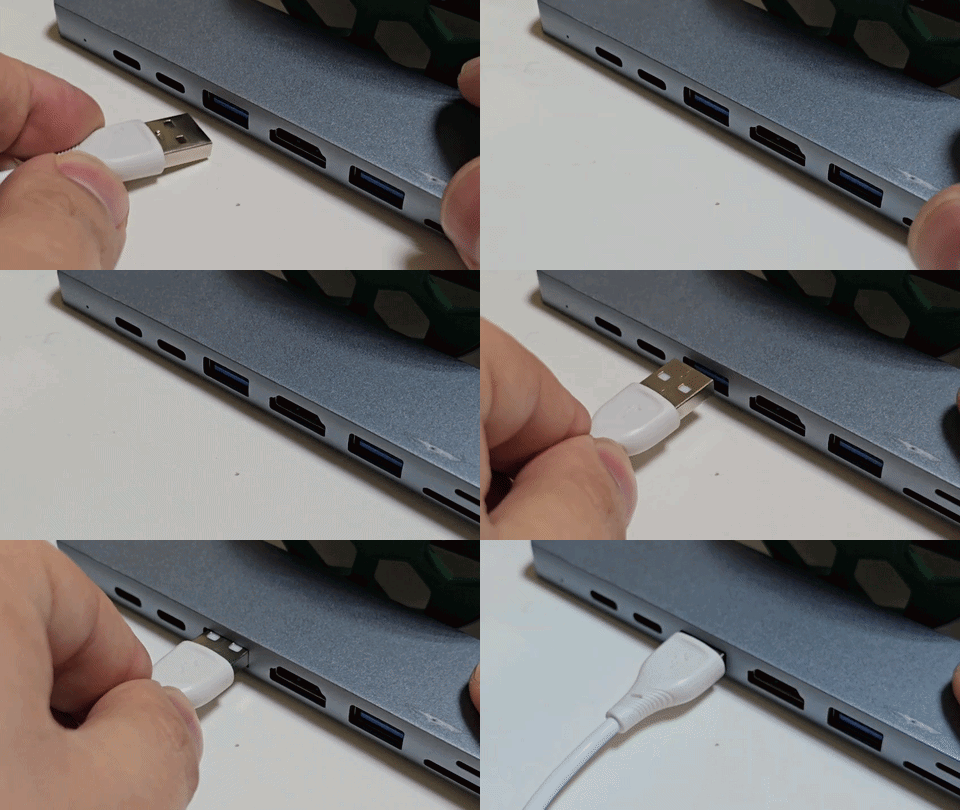
Connect your Ziggy via USB Cable
1.
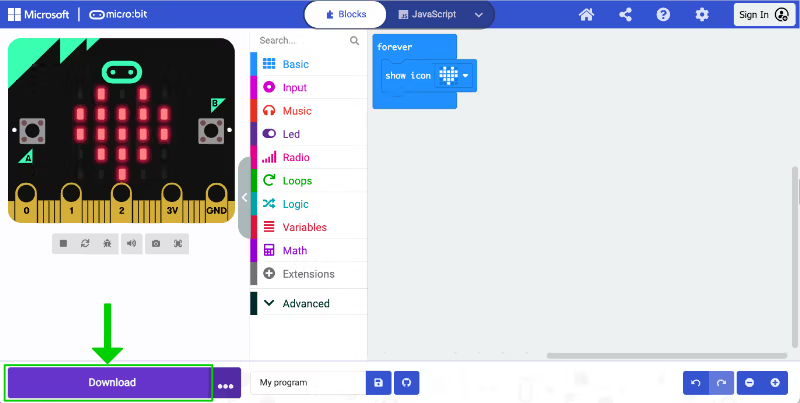
Press Download and follow the steps to pair and send the code to your Micro:Bit Board
1.
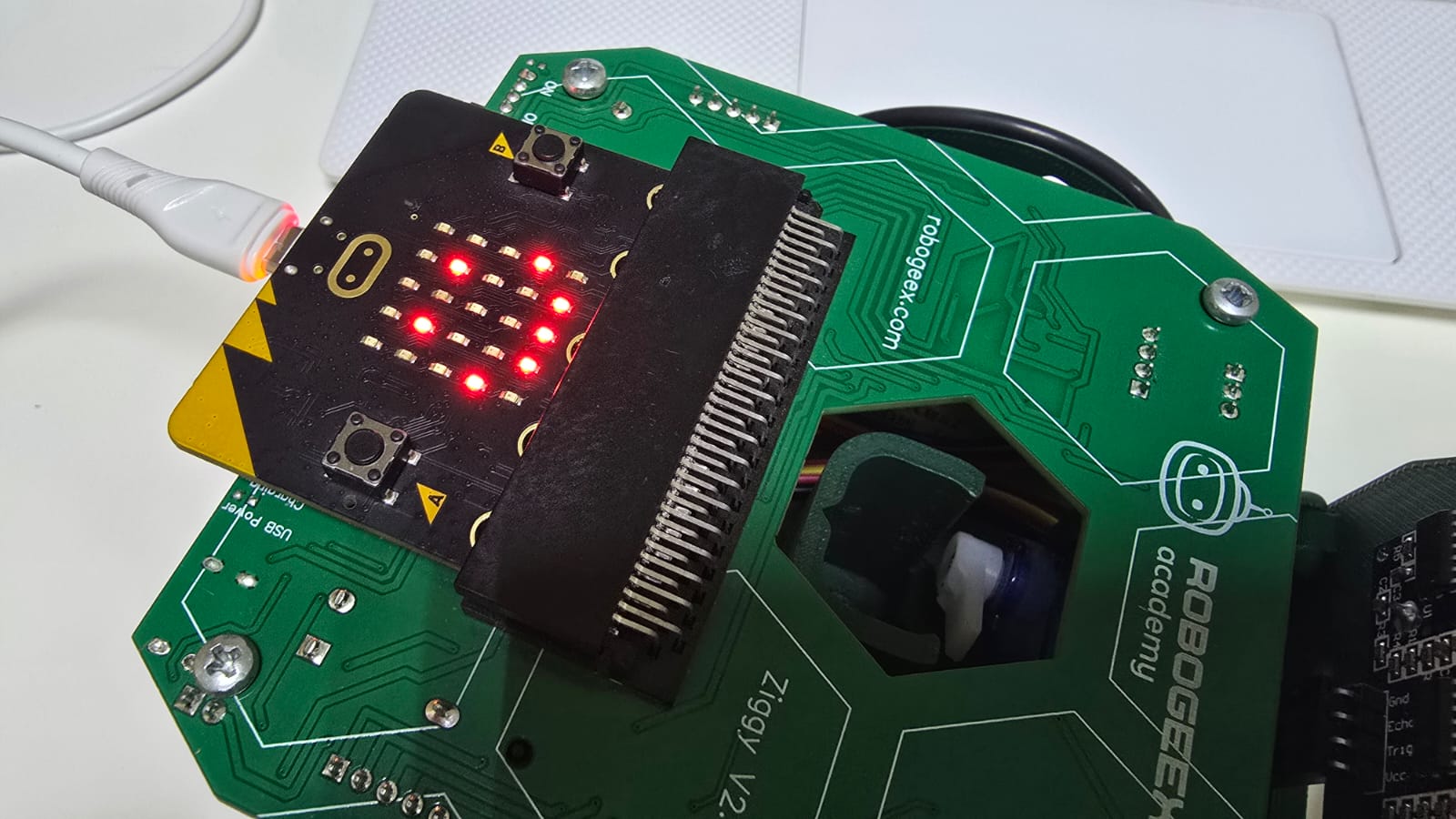
Notice the Happy Face on your Micro:Bit
Calibrating Ziggy ( Video )
Ziggy Battery ( Video )
Next Step
Ziggy is more than just a tool – it’s a journey into the world of STEAM, sparking curiosity and igniting young potential. With Ziggy Version 2 and the power of Micro:Bit V2, you can explore more possibilities than ever before.
Take the next step. Join the Ziggy revolution and transform learning through play.